Page in preview is align left - in editation looks normal

Hi,
we have problem with content align on pages - everything on preview is align to left even though It is align normally. For example in editation I set new row - I set it up to three parts - I put text on the middle and set align center. It looks normaly but when I open page in preview everything is align left like the row was one big part with align left. Look at screenshot.
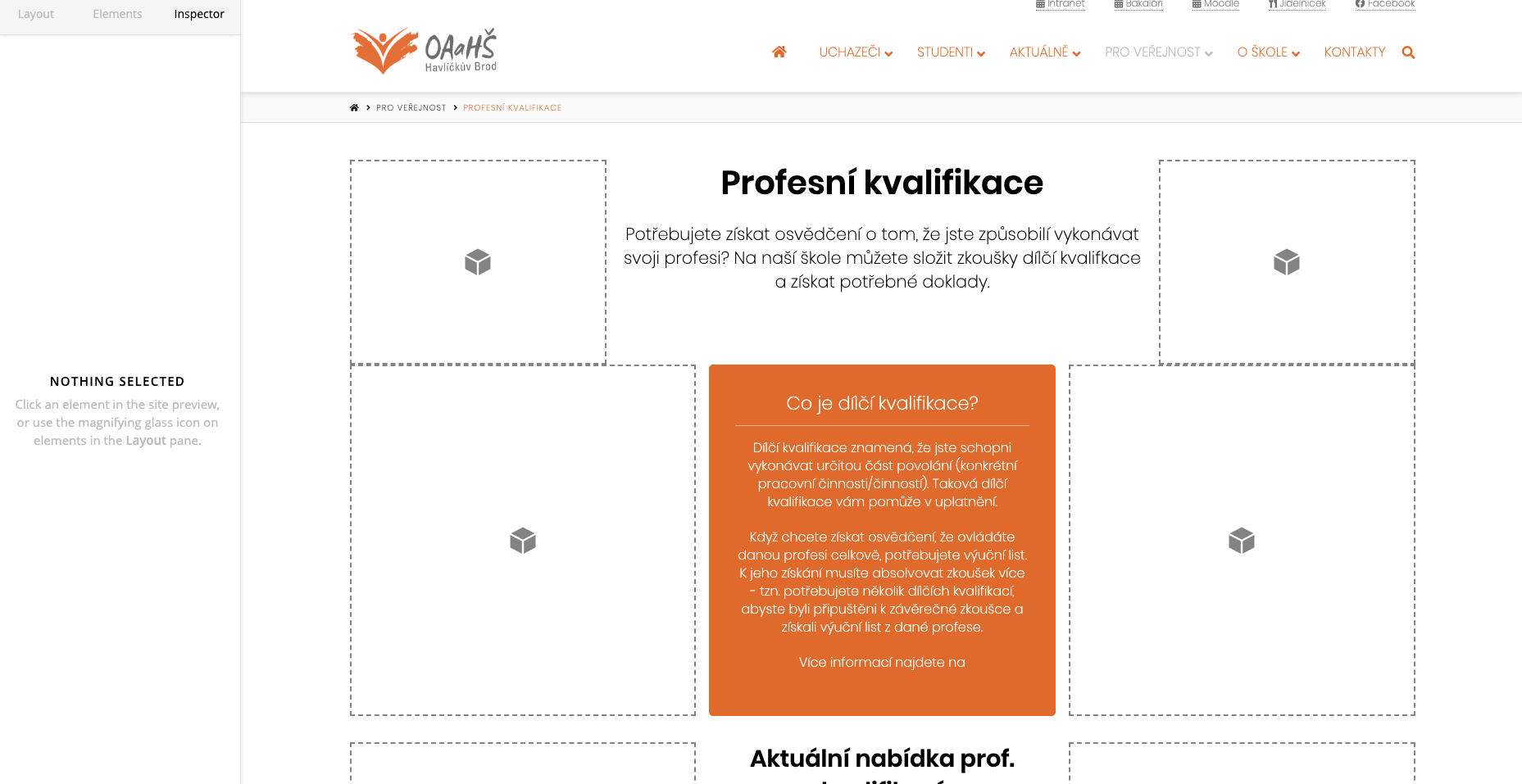
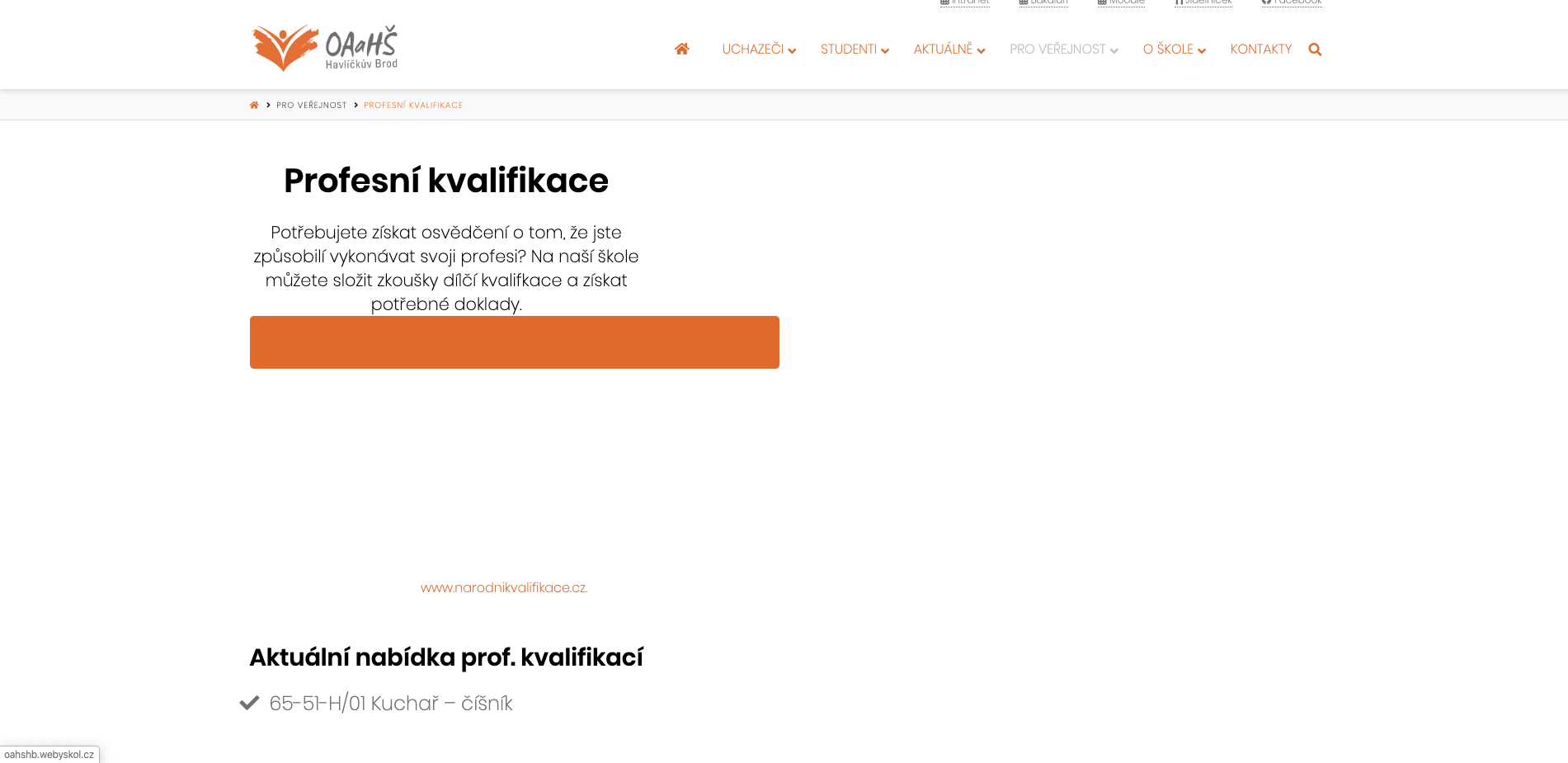
Wev already check some codes on web if there is not some issue with unclosed tag, but without success.

Can you help us please? Thanks
Tereza, NZ

Hi Tereza,

There’s a known bug on the latest release when a column is empty. As a temporary fixed, please try to add GAP ELEMENT inside the empty column on the left. It will fixed the issue on the frontend. A fixed will be available on the next release. We’re sorry for the inconvenience. Hope this helps.

Oh, ok, thank you very much for answer :slight_smile: .
Tereza, NZ

You’re always welcome Tereza!

You may want to subscribe to our Youtube channel for more video tutorials and special tricks.

Cheers.

This topic was automatically closed 10 days after the last reply. New replies are no longer allowed.