Hi, I have a big problem. The page layout I’ve been working on for weeks in cornerstone suddenly disappeard. It just didn’t load in cornerstone. Before I realized it I clicked on save settings and now it doesn’t show up anymore at all. Is there any way to retrieve all of that or is it completely lost now?
Hey There,
To assist you better with this issue, would you mind providing us the url of your site with login credentials so we can take a closer look? This is to ensure that we can provide you with a tailored answer to your situation. Once you have provided us with your URL, we will be happy to assist you with everything.
To do this, you can create a secure note with the following info:
– Link to your site
– WordPress Admin username / password
Thank you.
Hi,
how do I create a secure note?
Hi,
You can try increasing your php memory limit.
Kindly add the code below in your wp-config.php file located at the root directory of your site.
define( 'WP_MEMORY_LIMIT', '256M' );
define( 'WP_MAX_MEMORY_LIMIT', '512M' );
You may add it before this line of code
/* That's all, stop editing! Happy blogging. */
With regards to your prinzessin-mononoke page, I checked and can see that the data is already loss, regretfully you will need to recreate that page from scratch.
I also recommend that you backup your site using plugins so you can easily restore in case it happens again.
Thanks
Hi Paul,
I made the changes you suggested, but the content sometimes still doesn’t load. I also get the following error message sometimes:
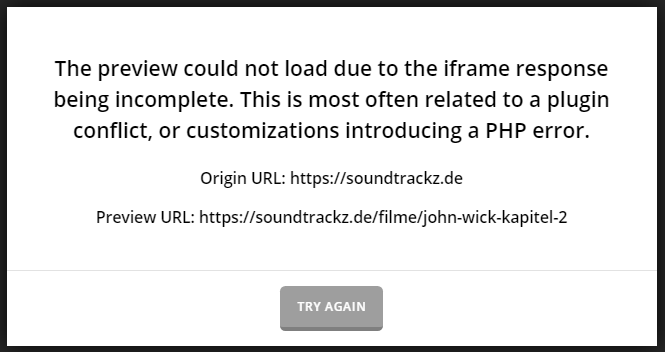
Any way to fix that?
Thanks in advance.
Dennis
Hi Dennis,
I tried many times but I couldn’t replicate this issue.
That page is loading fine on my end:

Could you please double check again?
Thanks.
This topic was automatically closed 10 days after the last reply. New replies are no longer allowed.