P Tag in Headlines since last Update

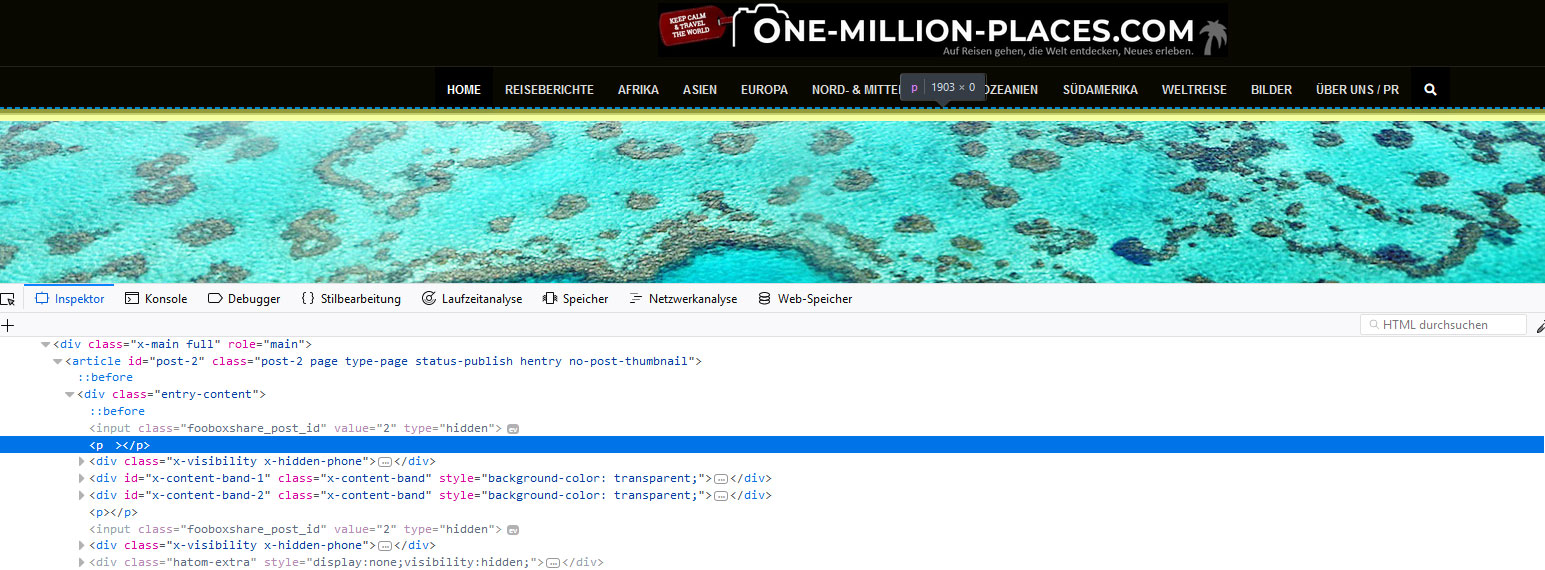
Since the update to the new Cornerstone 3.1 (or now 3.2) and X 6.1 (X 6.2) I have the problem that there is a extra p-Tag on my headlines.

Please see the screenshot.
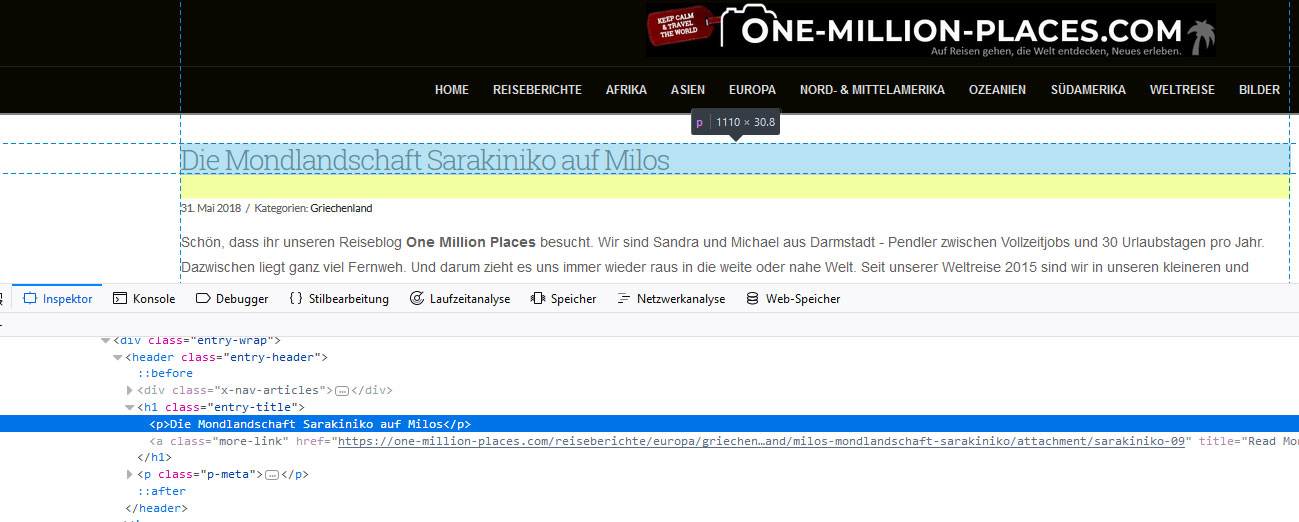
This causes a big space under the headline now.
Is this a bug of the new version or why are the headline now in a p-Tag?

Hello There,

Thanks for asking. :slight_smile:

I checked your website and tested the same on my dev setup but I don’t see <p> inside Headline tags. Please see screenshot. I see that you are using WP Rocket plugin, please try clearing browser cache and see how it goes.

Thanks.

I found the new p-Tag on 2 different places on my site since the update.

First on my attachment pages:

And also there is an empty p-Tag at the top of my mainpage. So now I have a small white blank space over the image:

Hello There,

Please be advised that we have released X 6.1.3 and Cornerstone 3.1.3. It is now available in automatic updates. You can now update to this latest version. This latest release contains fixes for several issues so be sure to check out the changelog (http://theme.co/changelog/).

We will investigate this issue more with our local testing servers. Meanwhile, you can temporarily get rid of the empty p tags by using this custom css

p:empty {
  display: none;
}

Hope this helps. Please let us know how it goes.

Can you please also check the shortcode:
[icon_list] [icon_list_item type=“arrow-right”]This is…[/icon_list_item]

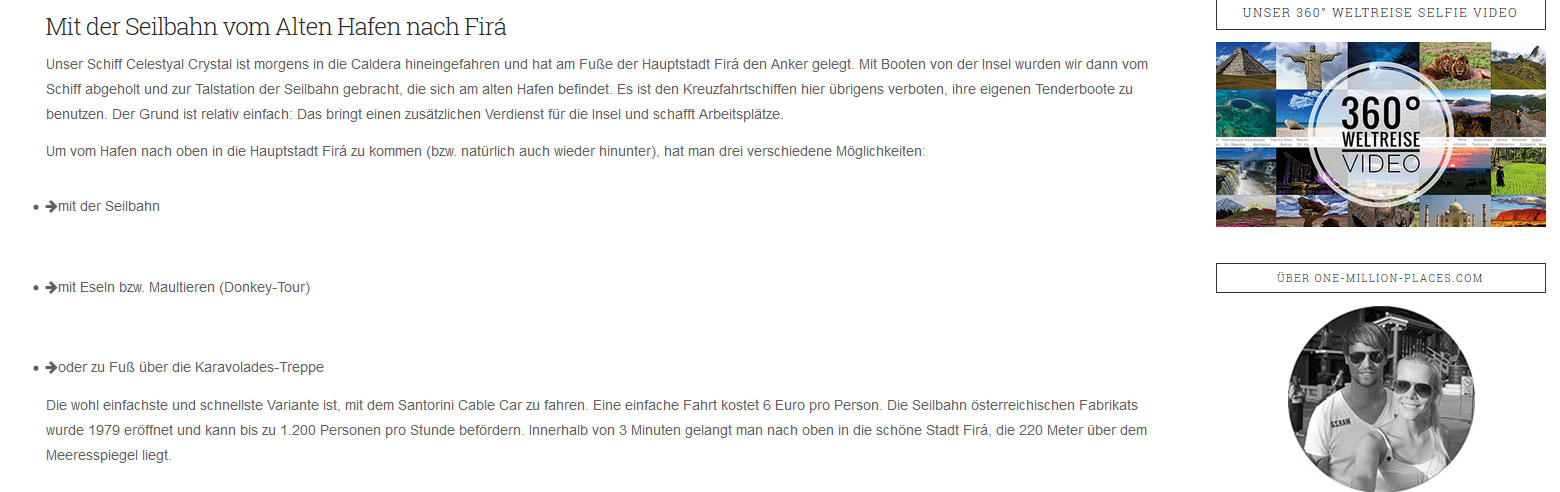
It now look like this:

The dot before the arrow is new and also there is a lot of blank space between.
Can you confirm that you have this bug also on your local testing servers?

Hi @michaelxxx,

I tried on my local installation and it works okay, may I know the exact URL for this issue? Maybe it’s just styling issue.

Thanks!

This topic was automatically closed 10 days after the last reply. New replies are no longer allowed.