Hi,
How can I overlay text in the center of the images?
Please refer to the URL: http://eogroup.asia/products/
I’m using cornerstone.
Thanks & Best Regards,
Sim
Hi,
How can I overlay text in the center of the images?
Please refer to the URL: http://eogroup.asia/products/
I’m using cornerstone.
Thanks & Best Regards,
Sim
Hi Sim,
You need to set the images as background to be able to put an overlay text.
You can add the code below in the style field of your column element.
background:url('http://eogroup.asia/wp-content/uploads/2017/08/products-primary_care.jpg') top center no-repeat;
Hope that helps.
Hi, does this still apply? I can’t find the style field anymore.
Kind regards, Baard
Hello Baard,
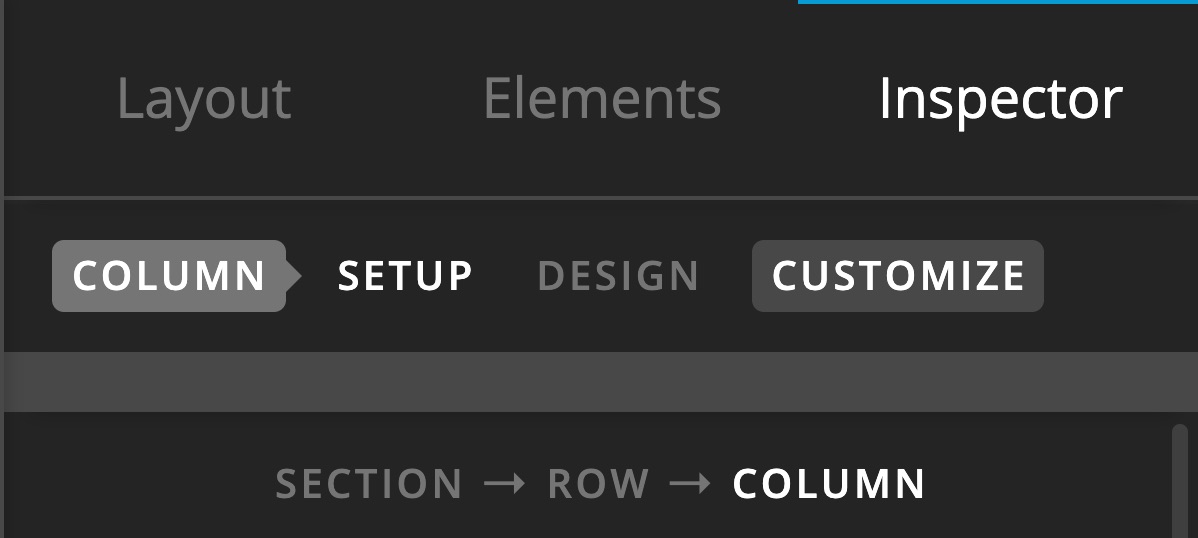
If you are not seeing the style field for the column settings, you must be using a v2 column element.
For v2 columns, you do not need to add any custom code to be able to set a background to the column since there is already a background option available:
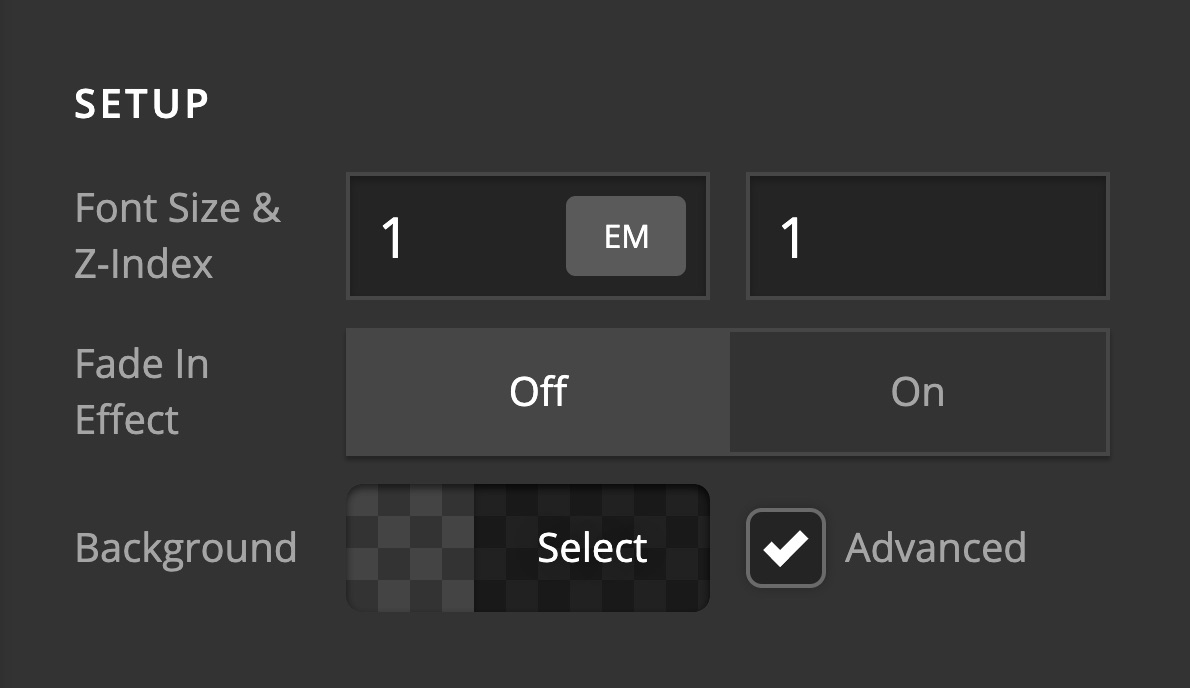
If you are not seeing the background option for the column setting, Please click on the cog icon on the settings area then enable the Advanced Mode option.


Hope this helps.