Overlapping Cell elements in X Pro

I’m using a grid with the off-canvas / overlapping cell elements. I have two pictures side by side.
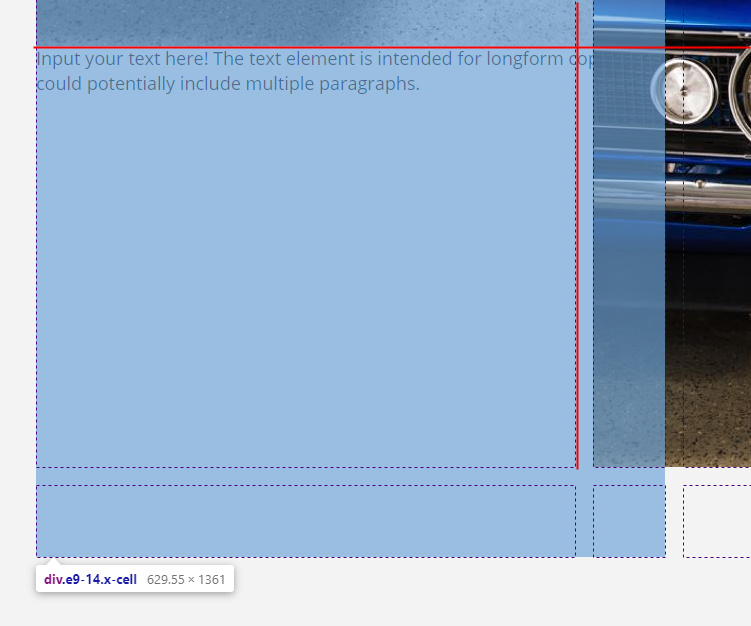
Below the first picture - I’d like to enter text however the element overlaps onto the right image.

I used the TEXT element in said location

I would like to know how I can have text appear below the left image but not overlap the right image

Staging Site is at mpw
Hey @kmatan,

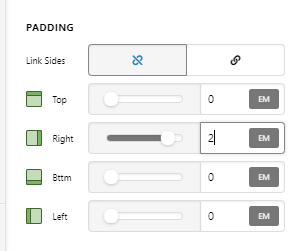
A quick fix for your setup is set the right padding of the Text element.

image

Otherwise, you would need a dedicated cell for the Text element because right now, it’s just part of the cell with image.

I’d also recommend learning more about the Grid element in our Youtube Channel.

Hope that helps.

This topic was automatically closed 10 days after the last reply. New replies are no longer allowed.