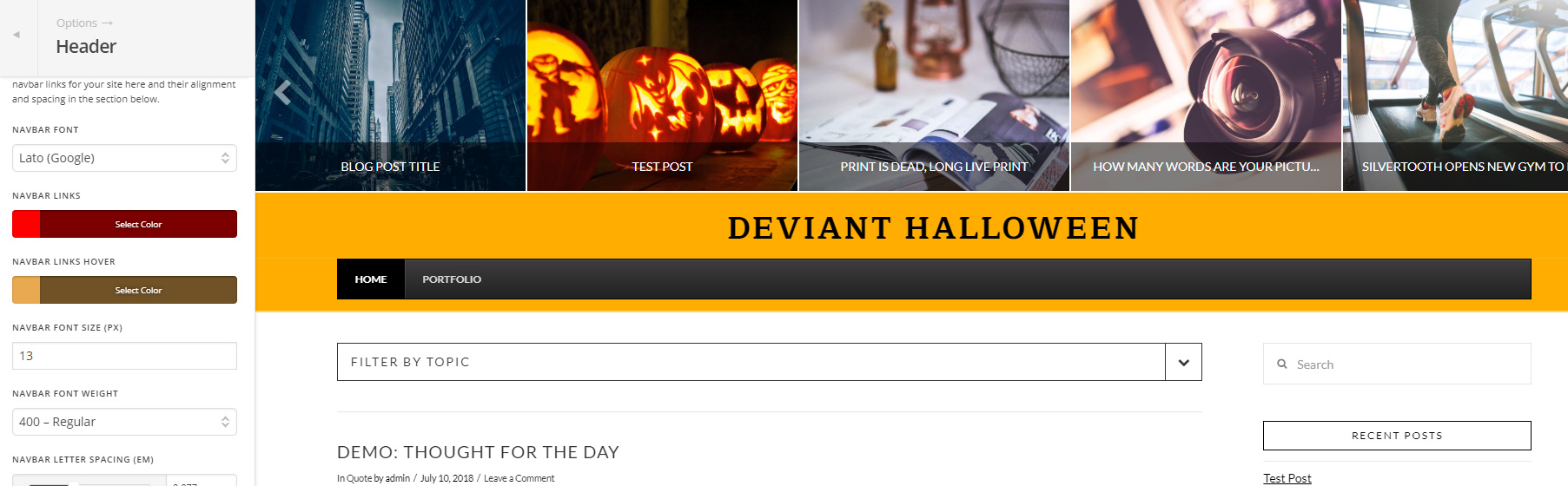
Only part of the background changes color

Hello,

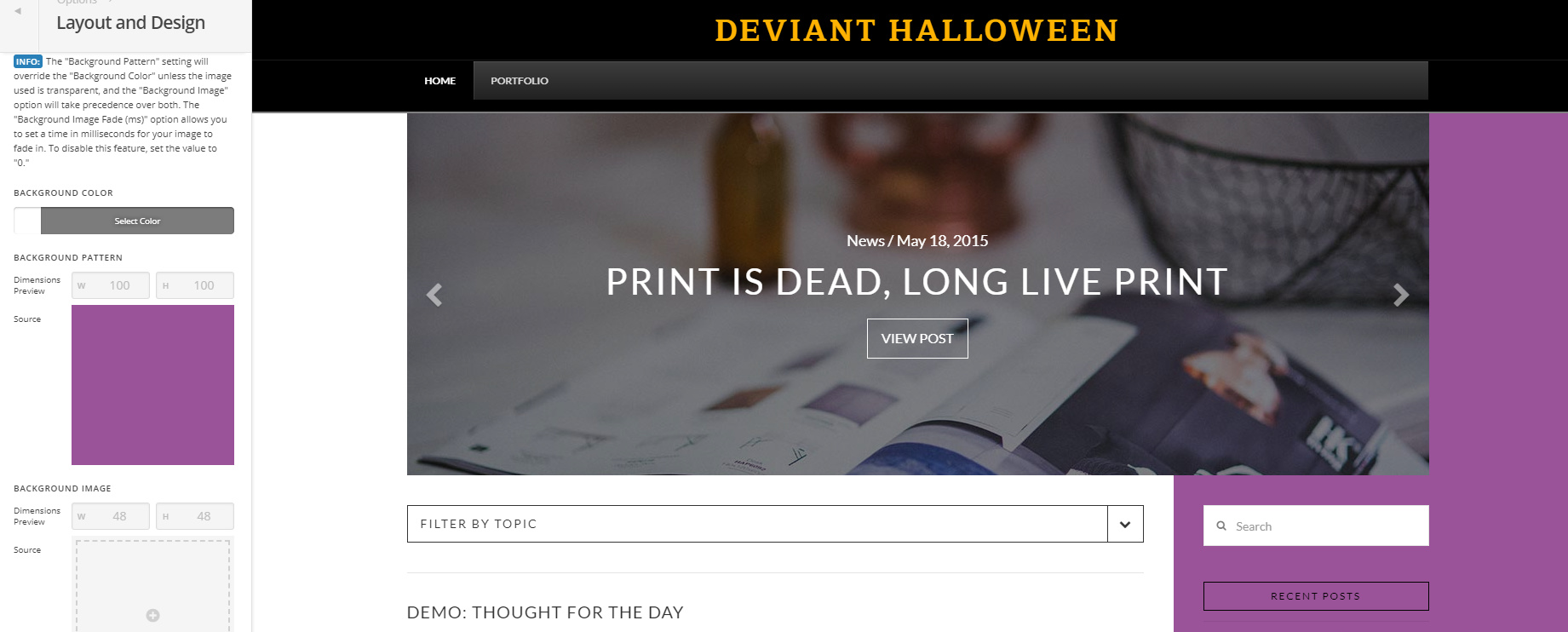
Just started using the X Theme (Ethos 1). I’m currently trying to change the background color for my site. However, whenever I change the color or add a pattern, it’s only impacting part of the background. The majority of it stays white. I feel like I’m overlooking something simple.

For reference, in the photo I added a purple background, and as you can see, most of the background stays white.

Any help is appreciated. Thanks!
Hey Kyle,

What you’re seeing is normal. That is the design of Ethos. There is no option to change the white content background and it’s not recommended but if you want, you can add this CSS in Theme Options > CSS

.x-container.main:before {
    background-color: purple;
}

Hope that helps.

Gotcha. I may just design with the white in mind. I do have another question, is one able to change the color of the main menu bar? (see image. The menu that says Home / Portfolio)

I see in one of the example sites listed on the theme site, the menu bar color is changed:

And for that matter, on that example site, I see that the page links and logo have been aligned/positioned in a way that doesn’t seem possible via theme customization. How do I change the color or re-position the logo? (Color change is more important)

Thanks again!

Hi @kylejb2990,

It’s Ubermenu which isn’t directly related to theme options. You can only configure it and its color within Ubermenu’s settings. Please check this https://sevenspark.com/docs/ubermenu-style-generator

As for the logo, it’s part of the theme and should be configurable in X > Theme Options > Header > LOGO – TEXT. But, it can’t be position since Ubermenu is not deeply integrated to the header layout, it’s just displayed there.

Thanks!

This topic was automatically closed 10 days after the last reply. New replies are no longer allowed.