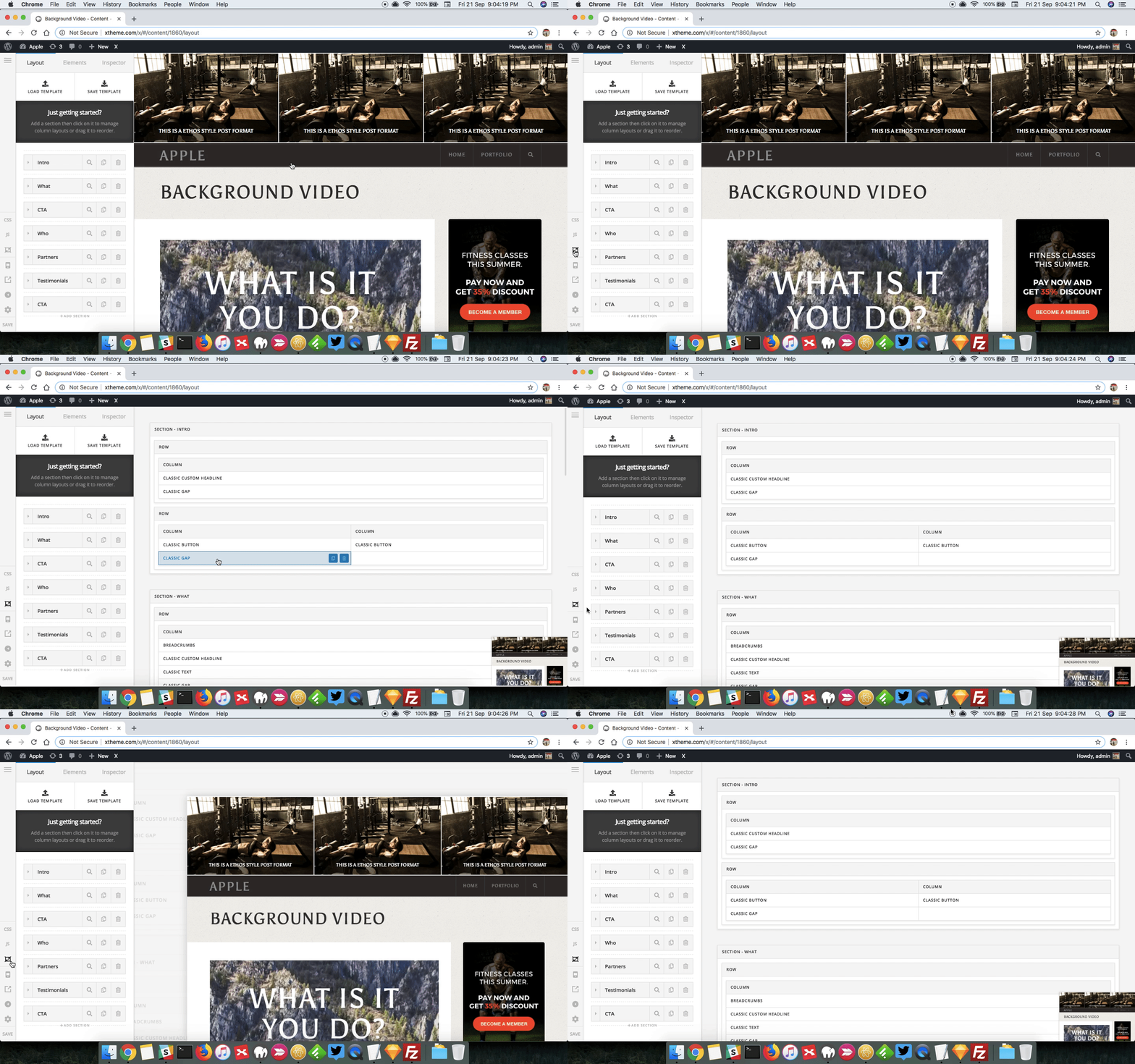
One classic header vanishes in Cornerstone but is visible when published?

Hi, we’ve got a site still using some classic elements. There is one section where a classic header isn’t visible in the cornerstone graphic editor. Simply not there. But when using the framework view we can see and edit the element. There is no custom js on the page and the only custom css is to style the post title. I’ve checked and removing that doesn’t effect this issue.

Everything is up to date and it doesn’t appear to be a plugin issue as it doesn’t happen on older posts. Anything else I should check?

Thanks,
Mark

Hello @aminternetdesign,

Thanks for asking. :slight_smile:

Please try inspecting the page in skeleton mode and see the element is showing up in Skeleton mode.

Thanks.

Hi Prasant,
Sorry that’s what I meant by Framework. So yes it can be edited in the skelton view but it’s not visible in the small visual while that’s active.

Hi There,

Sorry for the confusion!

Can you please check the header element if you have entered any broken HTML tag. Sometimes the editor considers “<” and “>” as the broken element when you have enters it in the text.
Can’t say exactly what is happening in your site, looks like a broken HTML in the header or any element before it which is causing the issue.

If that doesn’t help please send us your website details in a secure note so that we can have a look.

Thanks

Hi basanta,

The element has the following, do you think that could be an issue with it being a classic heading element?

<a href="https://www.awebsite.com/">My Time</a>. 

If that might be causing problems, is there anything you’d suggest?

Hi Mark,

I tried that on my test site but didn’t have an issue.

Try to type it in instead of copying and pasting. You can also try removing that element and adding it back.

If that doesn’t help, please provide us your wordpress admin logni in Secure Note

Thanks.

This topic was automatically closed 10 days after the last reply. New replies are no longer allowed.