Old and new items in the library stay http instead of https

Hey support, I know there are mutiple post concerning this problem but none of them could help.
I´m building a new homepage (not online yet) and added a ssl certificate. Everything is working so far instead of the mixed content warning. I figured out that this is due to my images because all files in the wordpress library are still http.
This is what i tried so far:

  • Better Search Replace Plugin: Works for pictures which are already online. But i have to change each URL manually and new image that i add to the library are still http. So this is no practicable solution

To be clear: All other paths/databases got change with the plugin but images won´t change.
How can I tell Wordpress to load every image with https - old ones as well as new ones?

Could you help me with this because I´m getting lost here.
Thx
Hi Hessner,

Please also:

search for http:\/\/example.com and replace it with https:\/\/example.com

Replace example.com with the domain name of your site.

Please make sure to keep a backup of your database before making any changes.

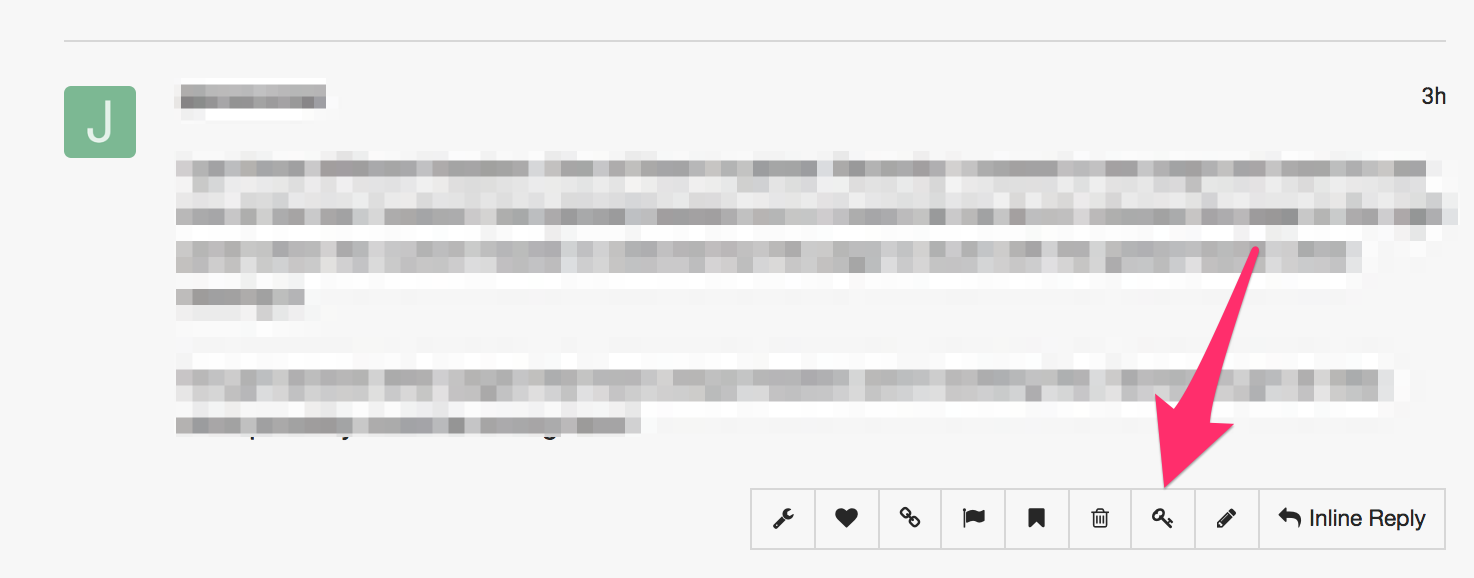
In case the issue persists, please provide us with the admin access to your site in a Secure Note (key icon under the replies you post/posted):

Thank you. I forgot to mention that I already tried this search with better search replace. Nonetheless, old images are now secure, new ones are not and mixed content warning appears again. Regarding the library, all URLs of images etc. are still http.Really confusing stuff! Sending you my credentials and thanks again.

Hi There,

Upon checking your home page, I could see that all the images are loading fine and over the HTTPS. It this your new home page you mentioned?

I’ve also changed your username to gehess.

Regards!

Thanks. Please check again the test page i set up for you

Hi Gehess,

I tried to check your site but it seems to be inaccessible at the moment.

Would you mind double checking so that we will be able to access and check it?

Thank you.

Works from my side. Sending you new login data, just to be sure

Hi @gehess,

When you execute the Better Search Replace did you enable the Test Run option? Because if you did it won’t update your URL on the database, is just a test run.

I did a test run myself on your site, and still see 11 entries of HTTP on your database, including the 2 most important WordPress-Adresse (URL) and Website-Adresse (URL), you can see that under Settings > General.

Please do the search and replace twice, with this pattern.

replace http://www.myurl.com -> https://www.myurl.com
replace http:\/\/www.myurl.com -> https:\/\/www.myurl.com

Also, make sure you do not check the test run option and you keep a backup of your database first.

Then clear all your caching plugins/features after.

Check the Settings > General and see if the addresses have changed to https

Hope it helps,
Cheers!

Thanks again for your answer. After all, I finally managed changing it. Problem was not the test run function but former codes from a URL change in wp-config.php and functions.php which overwrote my changes. After deletin those lines I was able to fix everthing. Sorry for the inconvenience. Now everything works!

Hi Gehess,

No worries at all. Glad to hear it’s sorted.

Cheers!

This topic was automatically closed 10 days after the last reply. New replies are no longer allowed.