Any idea how to center this form generated using the simple standard form shortcode?
It’s in a center column of three rows but it off to the right a bit.
Thank you,
Jesse
Any idea how to center this form generated using the simple standard form shortcode?
It’s in a center column of three rows but it off to the right a bit.
Thank you,
Jesse
Hello Jesse,
Thanks for writing in! Instead of using text element, please use content are element or raw content element and insert your form shortcode.
Please let us know how it goes.
I’m also having a problem in cornerstone. I can no longer physically click the element to modify or delete it. It just won’t let me click it. Any solve for how to access it?
Turns out i’m not using short code:
It’s an embedded code instead.
Hi Jesse,
You may load the page in Skeleton Mode then delete the element you added from there.
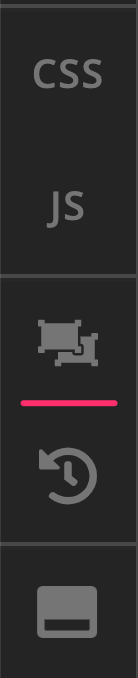
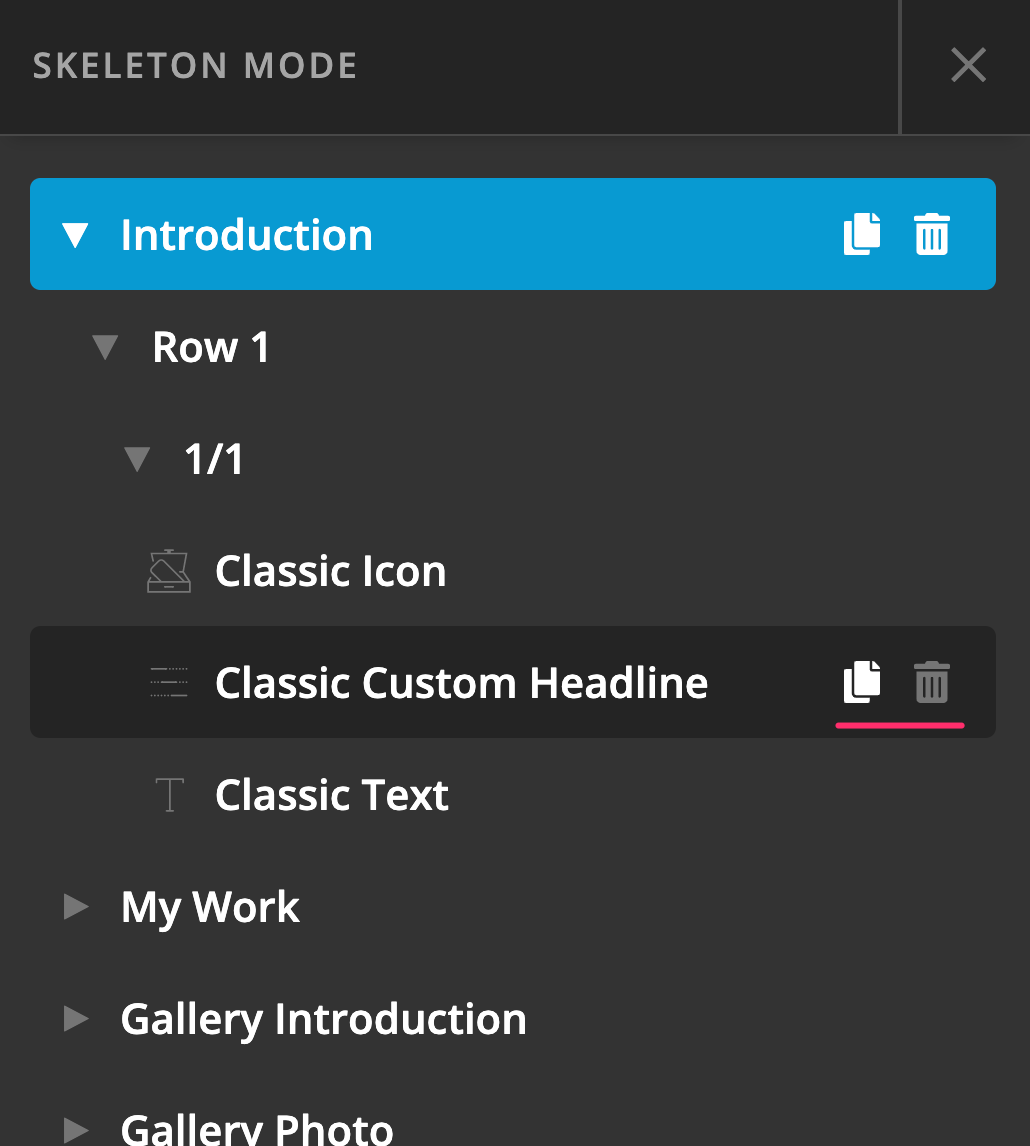
Hope this helps.
The regular content area didn’t work, it went even more to the right. The classic raw element slightly improved the alignment, but it’s still off tot he right a bit.
Hi Jesse,
I have just checked again your site and the form displayed is in an iFrame from outside source:
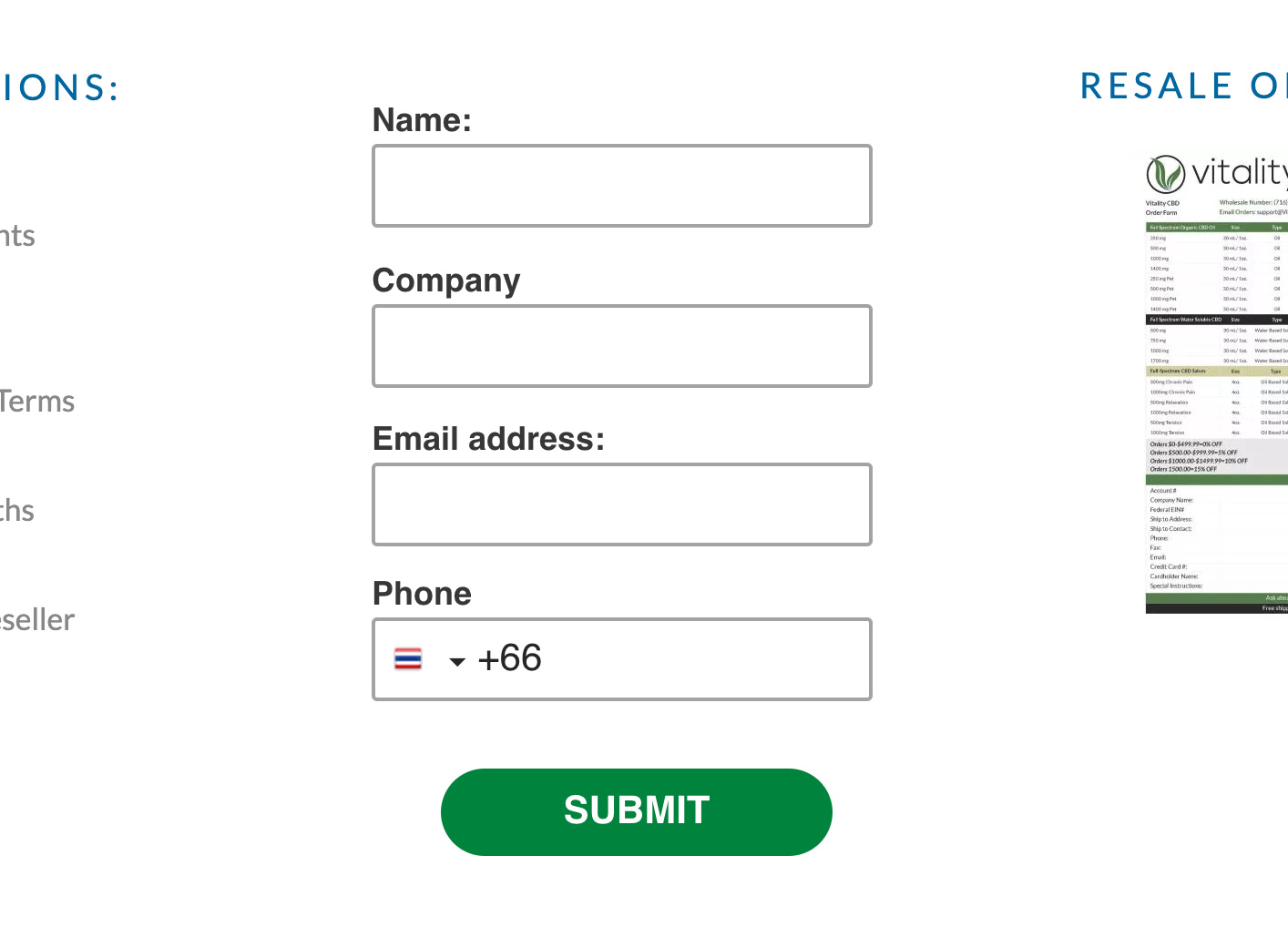
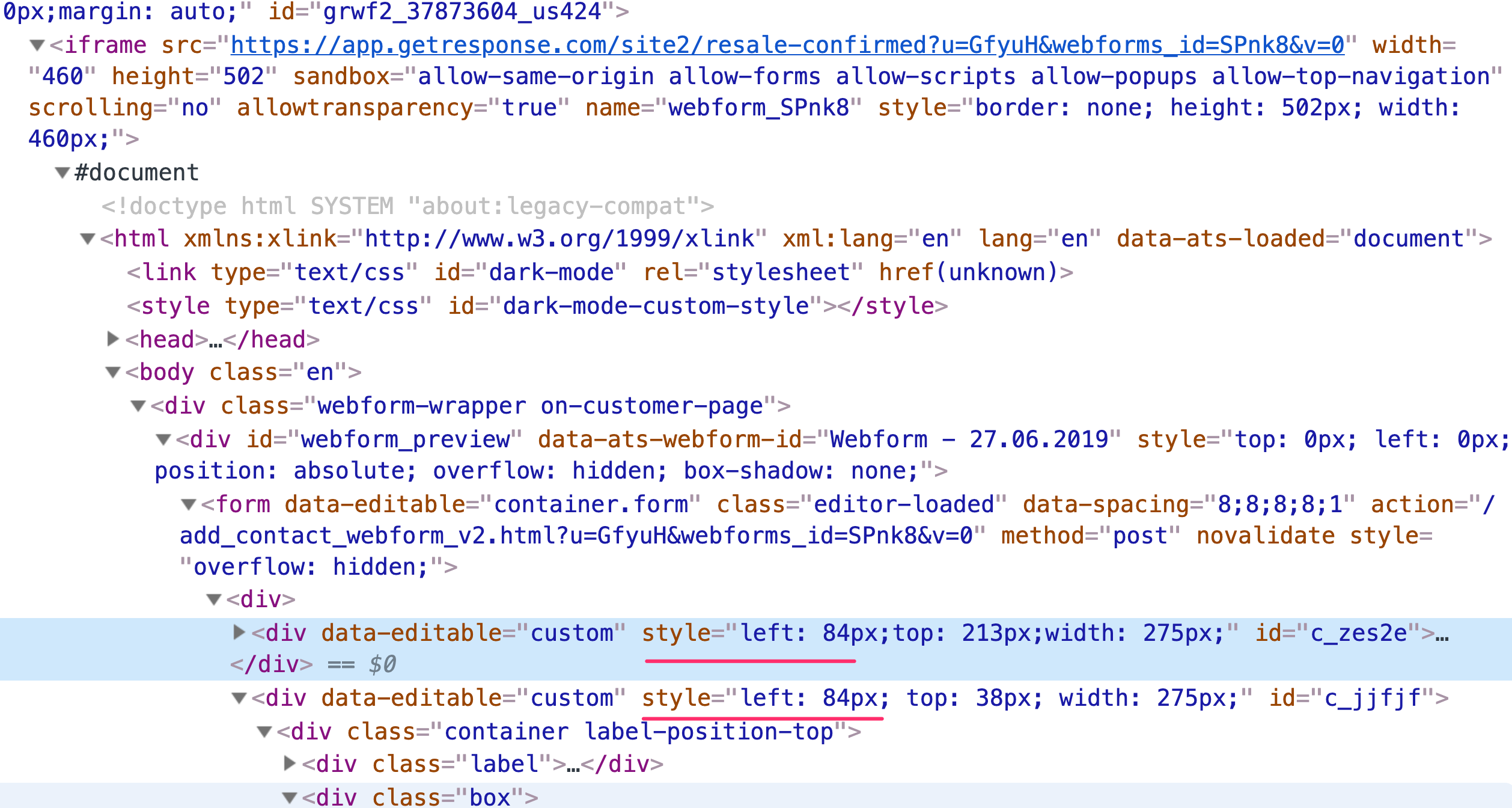
As what you can see from the screenshot above, it is the code in the iFrame itself that pushes the form elements to the left.
Kindly get in touch with the iframe source about this since the styling of the iFrame is beyond our control.
Hope this helps.
This topic was automatically closed 10 days after the last reply. New replies are no longer allowed.