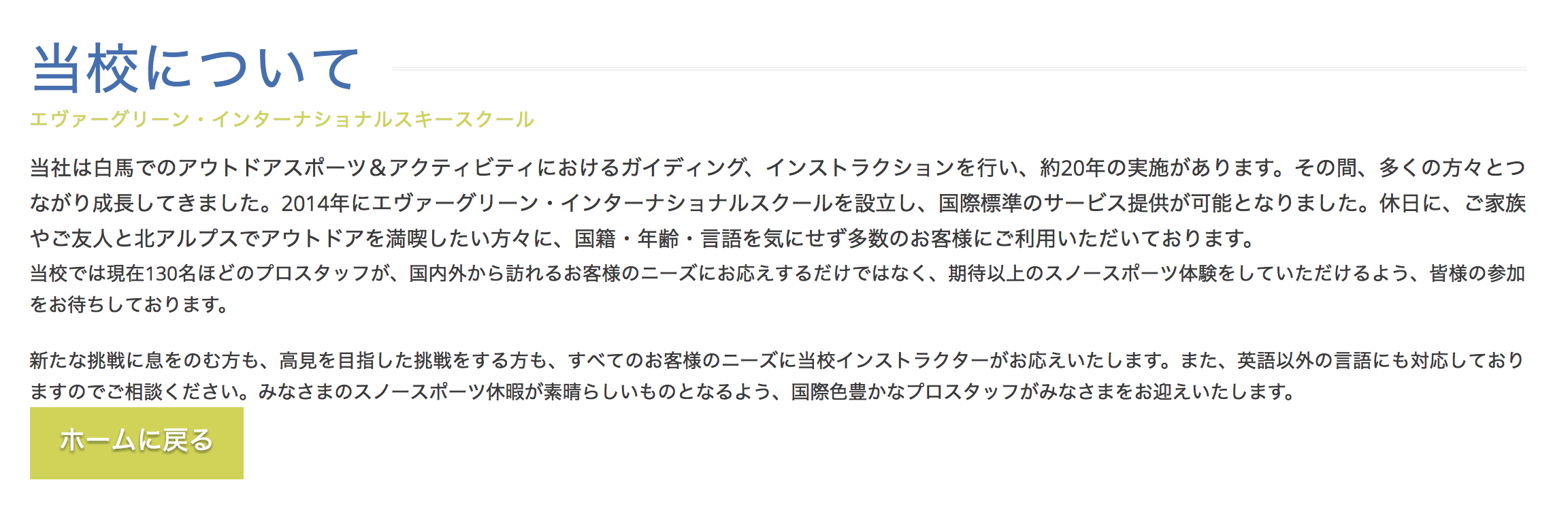
No padding below text elements

Hi there,

A small issue, on all of the sites I have updated there is no longer any default padding below the text element.

I have numerous places on my sites where this padding was used to create the space between text and eg

  • a button
  • an accordion
  • a heading with the “man” class.

Following the update this padding is gone.

I would like to know if there is some css I can use to add this back, either permanently if this is a permanent change, or temporarily if it will be fixed in a later release.

Thanks in advance.

Example: http://www.evergreen-alpineacademy.com/rider-development-workshops/
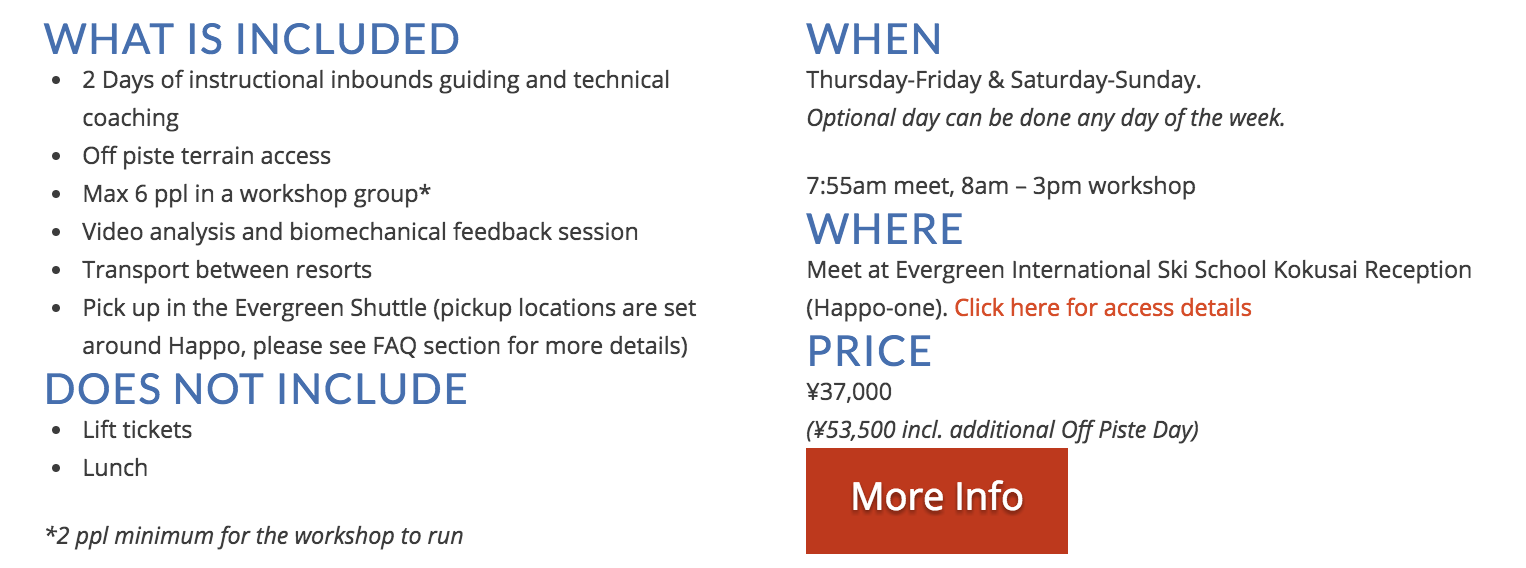
Editing the box, it seemed that switching to WYSIWYG editor fixed the issue by wrapping the text with p mark-up.

However when loading the front-end, no change.

Hi There,

Thank you for writing in, and sorry for the trouble. We’ve just release a maintenance update addressing a handful of issues and one of that is the margin being removed from classic text elements..

Changelog

Please update to Pro v1.2.1 or X 5.2.1 / Cornerstone 2.1.1

Remember to clear all caches after updating so that the code from the latest release is always in use. This will help you to avoid any potential errors.

Cheers!

I’ve just updated, and all issues including this are resolved.

Thanks!

Glad to hear it’s sorted.

Cheers!