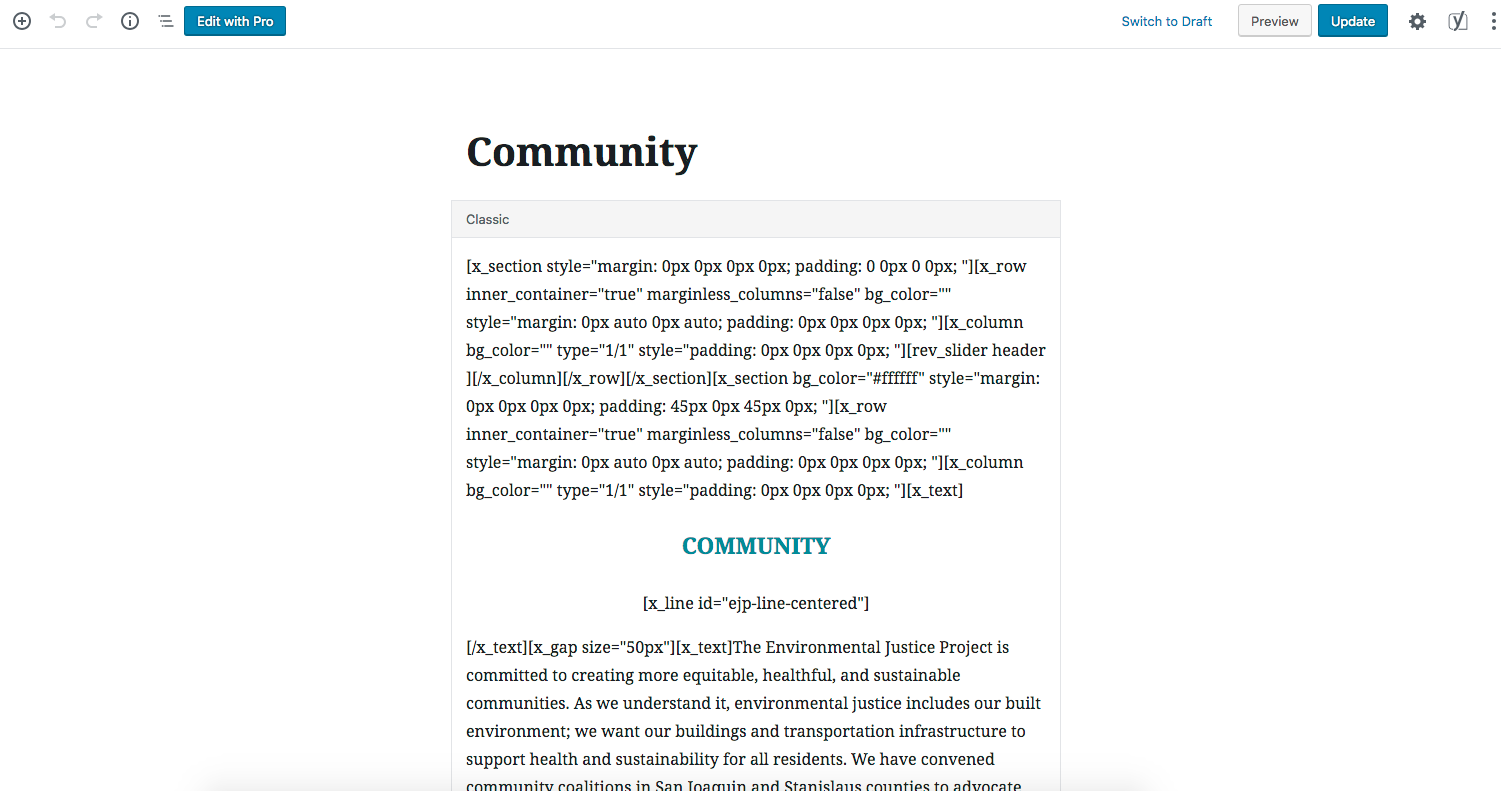
Content is showing in Gutenberg editor as X shortcodes and nothing in Cornerstone/Pro. I had X theme with Cornerstone before I upgraded it to Pro. Not sure what happened but I never use the classic editor, nor Gutenberg, for creating pages. How do I turn the shortcodes into templates or fix this? I do not want to recreate all the pages.
Hi There,
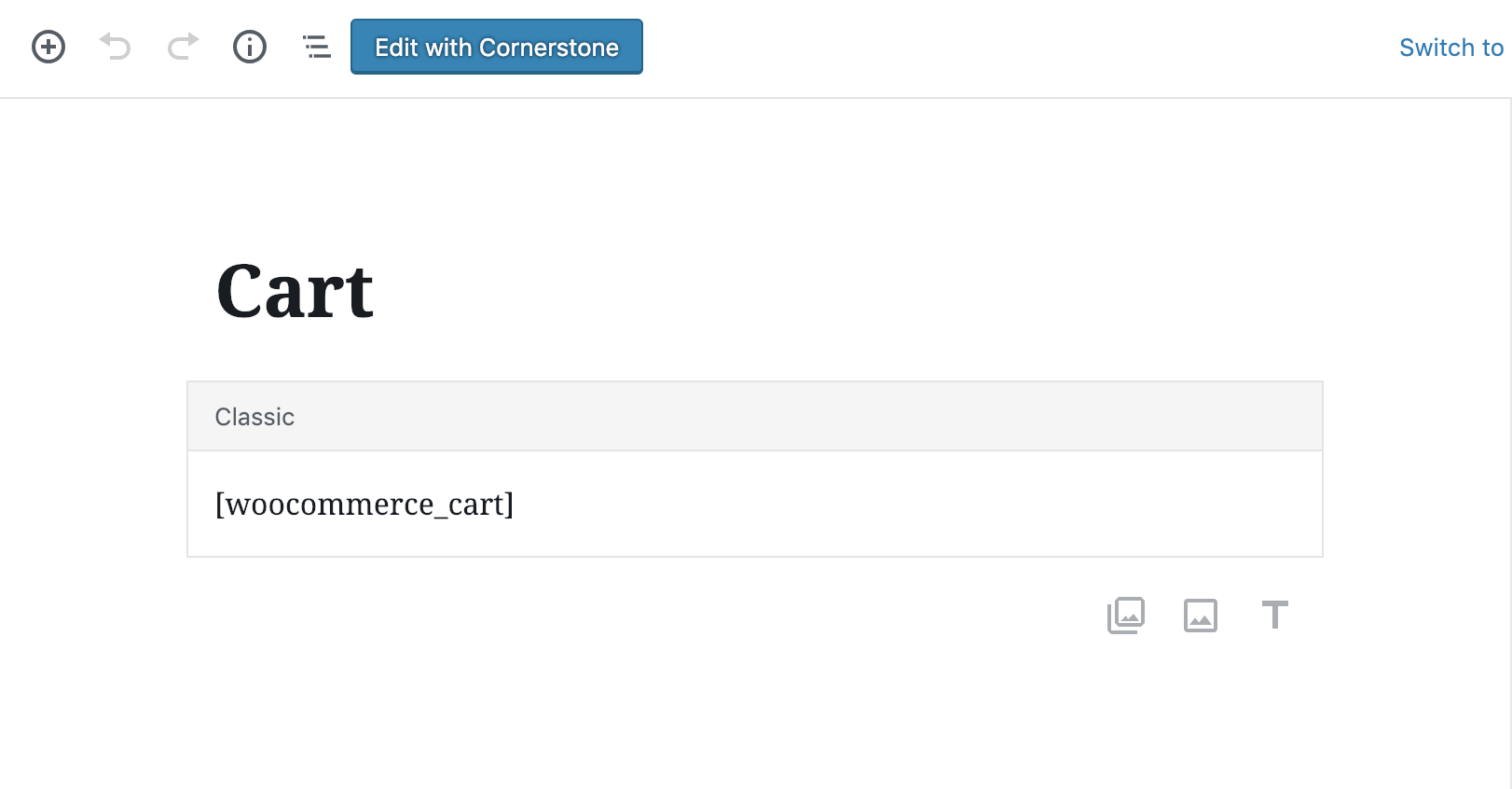
To edit your page with Cornerstone, please click on the Edit with Cornerstone button on the top:
If you would like to completely turn off the Gutenberg editor for all post types, please install this plugin:
Hope it helps 
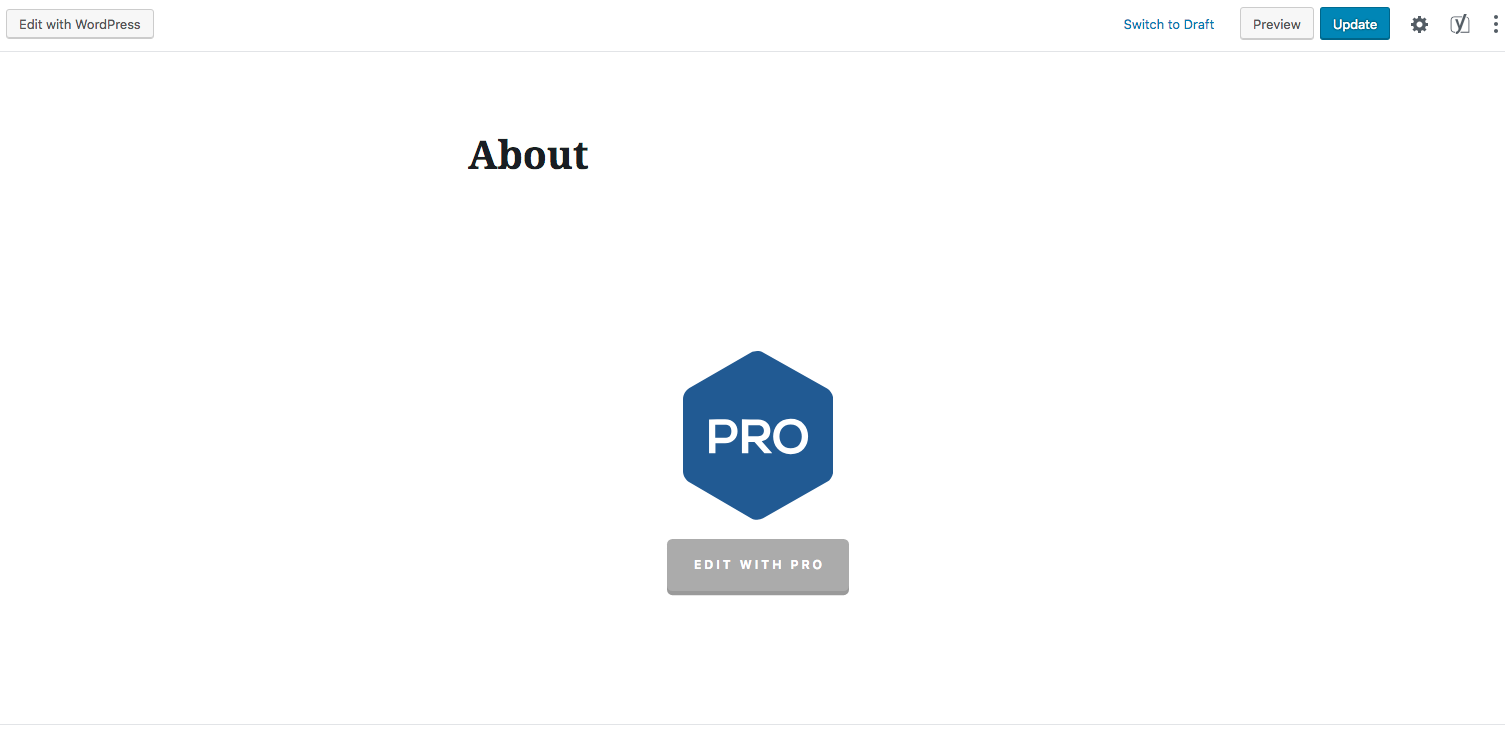
Hi, thanks for the answer but no I’m not dealing with WooCommerce. Sorry, I should’ve posted some screenshots. As you can see, About page shows the Pro icon but Community doesn’t.
Hi @demyx,
Thanks for writing in again!
Look like the page has been lost its editing with pro capability, may be due to plugin conflict or may be edited outside pro.
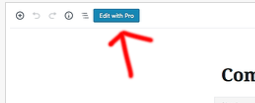
Please edit the page with Pro from the top corner button.
If that doesn’t work, then you have to recreate the page again with Pro. Or please try disabling any third party plugins or cache system you have.
Thanks
This topic was automatically closed 10 days after the last reply. New replies are no longer allowed.