Newsletter changes

Hi!

I am trying to make appear a page of my website for whenever someone subscribes to my newsletter. But instead, it appears this:
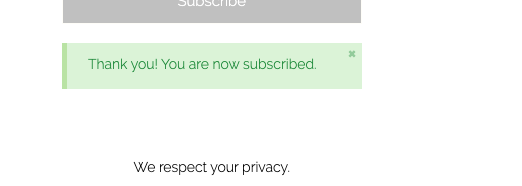
Screenshot 2020-03-25 at 17.32.06

Then they receive an email like this. Which I don’t want to send them:

And until they don’t confirm the page doesn’t open.

This is the page I would like for them to appear:
https://www.inawomansbody.com/thank-you/

Could you advise me what could I do to when they subscribe show the thank you page and how could I deactivate to send them the email where they have to confirm the subscription? I have checked with Mailchimp and from their side, the double opt-in is not activate so it may have to do with the code.

Best regards,
Marina.
Hi Marina,

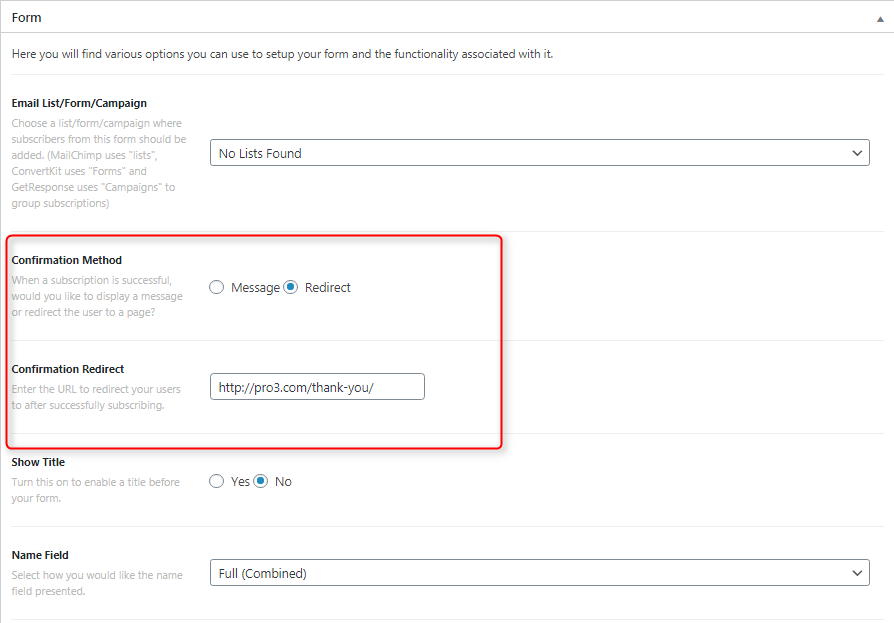
Thank you for writing in, on the Confirmation Method please select Redirect. And then on the Confirmation Redirect field set your thank you page.

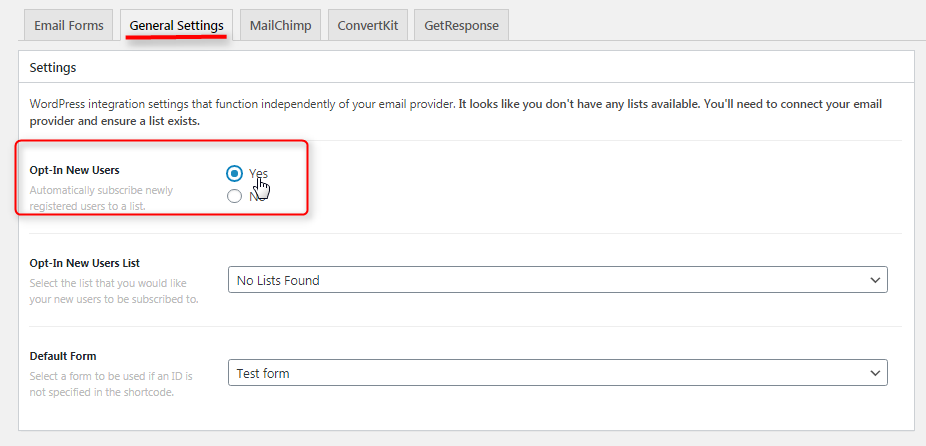
Under the General Settings tab you can turn On the Opt-In New Users automatically, so it will not going to send that confirmation message. Make sure you select the Opt-In New Users List in the dropdown.

More details about Email Forms here.

Hope it helps,
Cheers!

It worked! Thank you so much for your help.

Have a nice day,
Marina.

You’re most welcome, Marina.

This topic was automatically closed 10 days after the last reply. New replies are no longer allowed.