Hello @agorder,
Thanks for writing in!
You can just use nested HTML list items and then use the classic icon shortcode in each of the list items.
<ul>
  <li>[x_icon type="flag"] California
  	<ul>
      <li>[x_icon type="flag-o"] Los Angeles</li>
      <li>[x_icon type="flag-o"] San Diego</li>
    </ul>
  </li>
  <li>[x_icon type="flag"] Nevada
  	<ul>
      <li>[x_icon type="flag-o"] Las Vegas</li>
    </ul>
  </li>
</ul>
The example code is taken from here: https://www.w3schools.com/tags/tryit.asp?filename=tryhtml_lists2
Please note that the code provided above serves as a guide only and is to help you in getting started so implementing it and maintaining the code will be out of our support scope and for further maintenance for new possible versions of the theme that may cause the customization to break, you will need to hire a developer.
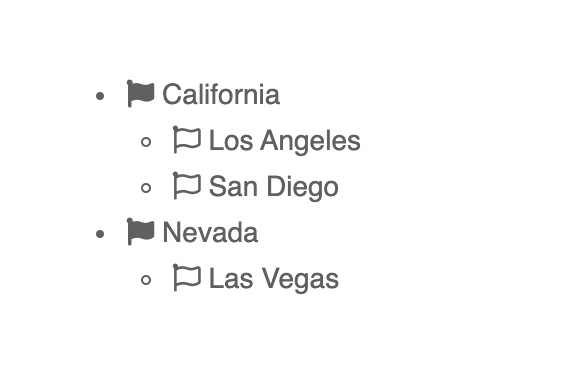
Your output will be like this:
Kindly let us know how it goes.
