Hello,
My client wants to display a different version of their logo depending on what section of the website is being visited.
Using conditions I managed to make it work for some and it is not working for others.
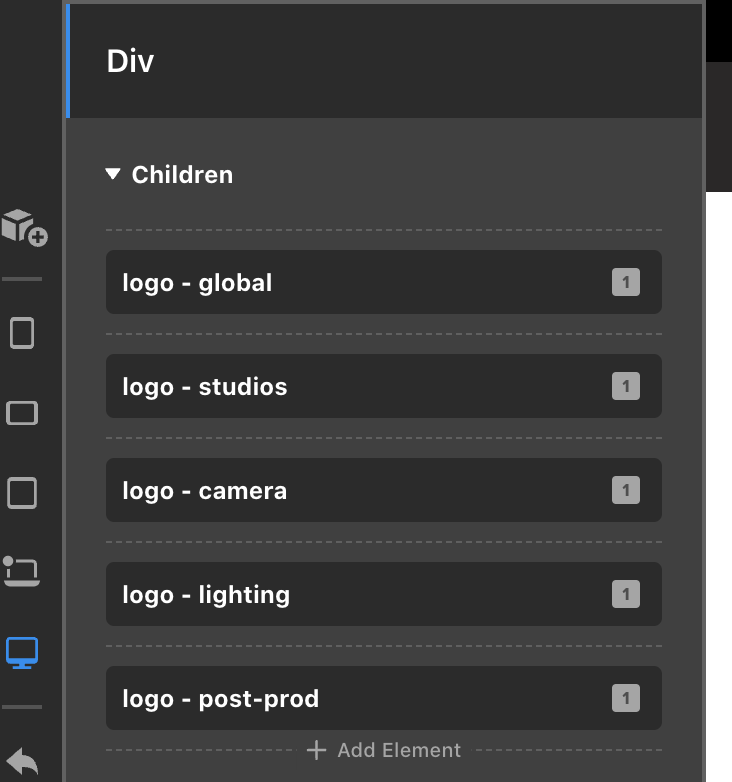
- Default logo --> Homepage and any other page that don’t correspond to the conditions below (not working)
- Studios department --> CPT “Studio”, CPT “Stage”, CPT “Office” (working)
- Camera department --> WooCommerce parent category “Camera Department” (not working)
- Lighting department --> WooCommerce parent category “Lighting & Grip” (not working)
- Post-Production department --> Specific service “Post-Production” (in the Services CPT) (working)
The trickier part here is to display the “Camera logo” and “Lighting logo” when viewing the category archives since they are for WooCommerce categories and I don’t see the WooCommerce categories in the conditions. My current conditions don’t work well and are probably wrong. The other thing I want to figure out is how to display the default logo whenever none of the other conditions are fulfilled. I want to avoid having no logo at all showing in the header.
Would appreciate if you could point me in the right direction.
Additional details added in a secure note.
Thanks!
Emile