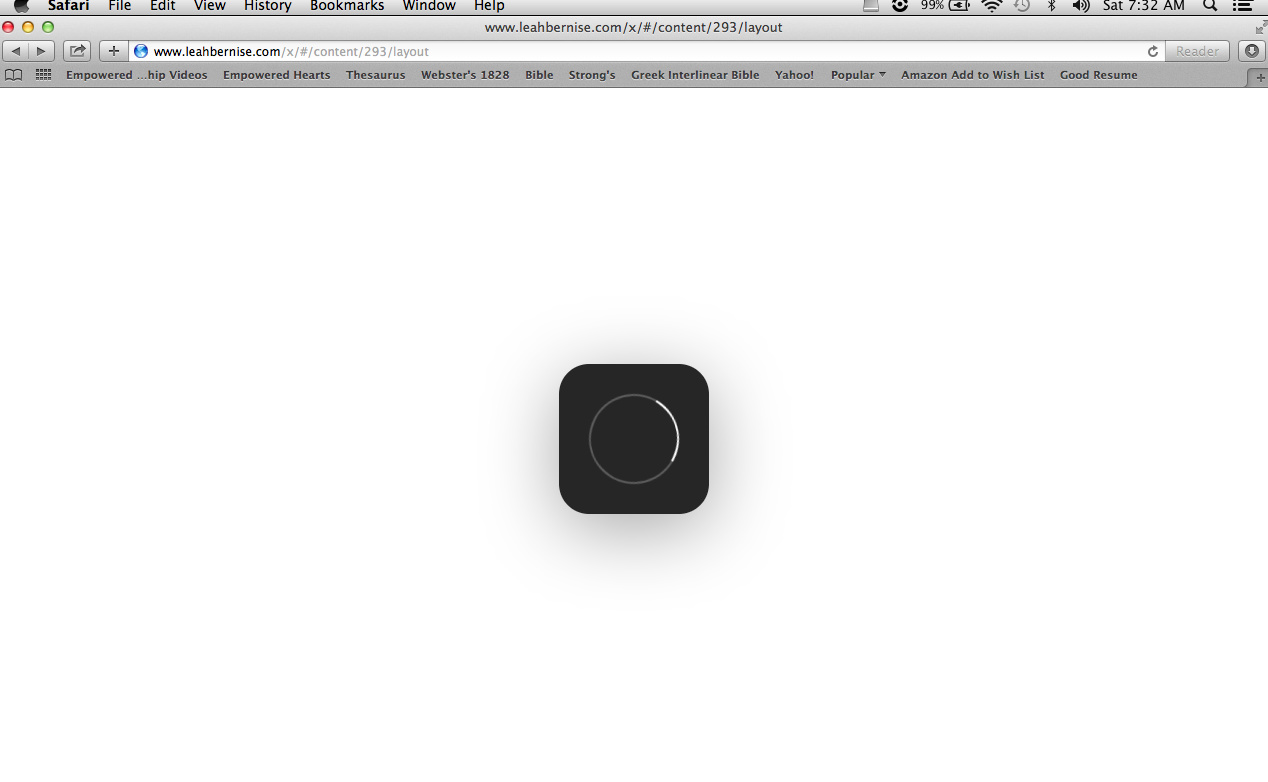
Hi, there. A friend of mine has been helping me with my website and he updated X for me a few weeks ago. Yesterday, I signed in to make some changes and Cornerstone simply will not load. I’ve updated Cornerstone, cleared my cache and deactivated plugins and it still will not load, it just shows the loading symbol in the middle of the page and never goes beyond that. Everything else on the admin side works fine. Any ideas on why this is happening and what I can do to fix it? Thanks!
This is what my screen looks like:
Hi,
Would you mind providing us with login credentials so we can take a closer look? Please provide following information:
Set it as Secure Note
- Link to your site
- WordPress Admin username / password
- FTP credentials
All the best!
I sent a secure note with this info. 
Hi there,
Thank you for the information. I managed to access the Cornerstone with no problem with Google Chrome browser.
Would you please kindly check the case with other browsers than Safari?
Thank you.
Yep, it works on Chrome. I’m not sure why it suddenly doesn’t work on Safari anymore, but at least now I have a way to get into it to work on it. Thank you!
Hey There,
You’re welcome! It’s good to know that it is working now.
By the way, there could be a caching issue with Safari. You might need to clear your browser cache or use private browsing mode and test your site again.
Best Regards.