Navigation Collapsed (Support)

Summary

I would like to add a few things to the ‘Navigation Collapsed’ off-canvas area.
(or ‘Content Area Off Canvas’)

I have found no clear resolve, so now I am taking it to the Support Forum.

First, I would like to add a ‘Search Inline’ element to the top of the off-canvas area.
Imaged Below:
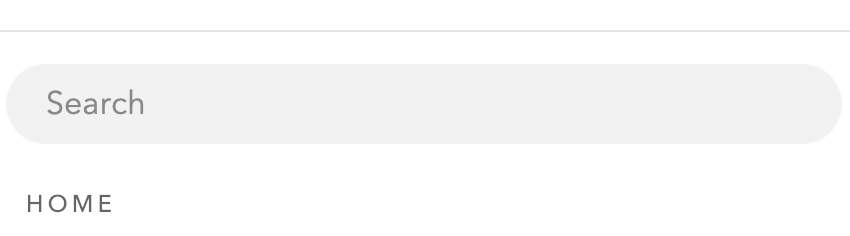
Second, I would like to add customized ‘Button’ elements after the navigation on the off-canvas area.
Imaged Below:
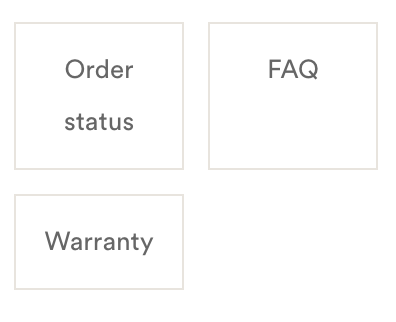
Third, I would like to add ‘Social’ elements to the bottom of the off-canvas area.
Imaged Below:

Thank you for the support. I’m a huge fan of Theme.co
Looking forward to the response.

Hello @MULHOLLAND,

Thanks for writing in!

The Navigation Collapsed element is an off canvas navigation menu element which only contains a menu.
The Content Area Off Canvas is an off canvas element which you can use along with your custom html codes.

Regretfully, there is no easy way that you can add a search, custom buttons and social icons elements in either of the two elements. It can be done with custom development which is beyond the scope of our support.

If you use the Content Area Off Canvas and add your custom html codes in its content area so that you can accomplish. You will need to have a custom code to display the search. A custom html code to display your buttons. Perhaps the built in classic shortcodes my help you. You can find it here: http://demo.theme.co/integrity-1/shortcodes/

Thank you for your understanding.

This topic was automatically closed 10 days after the last reply. New replies are no longer allowed.