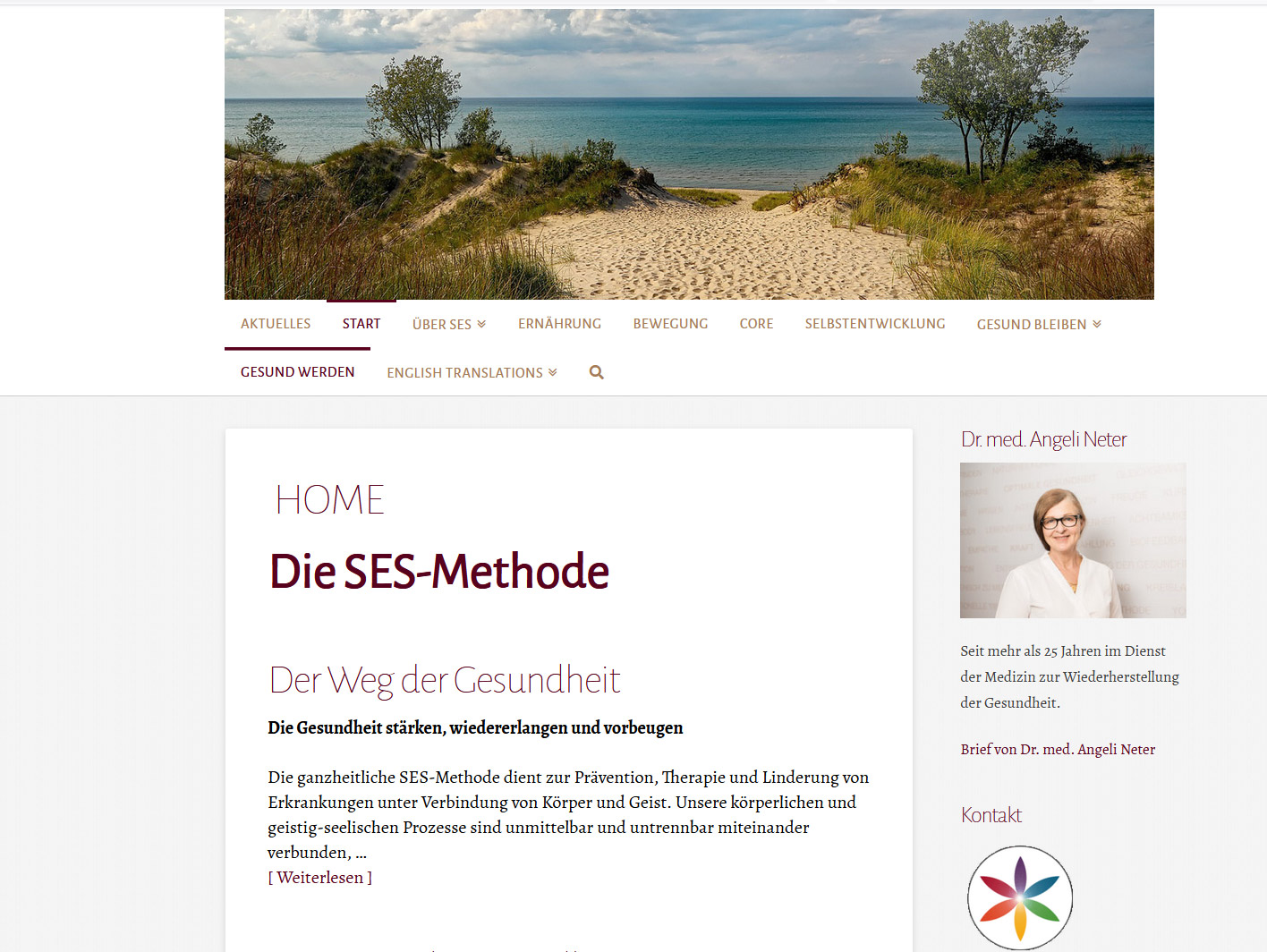
Hello Jeorg,
Please add this code in X > Theme Options > CSS:

.masthead .desktop .x-nav {
    display: inline-block;
    text-align: center;
}

.x-navbar .desktop .x-nav>li {
    float: none;
    display: inherit;
}

.x-navbar .desktop .x-nav > li > a:hover,
.x-navbar .desktop .x-nav > .x-active > a,
.x-navbar .desktop .x-nav > .current-menu-item > a {
    box-shadow: none;
}
Kindly note that since this is a custom code that changes the default behavior/display of the theme, you will be responsible to maintain or update the code in case you require further changes or if the code stops working in future updates. If you are uncertain how to proceed, it would be best to get in touch with a developer.
Hope this helps.