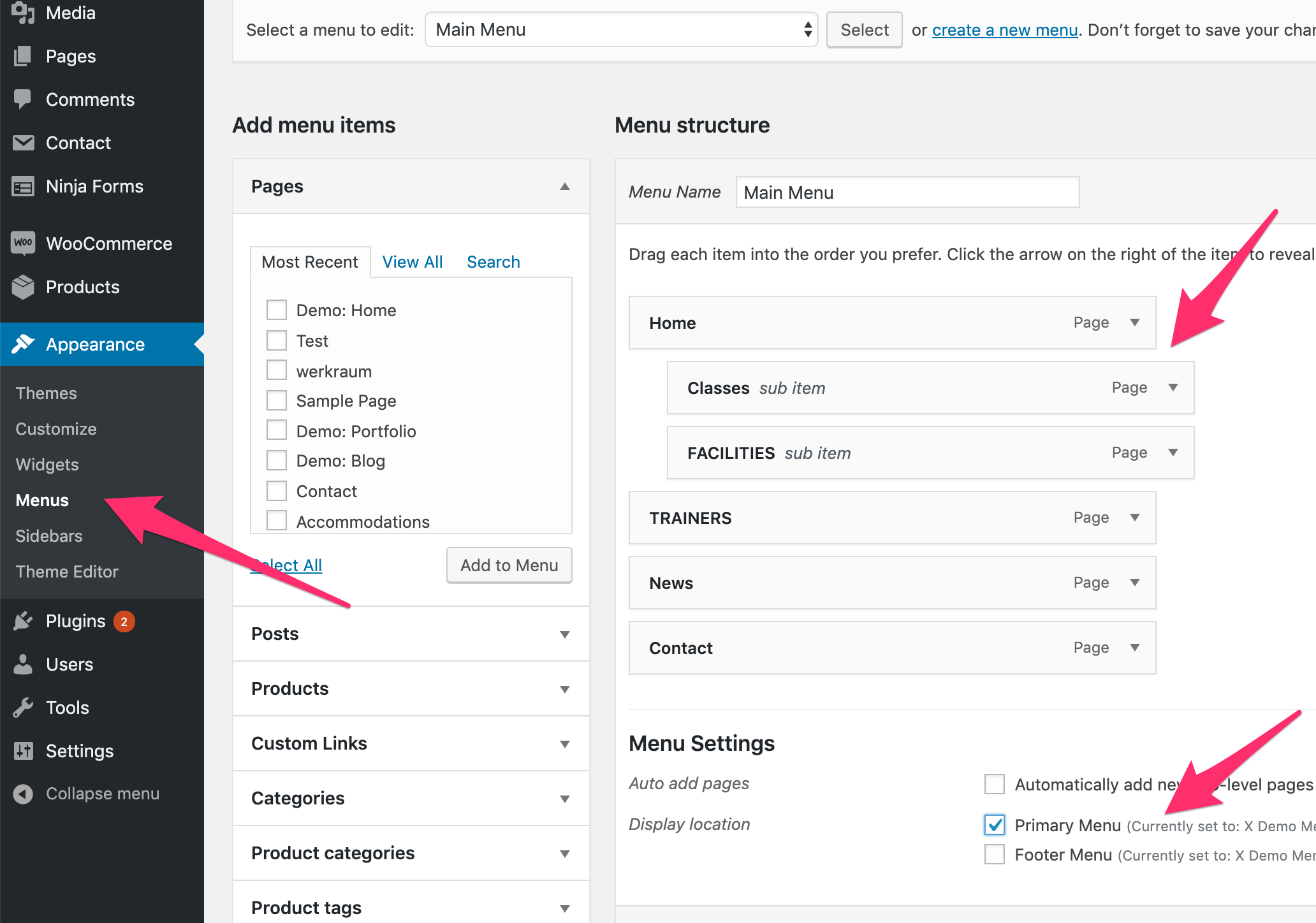
I am trying to get rid of options on my portfolio drop down menu on my navbar. I no longer have the pages listed under the parent, changed their option to 0 order rank, made them private, and I have no idea how to get them to be removed as clickable options. I clearly set this up a long time ago and many updates ago. I don’t do CSS as I am a novice and really want to do this any easy way that doesn’t require I go back to college and learn coding.
I am trying to get rid of a few pages under my portfolio tab, Seniors, couples, and family shouldn’t be there. How can I make this change? www.diannacapkaphotography.com
TYIA