Navbar problems

I’m trying to setup my navigation bar to look like: https://www.microsoft.com/en-us/

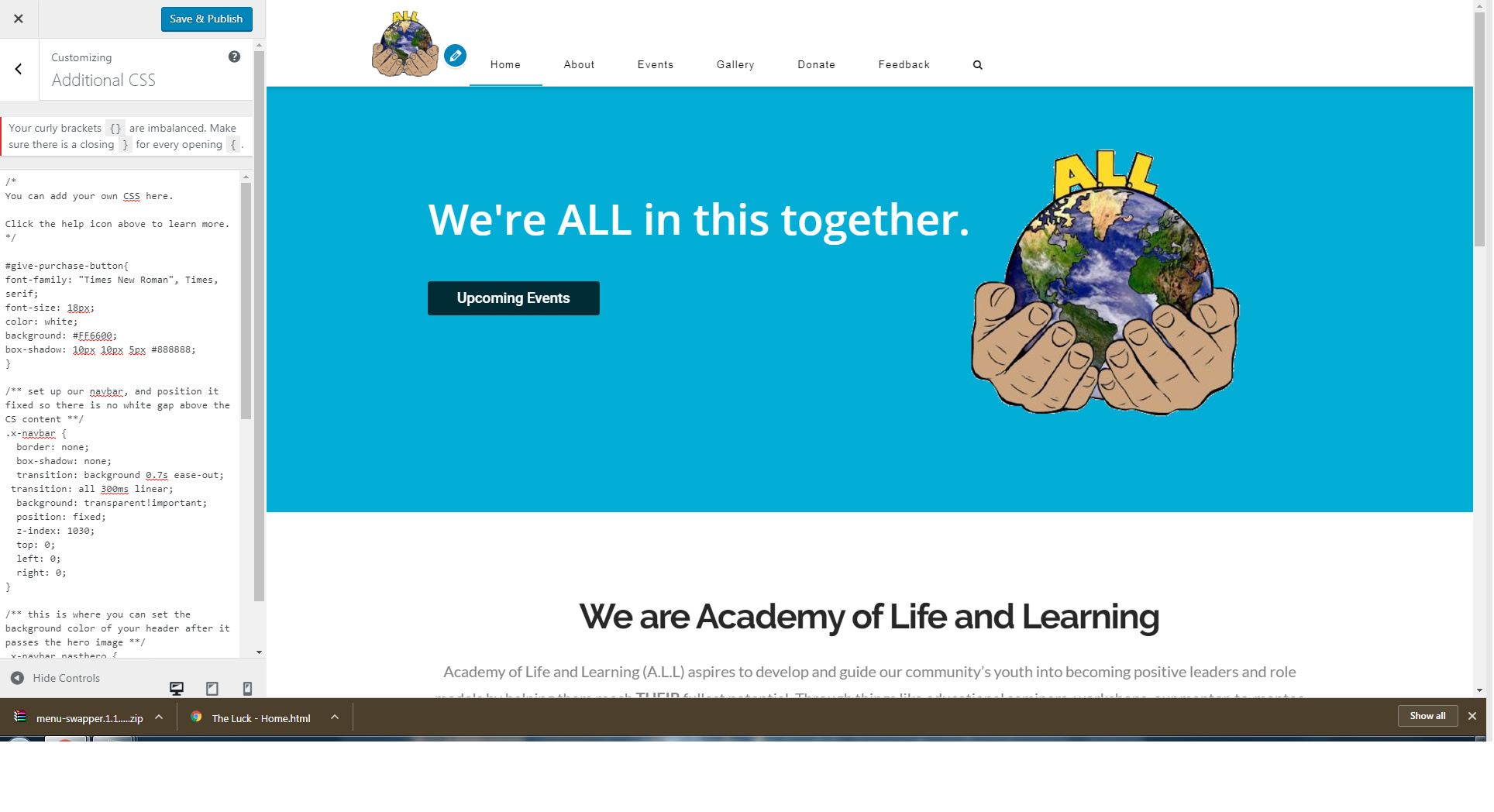
In the Xtheme customization it looks pretty good until you save and publish and view it live. I can’t understand what’s going on? It’s like the setup doesn’t change.

Here’s what I’d like to view outside of the customization
Here’s what it looks like outside of customization:
Load page*
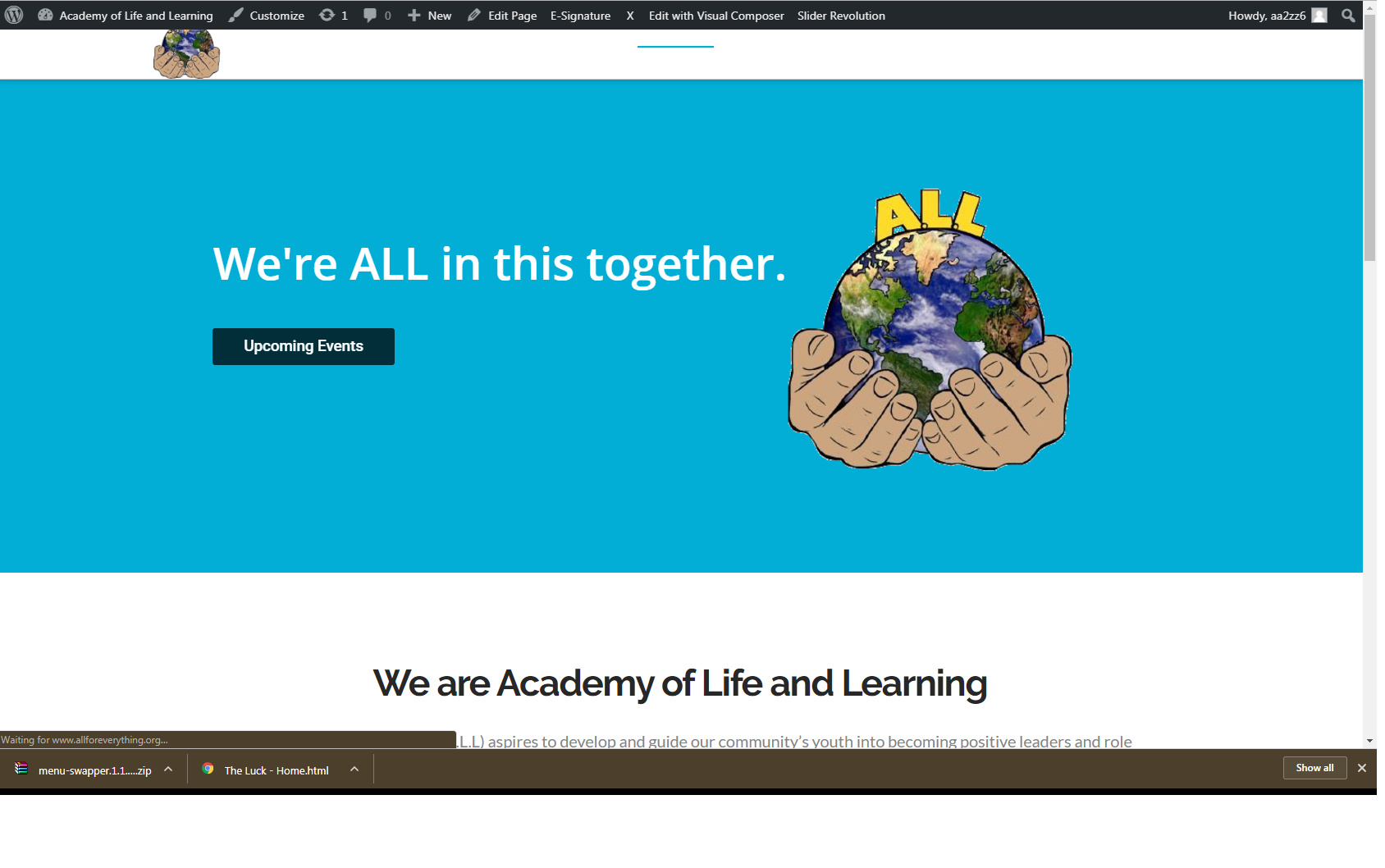
Scroll down*
Hi,

The login provided doesn’t seem to work.

Kindly check again and let us know.

Thanks

Okay, please try this.

Hi there,

Thanks for the details.

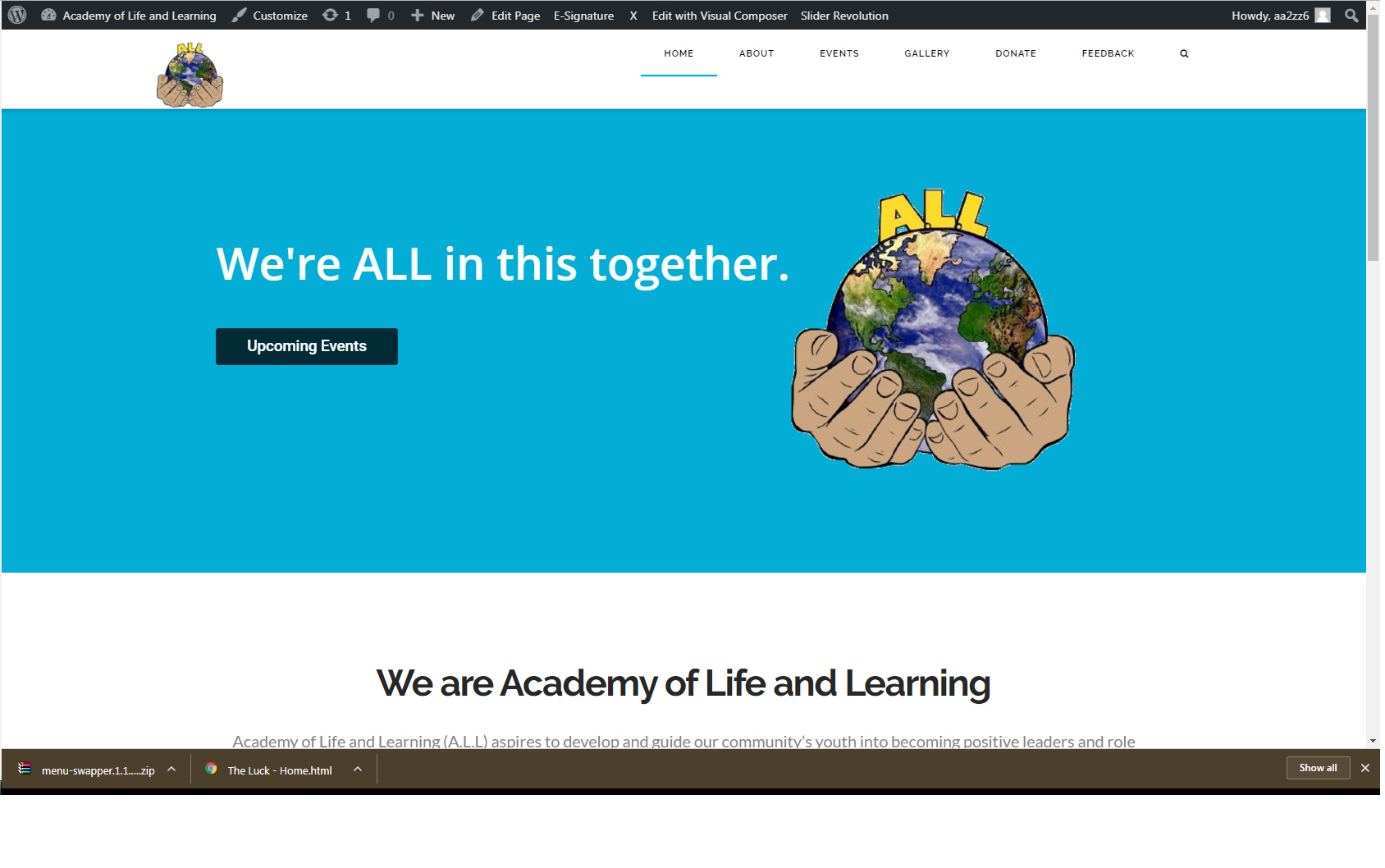
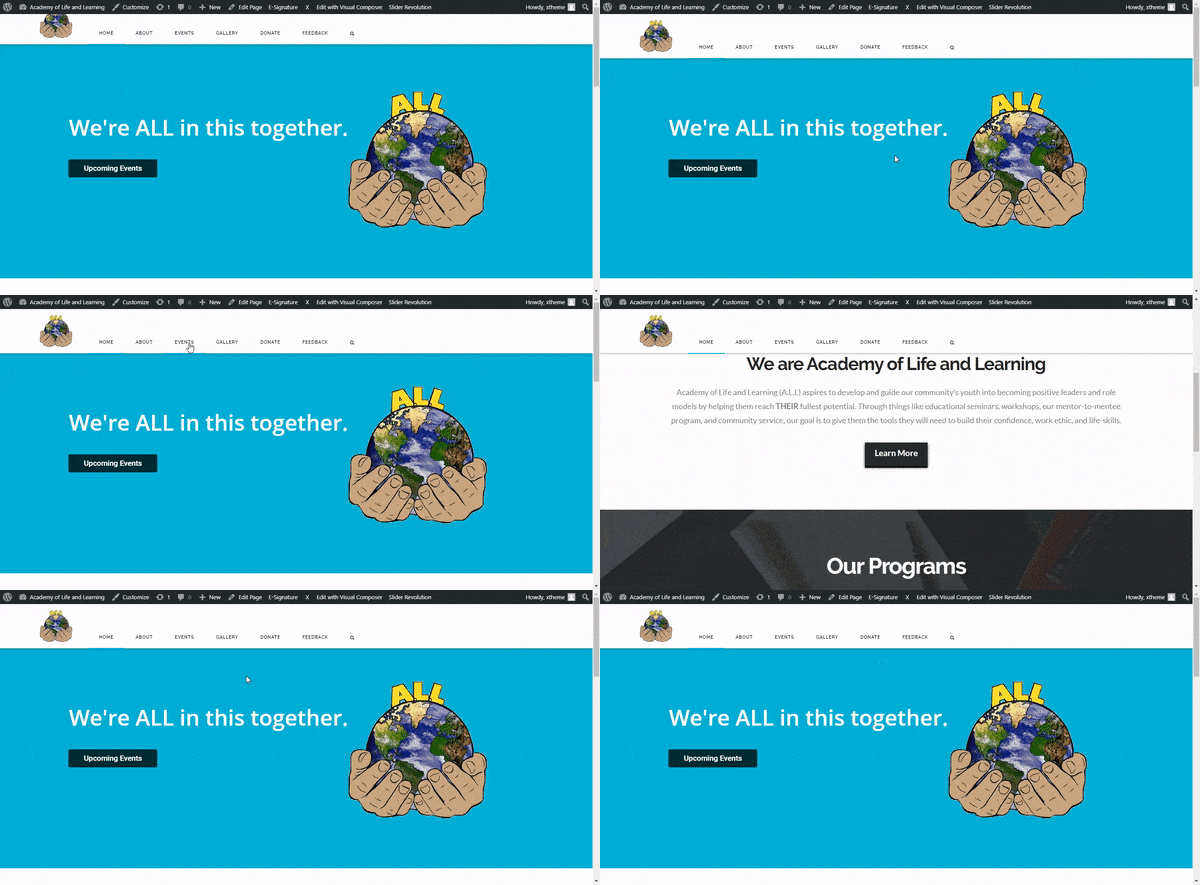
I have logged in and checked the menu outside the customizer and it seems to be displaying fine just like what is the first screenshot is showing. Please try to clear your cache and load the page again.

1 Like

When you first log the website the logo is hiding a little bit. Is there a way to make sure it’s showing completely? And is it possible to hide nav bar when you scroll past the blue banner?

Hello,

When you`re logged the logo is hiding a little bit cause the dashboard bar - I hide the wp bar and all looks normal: http://prntscr.com/g5x1yb

And to disable the fixed header, just go to Dashboard > X > Launch > Options > Header > And change the fixed top option to static top.

1 Like