I went through my code and I can’t find where the Navbar Menu Separators where added. I would like to remove them from the navbar but I haven’t been able to solve this. Does anyone know how to do this?
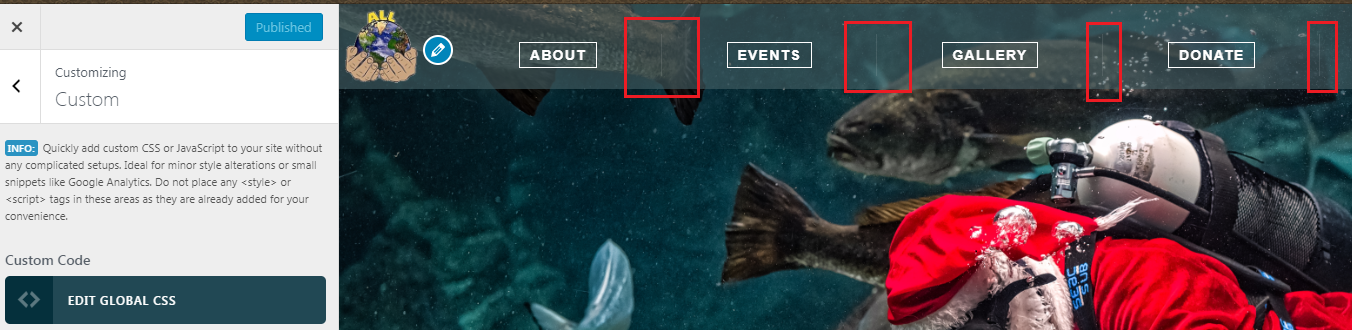
I went through my code and I can’t find where the Navbar Menu Separators where added. I would like to remove them from the navbar but I haven’t been able to solve this. Does anyone know how to do this?
Hi,
To remove the separators, you can add the code below in Theme Options > CSS
.x-navbar .desktop .x-nav>li:first-child>a {
    border-left: 0;
}

.x-navbar .desktop .x-nav>li>a {
    border-right: 0;
}
Hope that helps.
Thank you, Paul. I appreciate your help!
You’re most welcome!
This topic was automatically closed 10 days after the last reply. New replies are no longer allowed.