Navbar menù on Bottom

hi there, i searched in the support forum and read some topic but i cant find an option to put the Navbar menu on the bottom of the page. For example check this link(desktop layout)

i saw that your main demo page have the menu on bottom, how to achieve that layout?

thanks so much for your valuable support

kind regards
Hey Milo,

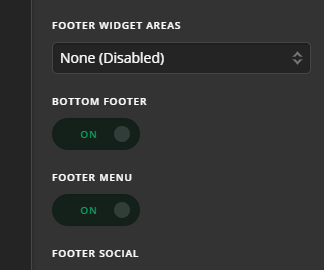
To enable the Footer Menu, you first need to enable the Bottom Footer in X > Theme Options > Footer.

You can then create a menu in Appearance > Menu and assign the menu as the Footer Menu.

Hope that helps.

thanks for your kind reply,
Footer menu was already active in theme options. I then created the menu and checked the Footer Menu into Menu settings as you suggested. I also created a full screen revolution slider, but i cannot setup the layout of your example page, Please refer to the link i posted above to understand what i need to achieve.
Thanks so much

Hey Milo,

Please follow these steps:

#1 Edit the page where you want to add the Rev Slider:

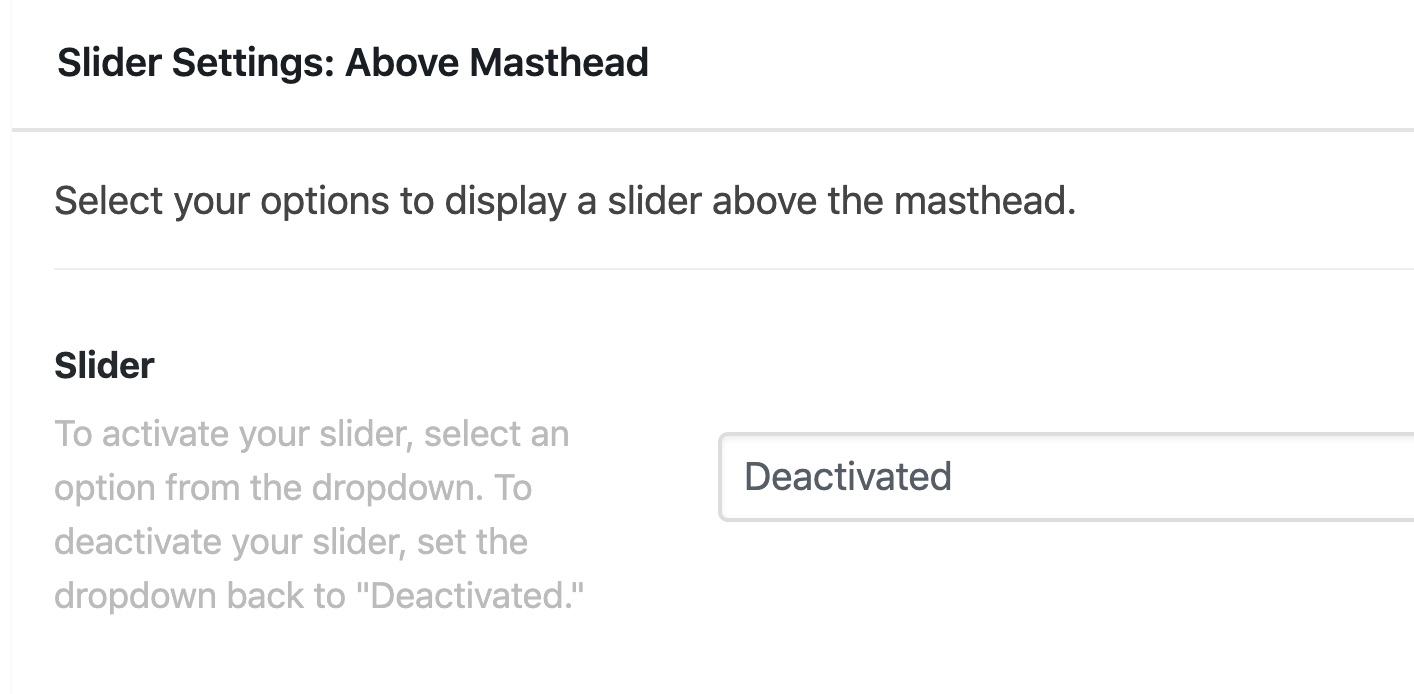
#2 Scroll down to the Slider Settings: Above Masthead settings then set the slider you have created there:

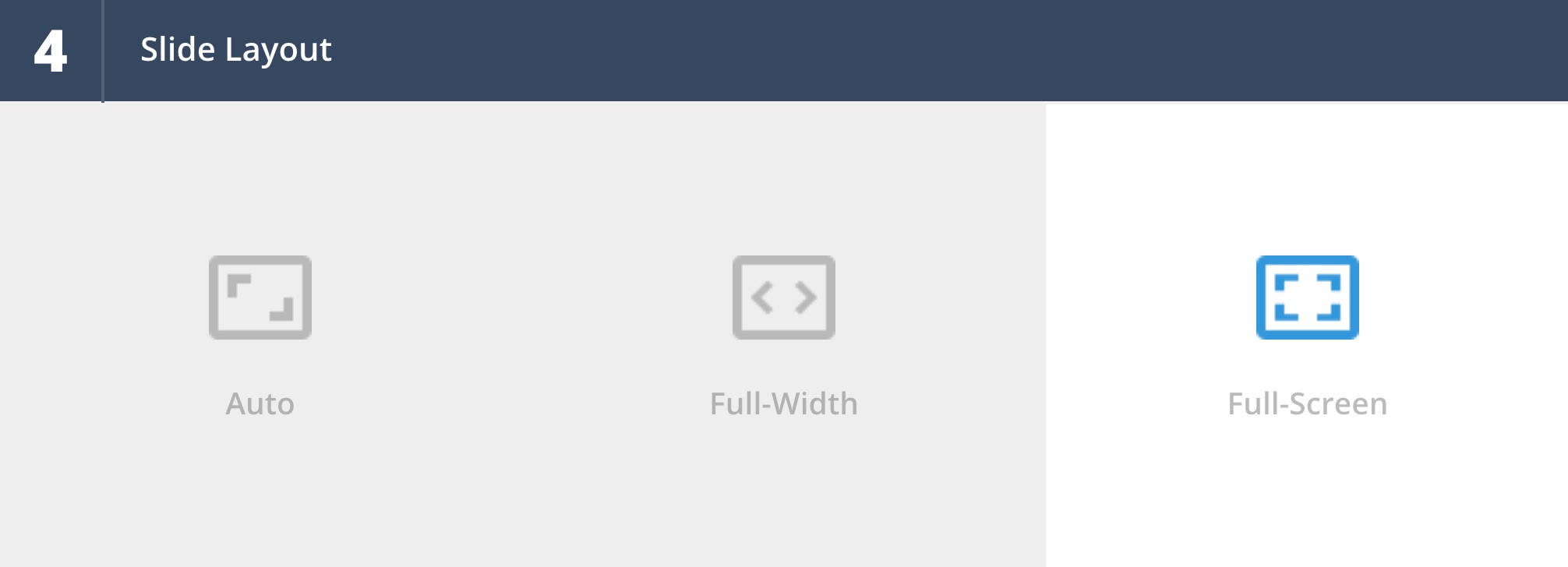
#3 Edit the Rev Slider then set the Slide Layout to Fullscreen.

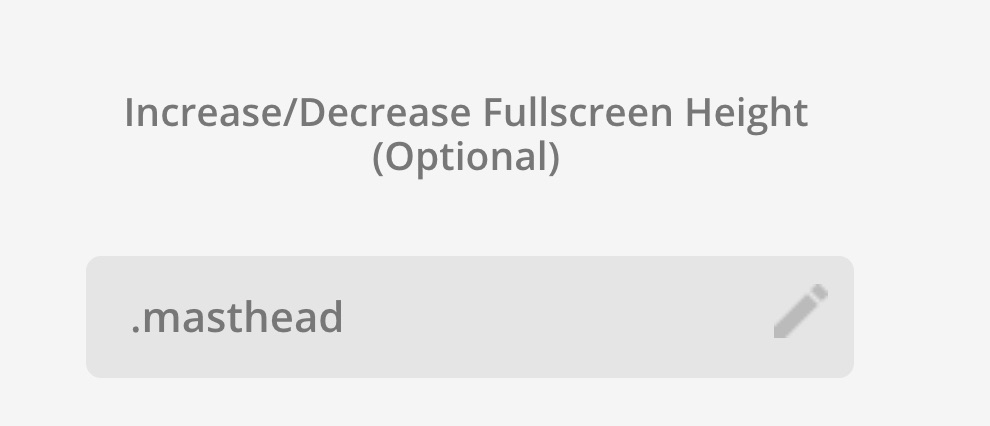
#4 Scroll down to the Increase/Decrease Fullscreen Height (Optional) option then set .masthead there.

Save the settings and the navigation area should be right exactly below the Rev Slider.

Hope this helps.

1 Like

This topic was automatically closed 10 days after the last reply. New replies are no longer allowed.