Navbar/menu bar area edit

Hi there,

Im very new at website building so I would really appreciate some help. Just got X at the beginning of the year, and just figured out how to get Cornerstone operational, but I don’t think thats relavent in this question.

Im trying to edit the overal layout and style of my menu bars (http://epilepsyandmelifestyle.com/). Currently dark grey with page names “Home Page”, “Blog”, and “Contact Us” . Is there anyway to make this whole dark grey section into something like this

http://annamitchelllaw.com/

I saw this person had a similar question to me a while back and now has it corrected, but it didn’t work for me.

Also, Im trying to get rid of the large text font below the menu bar that says “Home page”

If anyone could assist/ give guidance on this, I would greatly appreciate it!

Many thanks,

1 Like

Add this to the Global CSS and let me know if it works :smile:
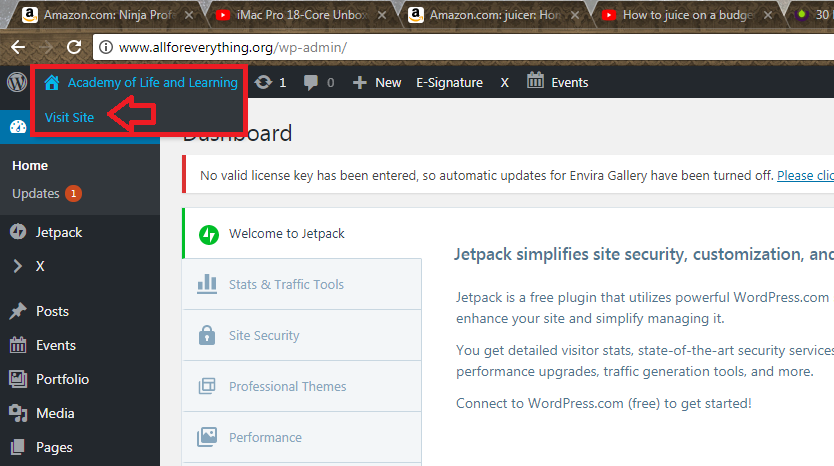
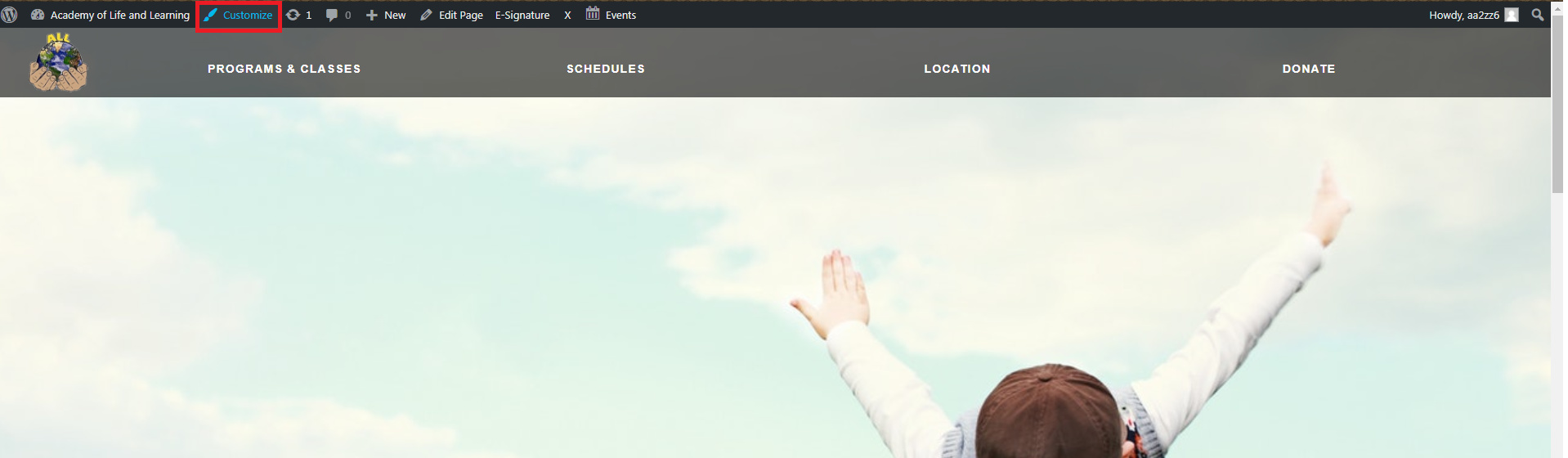
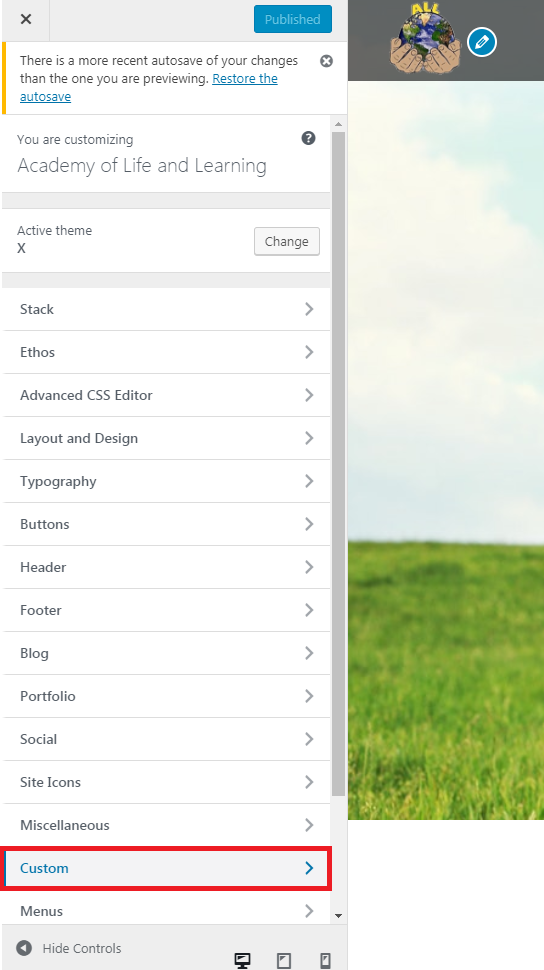
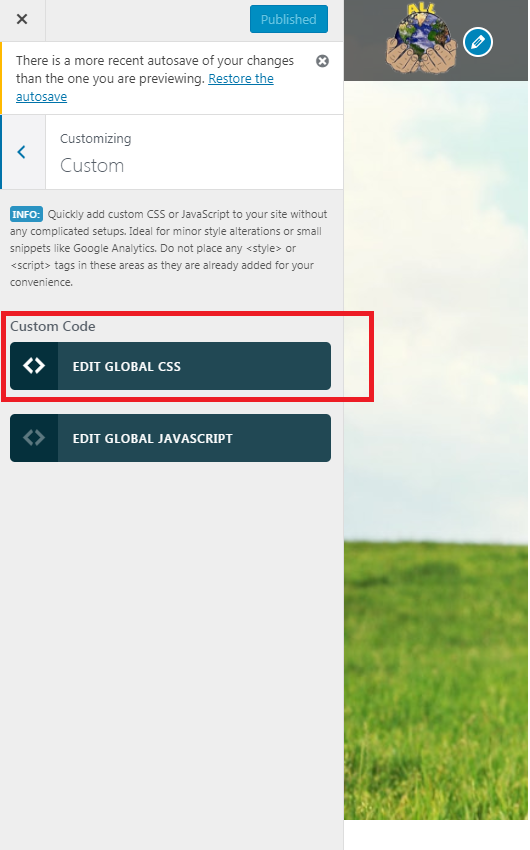
If you don’t know how to access the Global CSS please follow the images below

/ * Navbar CSS * /

.x-navbar {
    background: white;
}

.x-navbar-fixed-left-active .x-navbar .x-nav > li > a { 
    text-align: right; 
}

.x-navbar .desktop .x-nav > .current-menu-item > a{
    color:orange;
}


/ * Mobile CSS * /

.x-navbar .mobile .x-nav li > a {
    color: red !important;
}

.x-navbar .mobile .x-nav li > a:hover {
    color: red !important;
}

Thank you so much for taking the time to reply to my question!

I understand how to go to the global css. I inputted what you put down, but still I don’t see any change.

Is there a “save” button after editing things in the “Custom” section or is it just a matter of hitting the “Publish” button and the voila?

If I just have to enter the css that you gave me and then hitting publish, I don’t see any change :frowning:

This topic was automatically closed 10 days after the last reply. New replies are no longer allowed.