Hi!
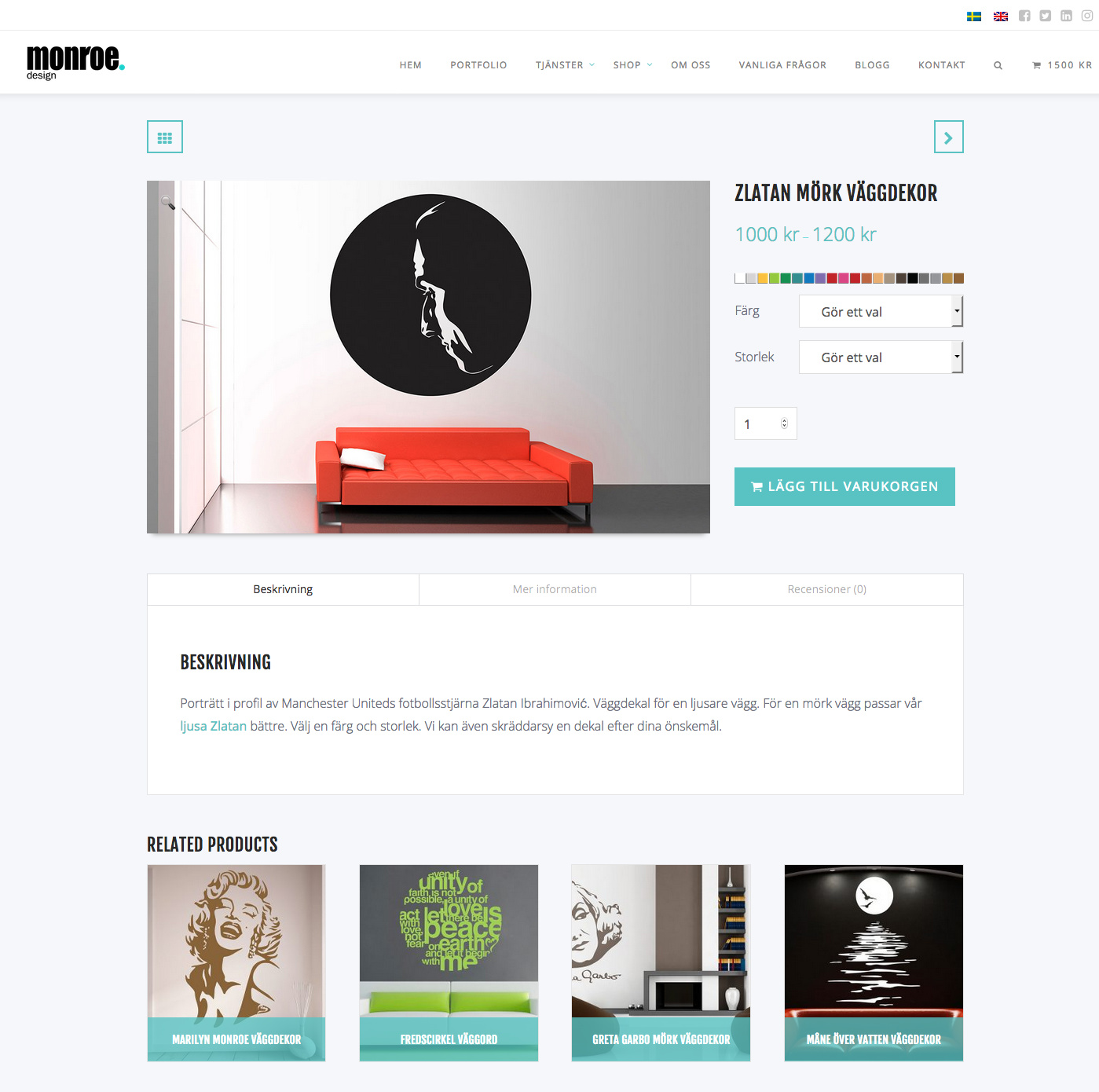
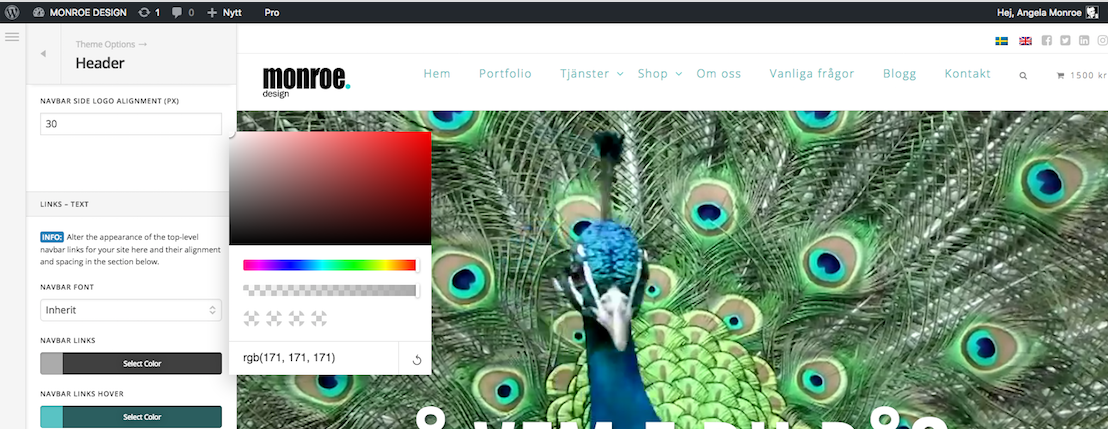
There’s a bug in the header settings, which make the nav loosing its styling. All nav buttons should be grey as in attached image. Instead it now looks bad like this.
This bug happens sometimes when I update something in the Theme Options. I usually work around the bug by changing header setting to static top. I save. Then I change it back to fixed top and the header usually looks correct again.
Now this workaround stopped working. Since I have pain in the butt WPML custom placed flags, I’d love not to have to recreate navigation with the header builder.
Is there a way around this? It was working earlier today with the new Pro installed!