This is what my website currently look like

But I want it t look like this

How do I get a space in between the two? I went to header in theme options but I cannot figure it out
This is what my website currently look like
But I want it t look like this
How do I get a space in between the two? I went to header in theme options but I cannot figure it out
Hi,
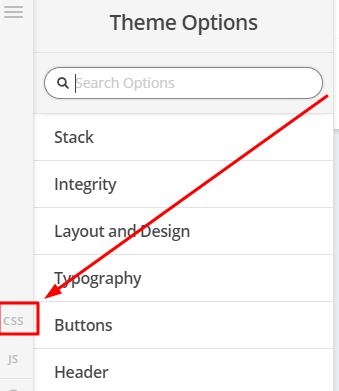
To add space, you can add the code belos in Theme Options > CSS
.has-mtsnb {
    padding-top:45px;
}
Hope that helps
Hello Shamalee,
Please try to update the code to:
body.has-mtsnb {
    margin-top: 45px !important;
}
Hope this helps.
I figured it out, thanks
The plugin was the what was causing the issue
Glad to hear you got it sorted.
Cheers!
This topic was automatically closed 10 days after the last reply. New replies are no longer allowed.