HI! After upgrading the X Theme and Cornerstone my website us malfunctioning. A page does not load the text, only the essential grid. I have tried redoing it but it isn’t showing the texts. I tried to edit my home page, and when i am in Cornerstone all of the items look awkward, and editing posts also.
Hi @jimenagordillo,
If you are using a CND or a caching plugin, please make sure to flush your site’s cache.
If the issue persists, please try to have the PHP memory limit of your site increased.
To do this, please edit your wp-config.php file and insert these lines:
    define( 'WP_MEMORY_LIMIT', '256M' );
    define( 'WP_MAX_MEMORY_LIMIT', '512M' );
You can add it before the line
/*That's all, stop editing! Happy Blogging. */
Here is a details article about the PHP Memory Limit that is in our Knowledge Base:
In case the issue persists, please try to get in touch with your hosting provider and confirm to them that your PHP memory limit is increased.
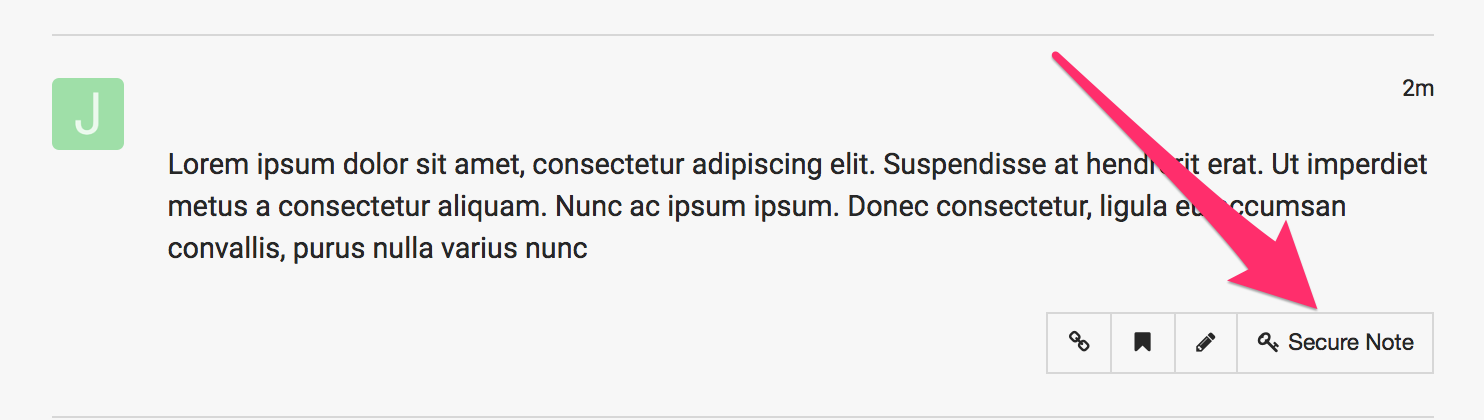
If you are still having an issue, please provide us with the admin details of your site in a Secure Note so that we can check this further.
HI, we have flushed the cache plugin and we checked or PHP memory limit and it is currently at the limits you are telling me. Two of my main pages are not showing what I’ve done with cornerstone and they look like if they were the default blog page. I cannot get to show all the edits done with cornerstone on them.
One of them is:
https://cronicaspuzzleras.com/nuestros-puzzles/
Hi @jimenagordillo,
Credentials is not working when I tried to login. Incorrect password.
The page you shared is an archive page. Its content is controlled by a template. That is how it is setup by default. Cannot be edited using cornerstone. That’s the reason why it looks like a blog page. Blog page too is controlled by a template. The template dictates the content of the blog, archive, and tag pages.
Looks good on my end:

Hi, I’ve created new passwords and I’m sending them
Ths was created not as an archive page, it was edited with Cornerstone and it was completely different. Since the update this page and my website’sBlog page (not the default page, but one I created) changed and they look like this. If you access with the credentials on this page you can see all the edition it has with cornerstone.
I am looking at my web and I’ve found two pages that are malfunctioning too: https://cronicaspuzzleras.com/nuestros-puzzles/ and https://cronicaspuzzleras.com/en/news-events/
Hello @jimenagordillo,
I have checked your site and I can see that there is a slug conflict between your pages and your categories. Please make sure that your categories do not have the same title or slug with the pages. Take for example, you have a page called “Nuestros Puzzles” and in the Posts > Categories, you also have “Nuestros Puzzles” category. There should be no identical slug because this is what is happening in your site.
Please let us know how it goes.
HI. Thanks a lot. We changed This and now its working.
You’re welcome!
It’s good to know that it has worked for you.
1 Like
This topic was automatically closed 10 days after the last reply. New replies are no longer allowed.