On one of my web pages, the content moves with some numbers and punctuation. They get flip flopped and look all funky- as seen with the phone number and address, but is not limited to that. It looks fine with editing, but changes when I actually load the page. On another page, the bullets are the wrong color and look fine when editing…
Hello There,
Thanks for writing in!
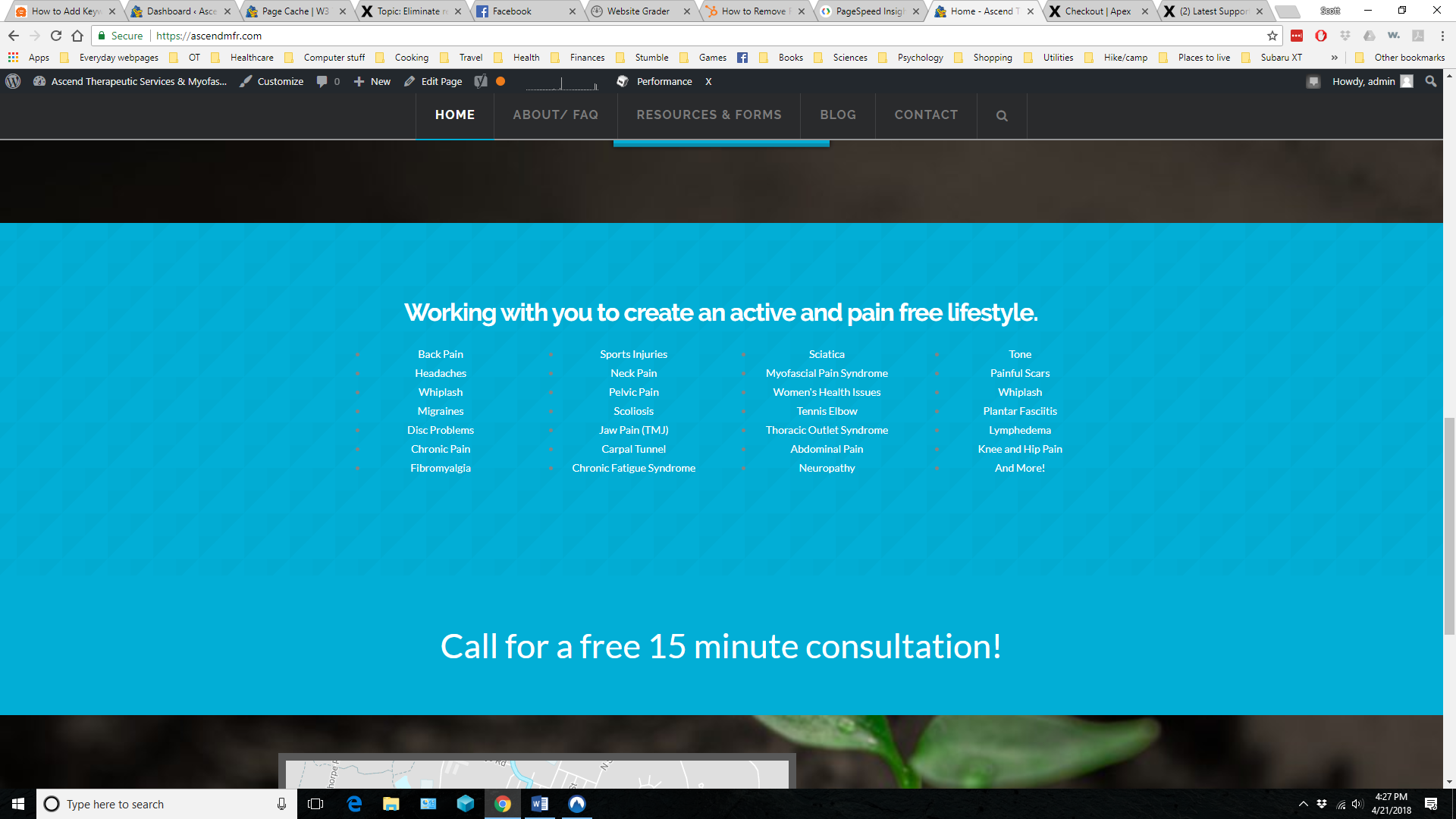
It turns out that you have inserted a custom html list code in the content area. To change the color of the bullets, please edit your page back in Cornerstone and insert the following custom css in the settings tab, Settings > Custom CSS
.x-bar-content-area ul,
.x-bar-content-area ol {
    color: white;
}
The other section is displaying correctly. Here is what I am seeing right now:
Hope this helps.
Thank you!!
You are most welcome. 
This topic was automatically closed 10 days after the last reply. New replies are no longer allowed.