Hi, how can I seperate the my account page in 2 columns? login on the left, register on the right
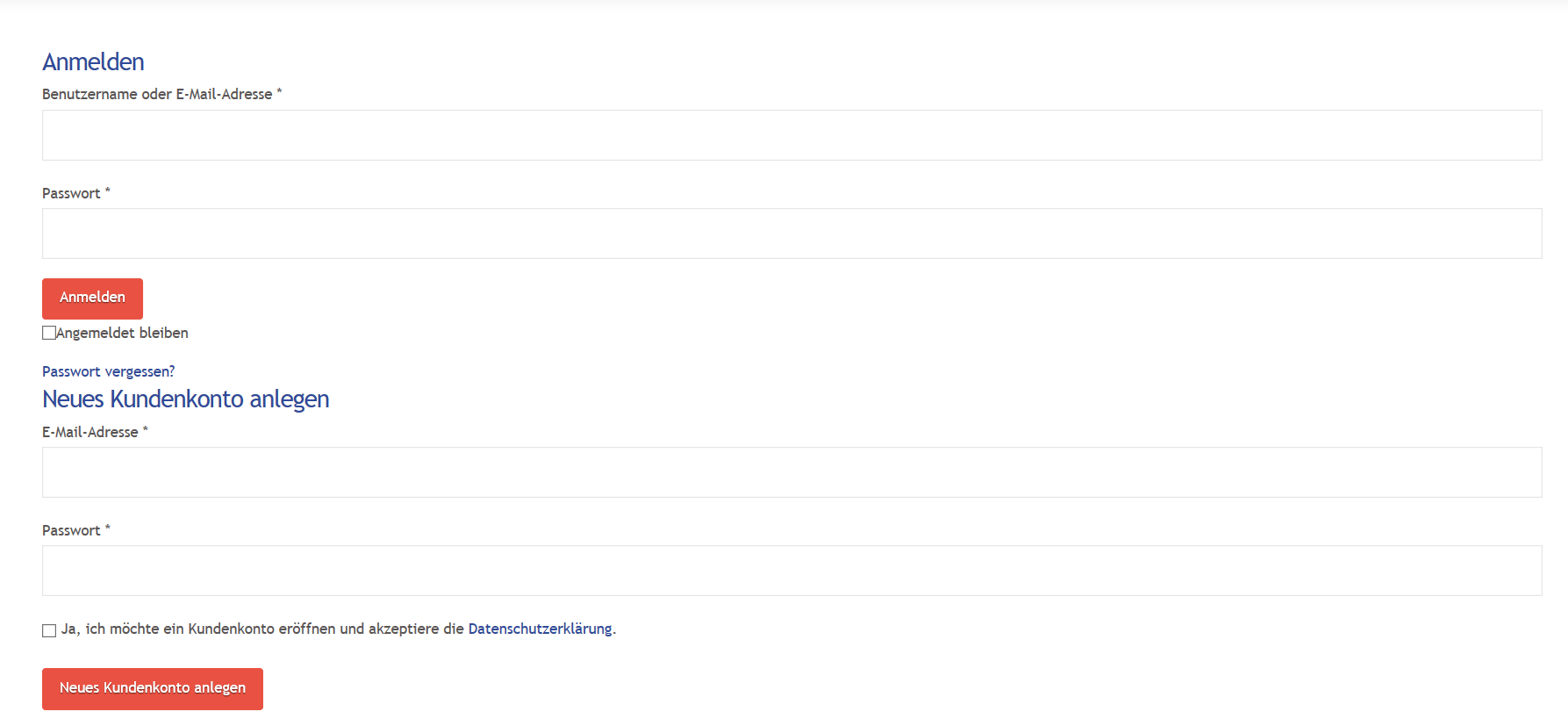
any ideas?
Hi, how can I seperate the my account page in 2 columns? login on the left, register on the right
any ideas?
Hello @nikolaus.kemetner,
Thanks for asking. 
Please add following CSS under Pro > Theme Options > CSS to have two column layout in account page:
.u-columns, #customer_login {
    display: flex;
    justify-content: space-around;
}
If you would like to learn about CSS Flex property, please take a look at following article:
_After doing the updates, always remember to clear all caches (if you are using WP Rocket, WP SuperCache or W3 Total Cache) when updating so that the code from the latest release is always in use. This will help you to avoid any potential errors.-
Thanks.
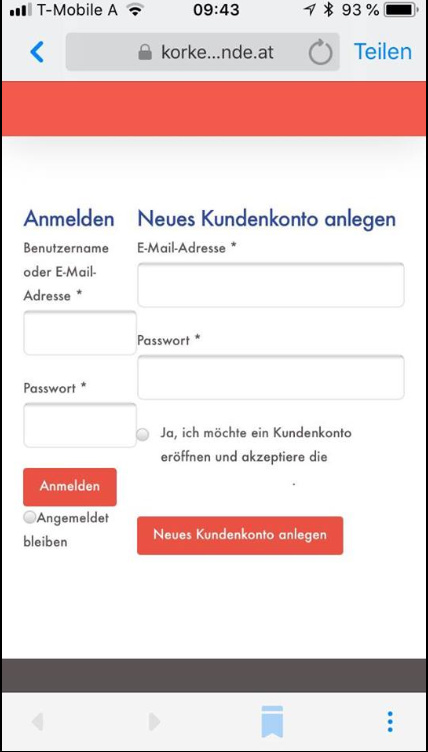
thx it worked, but how can I make it only 1 column on mobile?
Hi Nikolaus,
Can you please try updating the above provided code as follows and see if that helps.
@media(min-width:767px){
  .u-columns, #customer_login {
    display: flex;
    justify-content: space-around;
  }
}
Hope that helps.
Thx it worked.
One more question:
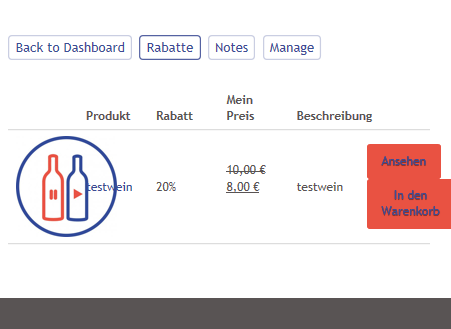
In the my account area in “memberships” i would like to delete the Product picture column, because it doesnt look nice like this.
Any ideas?
https://www.korkenfreunde.at/mein-konto/members-area/214/my-membership-discounts/
Hi there,
Would you mind providing a sample login in a Secure Note so that we can access the members area of your site and provide you with the correct CSS code?

Thank you.
ok I created one!
Hi @nikolaus.kemetner
You can add this CSS code to (Theme Options > CSS) to achieve that:
.membership-discount-image {
    display: none;
}
Thanks.
This topic was automatically closed 10 days after the last reply. New replies are no longer allowed.