Hi,
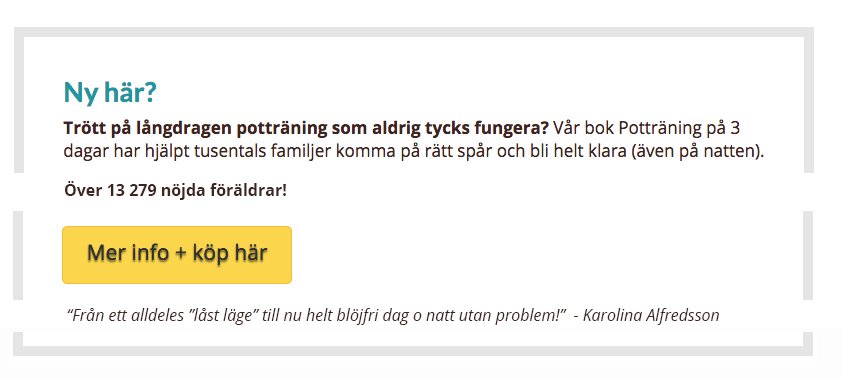
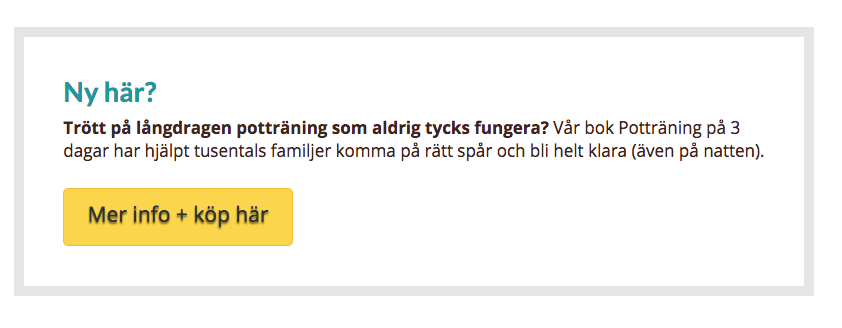
I’m learning how to use the shortcodes, and I have created a promo that looks like the attached image. I’d like to add two lines of text to this promo, one with a line break above the image and one sentence below the button which is italic - please see attached image that I put together in Photoshop. Is this possible to do? If yes, how can I do it?
Many thanks,
Sofia