Mobile page

Hi,

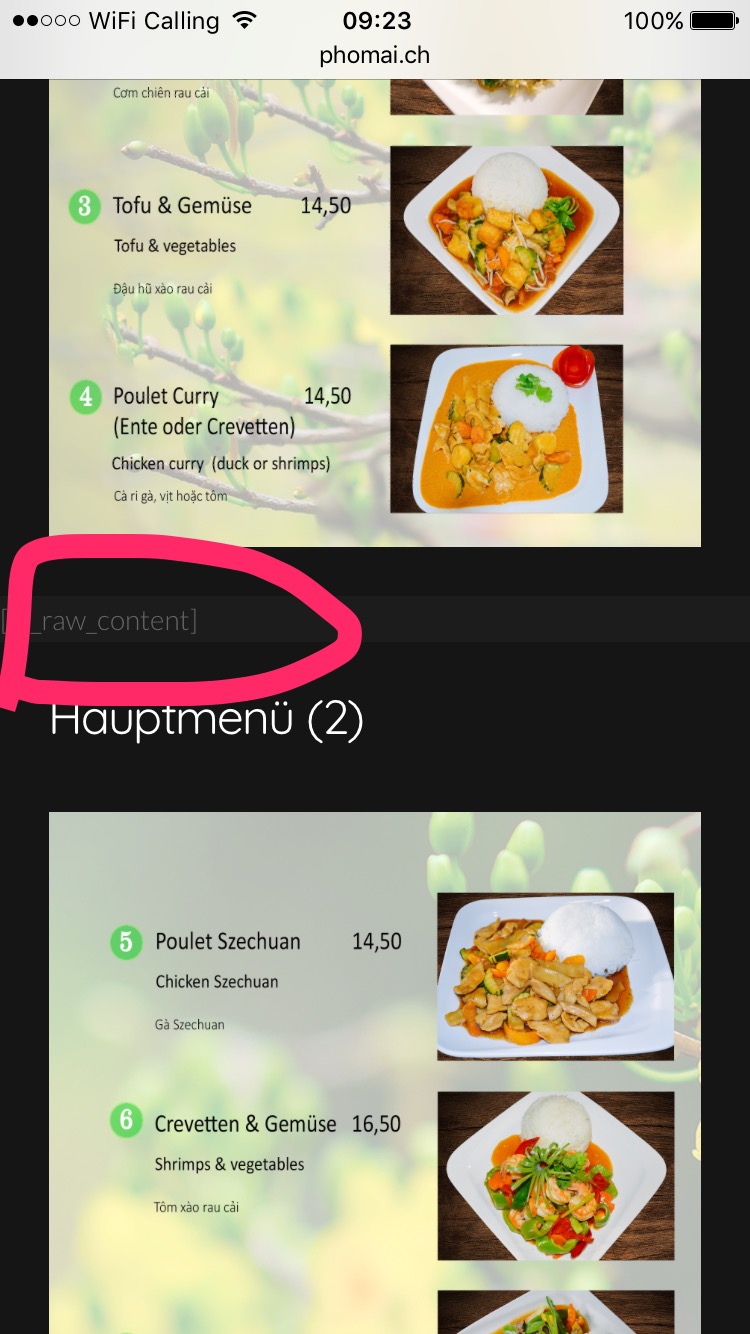
This code can be found on the mobile page. (See attachement)
Pho Mai

But as soon as I remove the code it changes the whole layout and we do not want that. The problem is only on the mobile side, how can we solve it?

Thank you for your feedback!

Regards,
Sasha
Hey There,

Would you mind providing us with login credentials so we can take a closer look? Please provide following information:

Set it as Secure Note

  • Link to your site
  • WordPress Admin username / password
    -Specific Page

All the best!

Hello there,

Just to follow up with this ticket, kindly try this solution and let us know if it has worked.

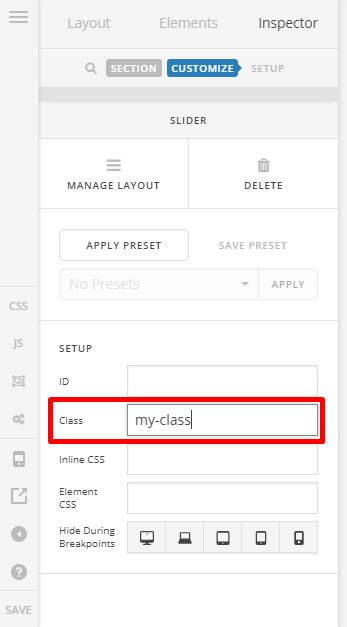
Go to 2nd section of this page, and add a class. E.g. my-class

Then add this code into X > Theme Options > CSS:

@media (max-width: 767px) {
     .my-class .vce-text-block-wrapper {
          display: none !important;
     }
}

If this didn’t work, please get back to us with the following login details above so we can share to you the exact fix.

Thank you.

This topic was automatically closed 10 days after the last reply. New replies are no longer allowed.