Mobile Nav Button Not Displaying

Hi,
Can you please help me to figure out why my mobile nav button is not displaying?

I updated my theme and website recently but I can’t figure out the cause of this error. I haven’t make any changing to my site in the last year so I don’t know why my mobile nav button disappeared.

I am using a third party menu plugin, so I deactivated to test for a conflict but unfortunately my mobile nav button was still missing.

Please advise.

Thank you!
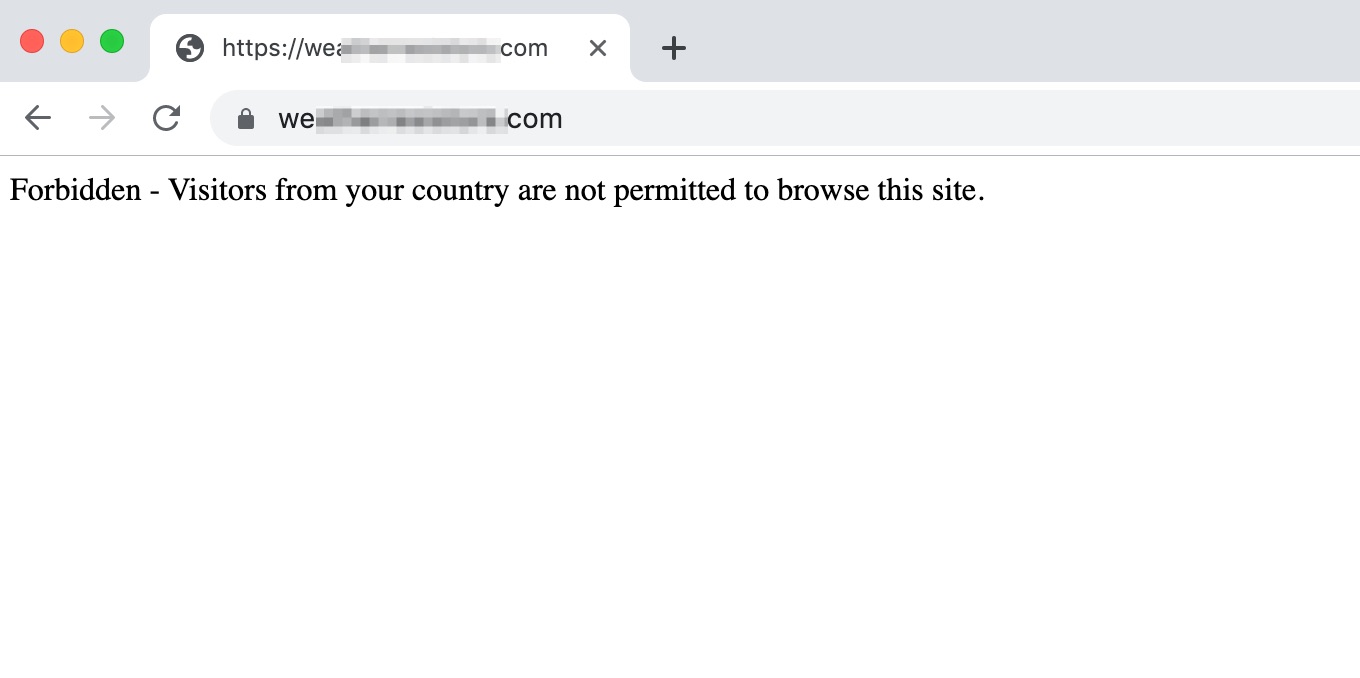
Hi @quituck,

I tried to check your site but I am blocked from accessing it:

Is there a chance that you can temporarily disable the IP blocking on your site so that we can check it?

For the meantime, please make sure that you have fully flushed the cache of your site.

Hope this helps.

Please check again you should be able to access the site. I unblocked all country’s. Can you tell me you country so I can whitelist it?

Thank you!

Hello @quituck,

We do not recommend it unlocking it by country. Please be advised that our staff were scattered across the globe so we can serve 24/7 for our support. You may disable the plugin blocking the access temporarily.

Meanwhile, I would assume that you are using Ethos stack. In the stack, the default color of the mobile menu is white. To get this resolved, please add the following CSS code in the X > Theme Options > Global CSS (http://prntscr.com/evui3r)


.x-navbar .x-btn-navbar.collapsed:hover,
.x-navbar .x-btn-navbar:hover,
.x-navbar .x-btn-navbar {
    color: green;
}


We would love to know if this has worked for you. Thank you.

Problem Solved.

Thanks for your help!

You’re welcome!
It’s good to know that it has worked for you.

This topic was automatically closed 10 days after the last reply. New replies are no longer allowed.