Hi there, I know I keep coming on here for our mobile but the same things keep happening. When I updated a pages menu, on the backend menus section it doesn’t reflect it. For example: If you go to our hawaii page on mobile and click the hamburger menu and then services it still shows our Japanese page when I have removed that.
Hello Ashley,
Thanks for writing to us.
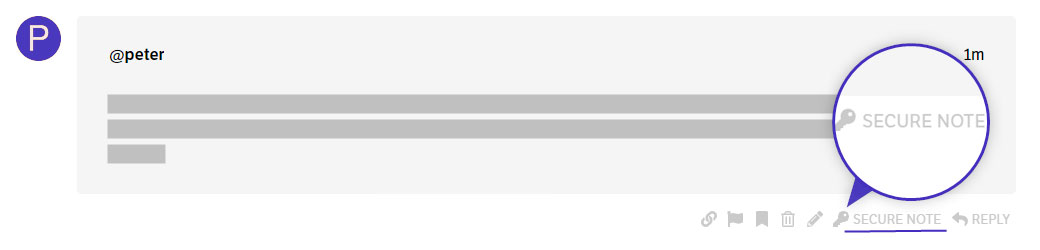
It might be the issue of cache I would suggest you please clear the server cache and plugin cache and check it again. If it doesn’t work for you, we need to check your settings. Please share your details in a secure note. Please provide the following details
- WordPress Login URL
- Admin-level username and password
You can find the Secure Note button at the bottom of your posts
Thanks
Hi, I shared the secure note with you above. I just want to ensure our corporate pages are linked to each menu. Each locations menu should be linked to https://revealhm.com/events/ However, they are linking to event-location which is our older version. I have shared below the menus and the updates I have made and still seeing this on my end.
I have shared some screenshots below. The Japanese is still on there when it is not on the menus section, and that is the link that is taking you when you hit the corporate link when that has also been changed.


Hello Ashley,
It looks like the live page is stuck behind an aggressive cache. I’d recommend purging all website, plugin, and hosting-level caches, then temporarily disabling your caching tool to recheck. A simple way to confirm this is to test the URL with a query string like [https://example.com/?v=1](https://example.com/?v=1) in an incognito browser. If the edits show up there, it confirms the standard page URL is simply serving stale cache.
Thanks
Thank you for letting me know. How do I do that to all the caches? Do you have something that can give me a step by step?
Hello Ashley,
I recommend clearing all layers of cache to make sure you’re seeing the latest version. This includes purging your WordPress caching plugin, clearing your CDN cache (such as Cloudflare if enabled), and clearing any server-side cache. If you’re unsure how to clear the server cache, your hosting provider can quickly flush it for you.
Thanks
Hi There, Thank you I am happy to do all of these things, however, can you please let men now how to connect with my hosting provider or where to go to clear these? I want to make sure I clear the correct things. Thank you.
Hey Ashley,
We also cannot guide you as we are not familiar with your web host. Please contact your web host. Caching is similar in all web hosts so they just need to clear all caches on their end.