My header color is white and the mobile hamburger menu color is also default set to white so you cant see it. There are no settings in the theme options that would allow me to update this. Also running into the same issue with the footer block and font color. Can you please advise? Thanks!
Hey Jessica,
You’re using the Ethos stack and it’s a dark theme. You will need to override the colors using CSS and it will take a lot of coding to override the colors or turn Ethos into a light theme.
I’d recommend you switch to the Renew stack if you wish your Header to be white and also change what color you like for the mobile button.
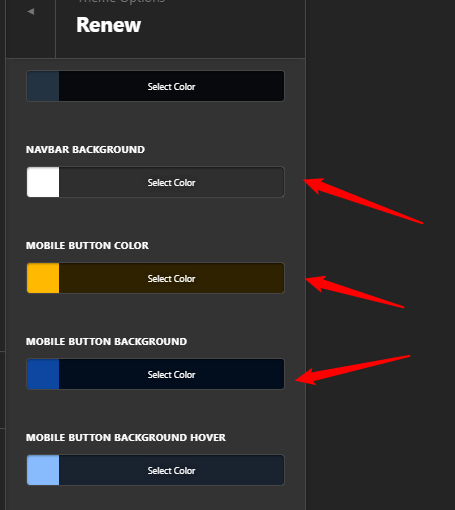

If you wish to continue using Ethos, you will need to upgrade to Pro so you can replace the Original header with a custom one.
Thanks.
1 Like
This topic was automatically closed 10 days after the last reply. New replies are no longer allowed.