Hello @giantishere,
Thanks for writing in! Could you please update to the latest versions?
Our latest versions are:
- X theme
8.0.10
- Cornerstone
5.0.10
This latest release contains fixes for several issues so be sure to check out the changelog:
After doing the updates, always remember to clear all caches (if you are using WP Rocket, WP SuperCache or W3 Total Cache) when updating so that the code from the latest release is always in use. This will help you to avoid any potential errors.
After the updates, please make sure that your image logo width is small enough that can display on smaller screens.
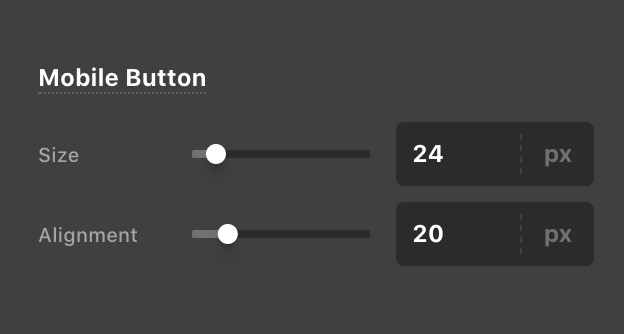
And then please ensure that you have set the Mobile Menu size and alignments to in Pro > Theme Options > Headers > Mobile Menu. Saved the options to update the global settings.
Please let us know how it goes.


