Missing Radius Options on Elements

Hello,

I am missing the options on my left menu bar to edit the radius for an element. I have gone into my settings and selected “Advanced Features” -> On. However I am still not seeing the ability to edit the radius. Any help is appreciated. Thanks

  • A

Hi There,

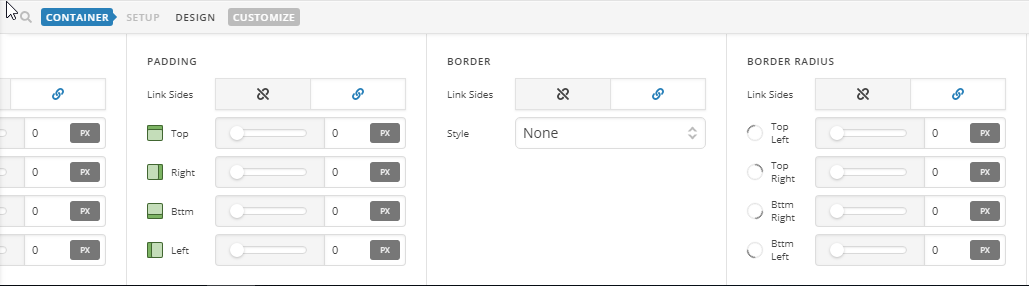
The bar doesn’t have the border radius option, please add the border radius to container instead:

Hope it helps :slight_smile:

Im not sure if it matters but my inspector runs along the left side of the screen, not the bottom. But i dont see where I am able to edit the radius. I may be missing something.

Hello There,

Based from your screenshot, you are editing in Cornerstone and using a classic section. Please be advised that the advance controls such as the ability to change the border radius in an element is only available to the v2 elements.

Please make use of the v2 elements instead and check the element settings in the left side panel.

Hope this helps.

This topic was automatically closed 10 days after the last reply. New replies are no longer allowed.