Dear Sir/Madam,
Thank you so much for your support as always. I am wiriting to ask why the logo here is missing. And what should we do to make it appear. Thank you!
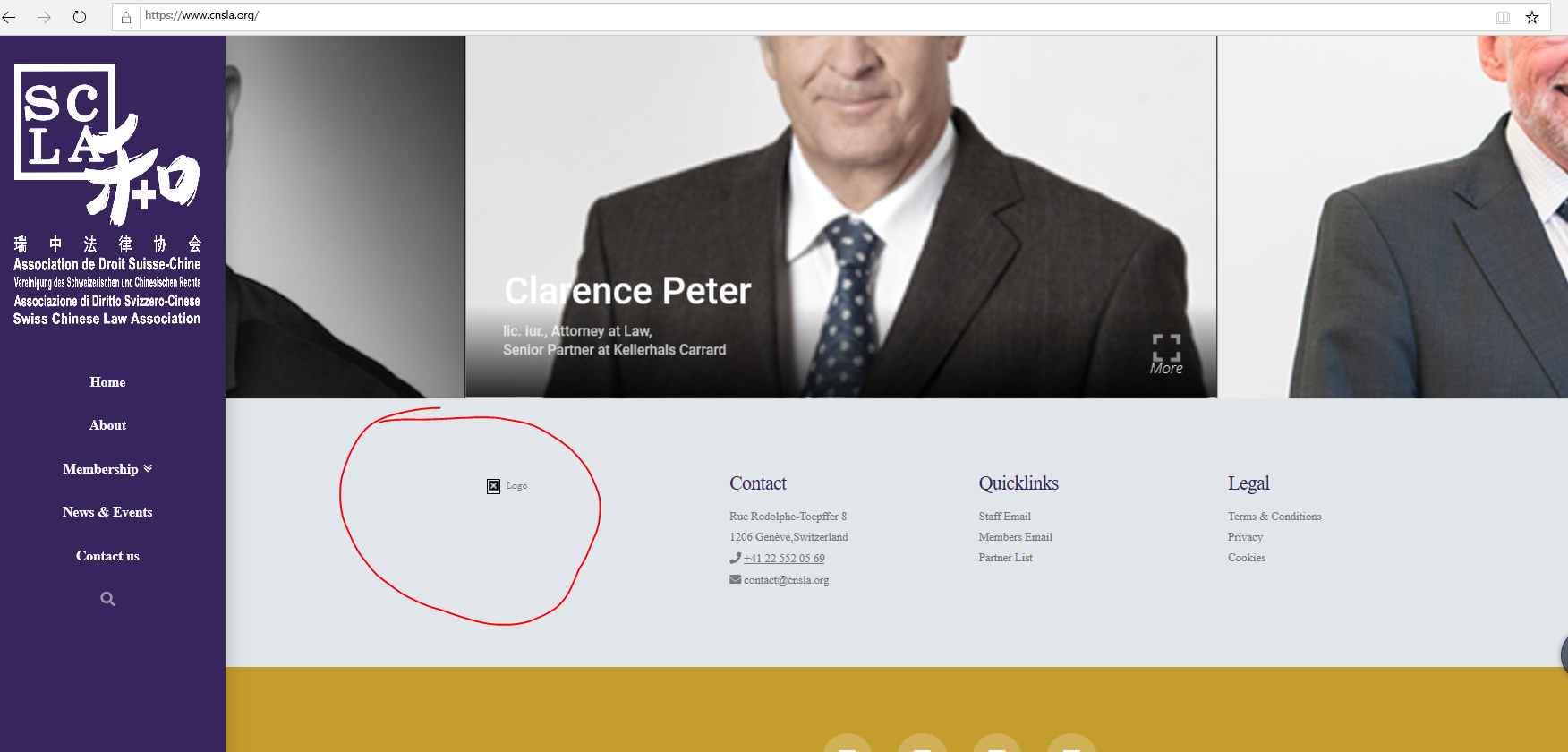
Dear Sir/Madam,
Thank you so much for your support as always. I am wiriting to ask why the logo here is missing. And what should we do to make it appear. Thank you!
Hey Tianze,
I checked your image and it exists. The issue is with your HTML in the Text Widget. You have double double-quotes.
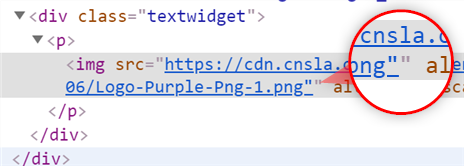
Remove the other double-quote.
Hope that helps.
Dear Christian,
Thankyou!
Can you let me know by how that i can find the code?
Thank you again!
Hi Tianze,
Please go to Appearance > Widgets : Choose Footer 1. Edit the content of that widget in there.
Hope this helps.
Dear Lely,
Thank you. I have changed it, however, it still does not work.
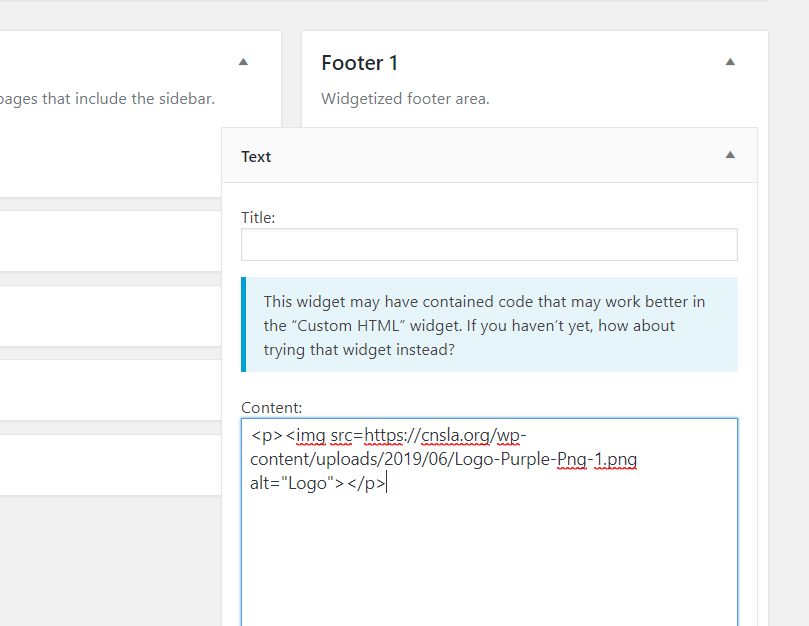
What should i do?
Hi Tianze,
You have removed all the double quotes in the src value. It should be src="https://cnsla.org.....".
Hope this helps.
Dear Jade,
Thank you so much for your reply , all the times. I wish if i can purchase additional service for your help, because i think you provide great help in our website, and what i am going to do is to promote Theme X to all my colleagues, and let them know your great company.
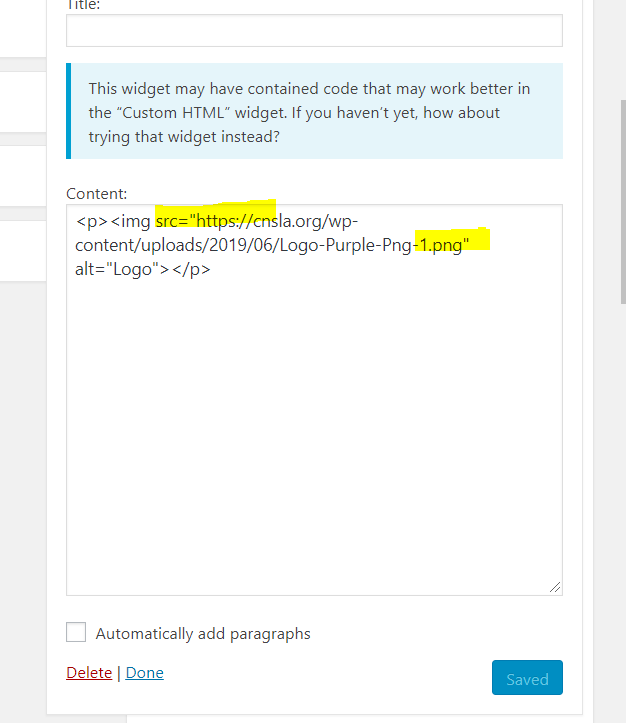
I added “”, however, it still does not work
Hello Tianze,
Thanks for updating the thread. 
Can you please reload the page or try clearing the cache as on my end Logo in footer is showing up fine? I checked the source of website and can see that you are using W3 Total cache along with Jetpack Image CDN. Please clear the cache and then reload the website again.

Thanks.
This topic was automatically closed 10 days after the last reply. New replies are no longer allowed.