Hi - I had issues with the Wordpress upgrade like everyone else. Everything is now up to date with one annoying problem remaining. The Blog link in the header of https://therightfive.com/ doesn’t work anymore. SG Optimiser is deactivated, I’ve cleared cache, I’m not using Cloudflare, I’ve cleared the Cornerstone style cache - all to no avail. Could you take a look please? I’ll add login details in a secure note. Thanks, Neil
Hello @neilhartley,
Thanks for writing to us.
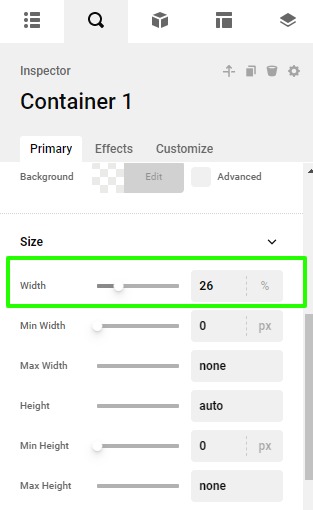
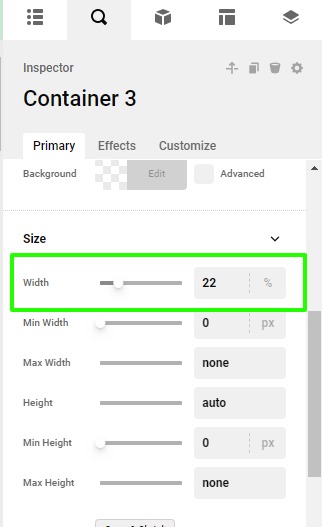
It seems that the menu container was getting overlapped by the other container just because the link was not working, I went ahead and set the width of the container. Please have a look at given screenshot below.

Thanks
Thanks Prakash. That got the link working again but the menu isn’t as responsive as it was - the base breakpoint shows the menus overlapping. Also, the % used across the 3 containers don’t add up to 100% - did you do that on purpose? They add to 90%.
I had a play with the column widths and deleted some menu items to make it more compact. All is well now. Thanks again. Neil
This topic was automatically closed 10 days after the last reply. New replies are no longer allowed.