Menu error appearing on my SHOP page since installing WPML

I am trying to: Correct an error appearing on my SHOP page since installing WPML

Link to a page where the issue can be seen: https://vivatonic.pt/shop/

I expected to see: The usual shop layout, not yet translated

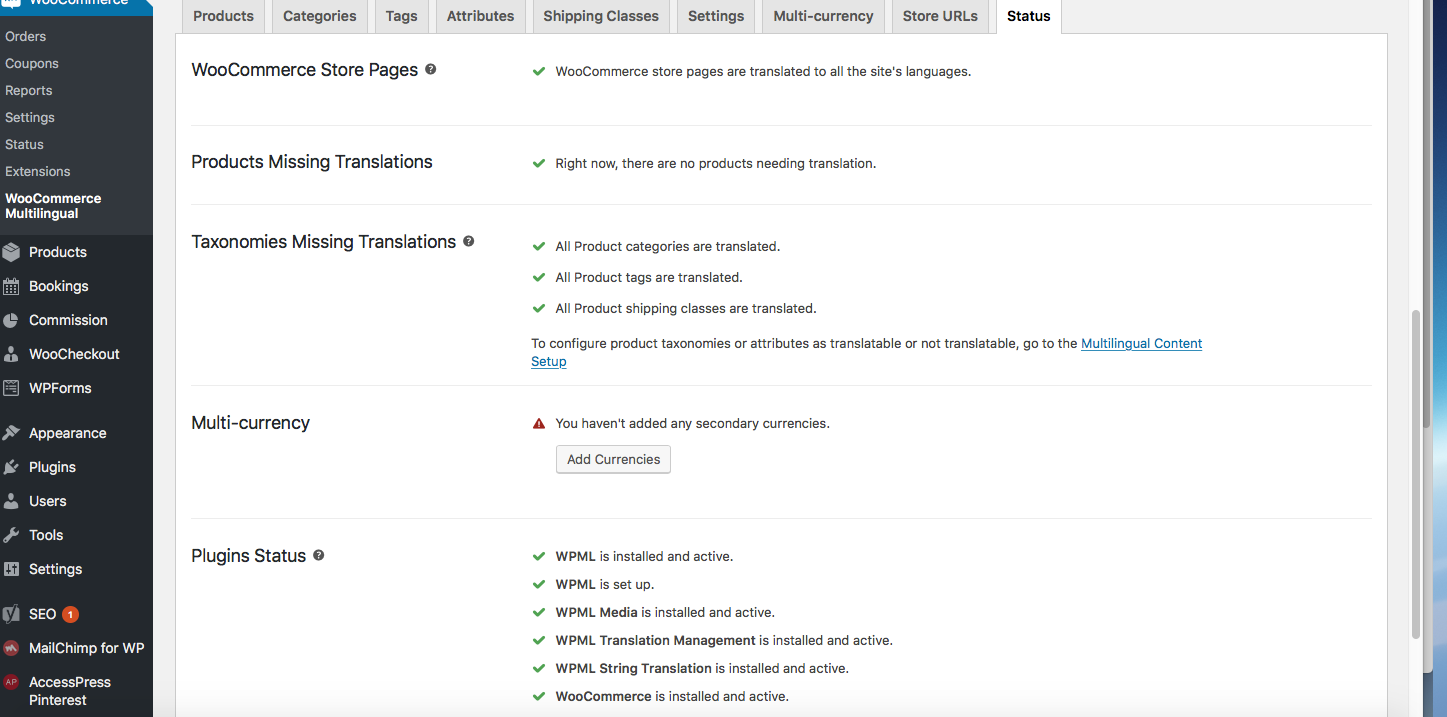
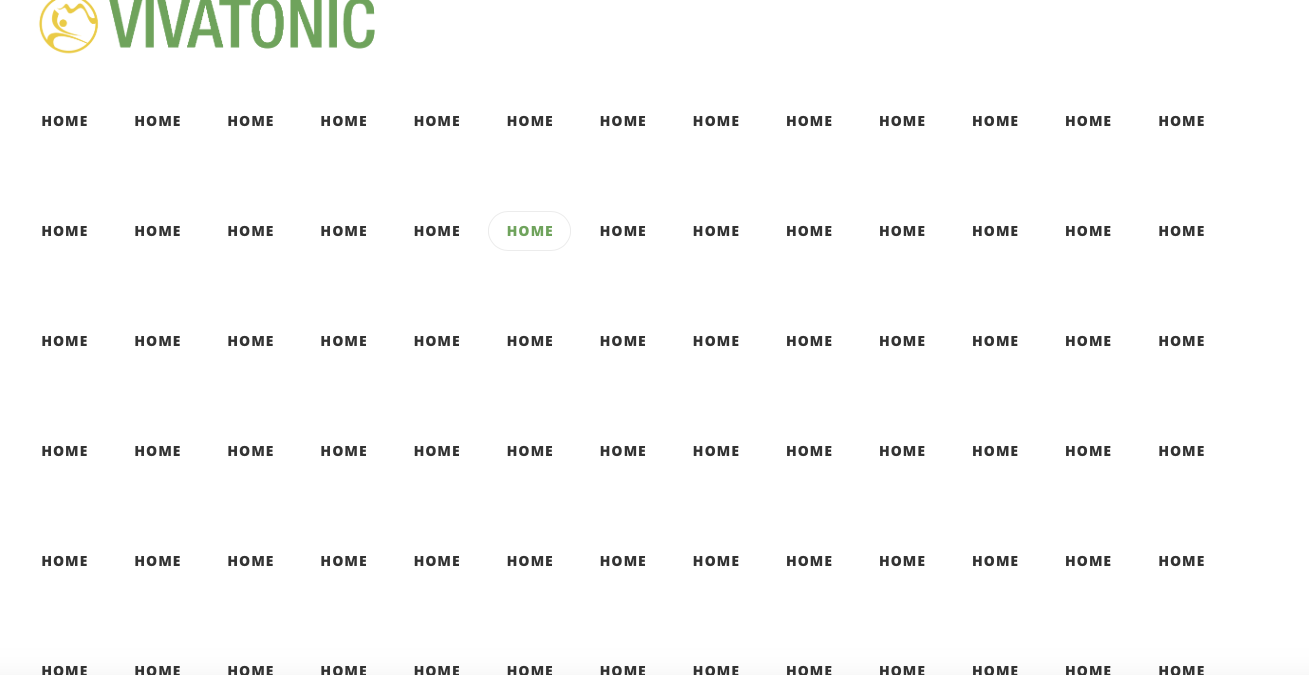
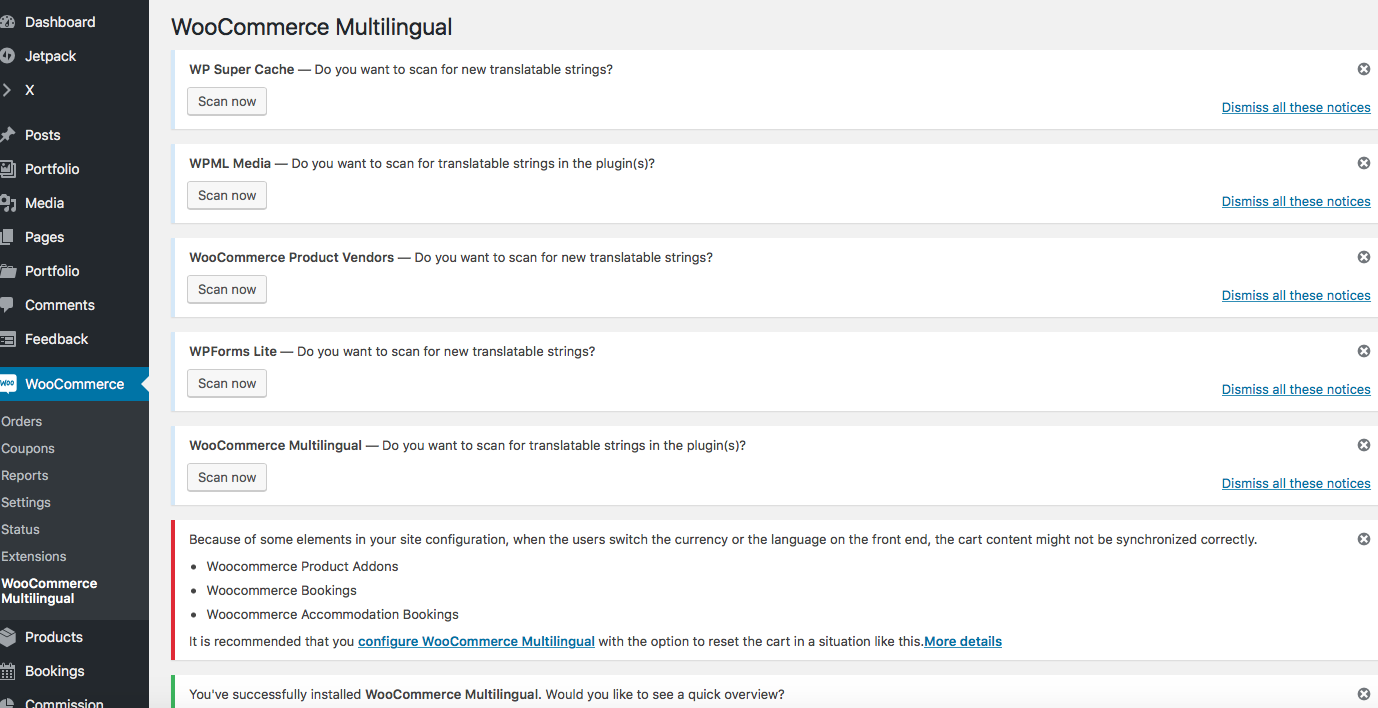
Instead, I got: The site menu repeated 80 times - not enabling customers to see the products listed unless scrolling down a long way - See screen shots below, showing an example (Screen Shot 1) and then the messages I have received in my WP Admin Dashboard showing that Status in Woocommerce is fine (Screen shot 3) and remaining Woocomemrce Multilingual status messages (Screen Shot 2) which may be the issue?
Hey,

To check this better, can you provide to us your WP credentials? This way we can verify some settings and find the problem faster.

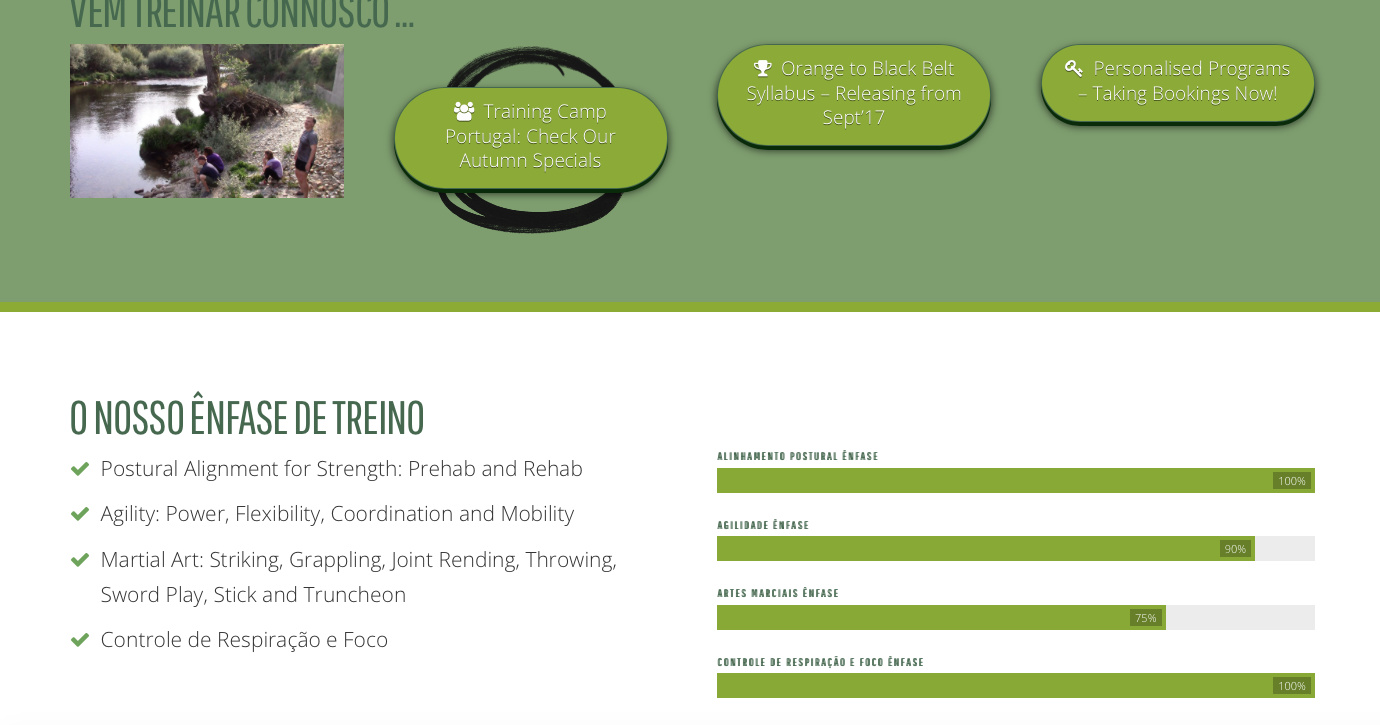
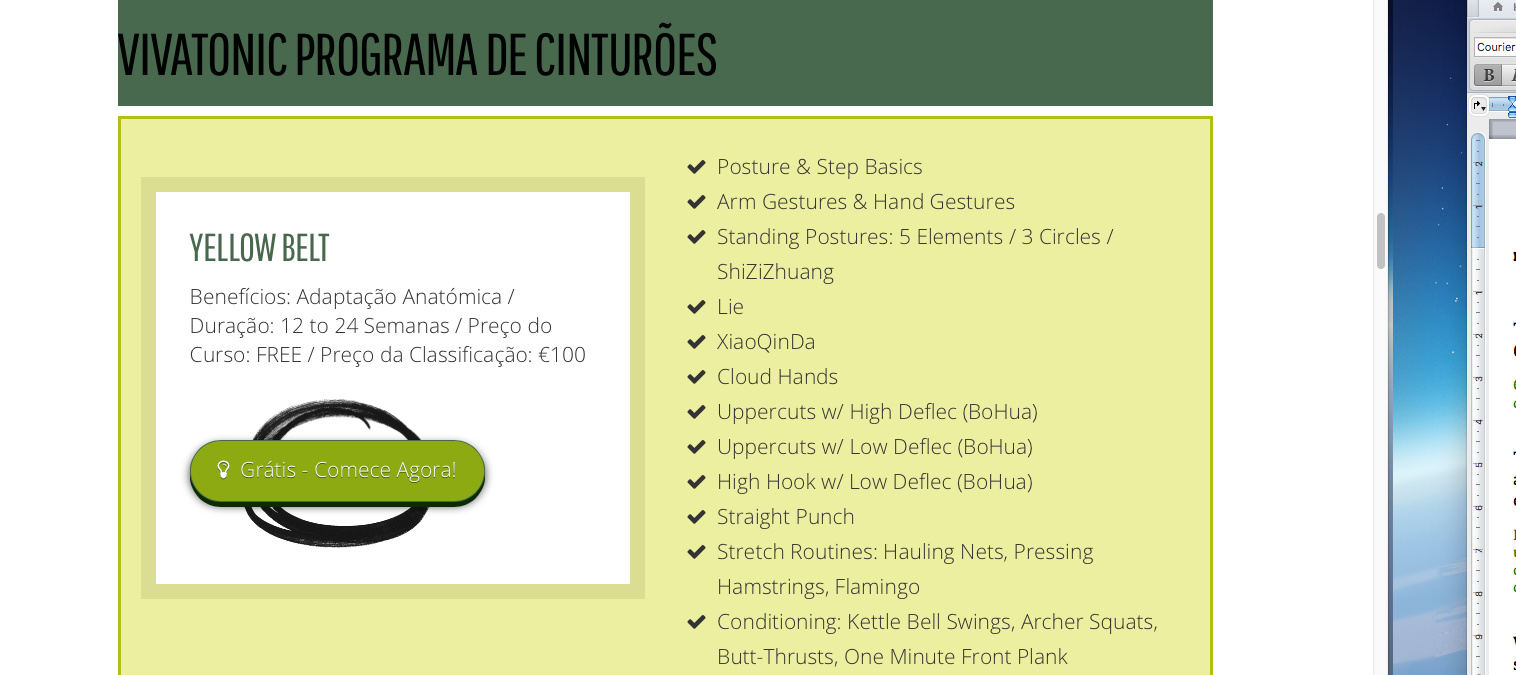
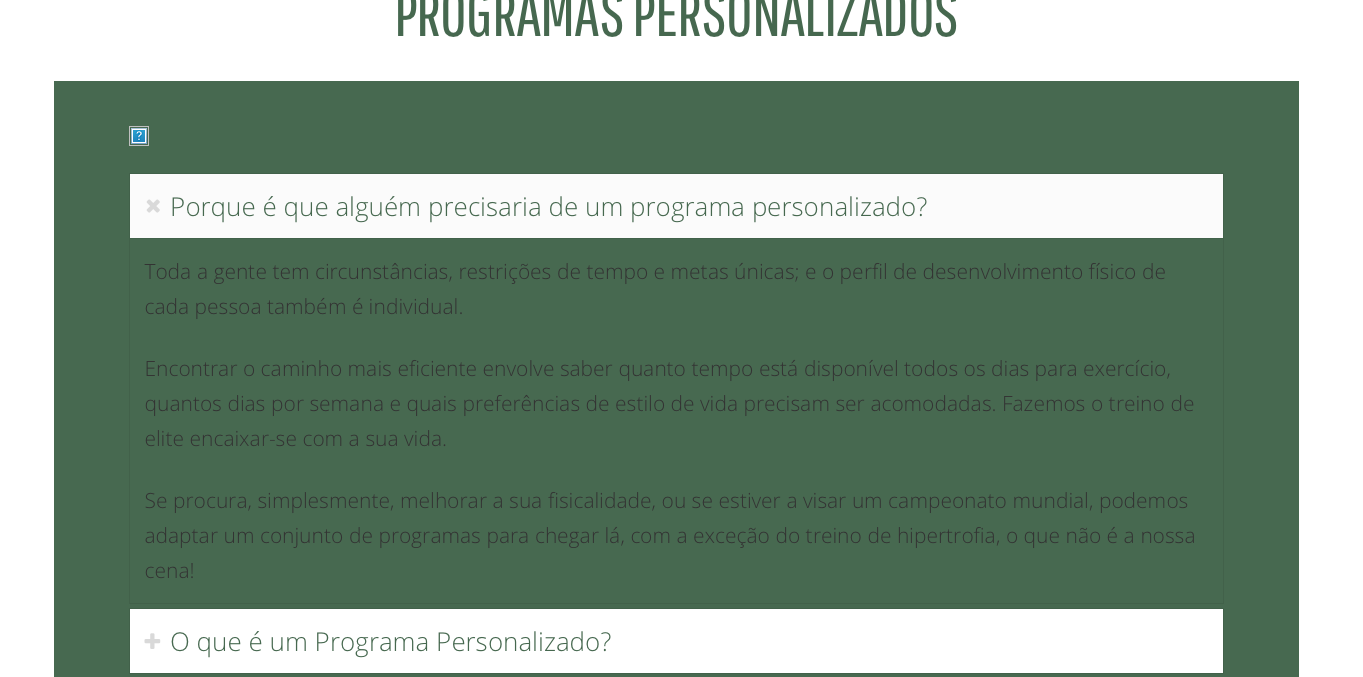
Hi John, how do I send these details privately? In the meantime, there are actually a lot of inconsistencies occuring between my X-Theme and WPML, but the Shop issue is the most disruptive so thought I’d start there. The WPML support team thinks the problem is with my X-Theme, and having trialled changing to the TwentySeventeen Theme this issue was corrected. Other issues include the translated pages not being fully translated (some parts remain in English regardless of the attempts to re-publish the Portuguese), photos not loading, and some “effects” like font colour choices and laayouts don’t translate either. Here are some print screens as examples. Should I wait for the release of the WPML 3.8 update, will this fix it, or are these problems I’m facing addidtional to what has been resolved in the new 3.8 update?


Hello There,

Thank you for the clarifications. This could be caused by a 3rd party plugin. You could try testing for a plugin conflict. You can do this by deactivating all third party plugins, and seeing if the problem remains. If it’s fixed, you’ll know a plugin caused the problem, and you can narrow down which one by reactivating them one at a time.

If still the issue is appearing, would you please give us WP access so that we can take a closer look?

Please let us know how it goes.

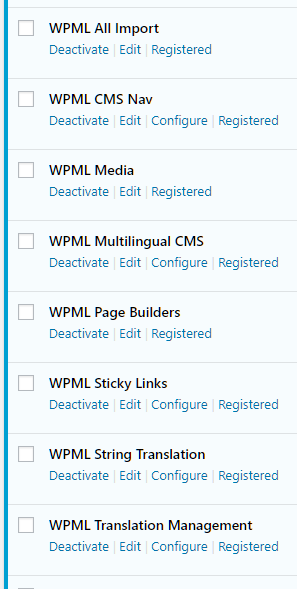
I have already performed the testing for plugin conflict; naturally, removing all the WPML plugins solved the problem, but deactivating any of the other plugins had no effect.

Hello There,

Thanks for providing the login information. After further investigation, I found out that WPML is causing the issue. We do not know why but somehow WPML is overriding the shop menu duplicating several copies of each menu items. I would suggest that you ask further assistance from the creators of WPML. They surely have an explanation to this issue.

Please let us know how it goes.

Good Morning, I have sought further assistance from the WPML team, and funnily enough they are saying that the problem most definitely lies with the X-Theme ! So where to from here huh? I previously tried PolyLang and it wasn’t compatable with XTheme either, disabling Cornerstone. I need a better solution than this please.

You said:

Which of those plugins caused the issue? Once you determine the conflicting plugin, contact the plugin author. WPML maybe pointed to us because this is not an issue with WPML itself. We pointed to WPML because its not an issue with the theme. It looks like you might be having an issue with a third party plugin or script. Regretfully, we cannot provide support for third party plugins or scripts due to the fact that there is simply no way to account for all of the potential variables at play when using another developer’s plugin or script. Because of this, any questions you have regarding setup, integration, or troubleshooting any piece of functionality that is not native to X will need to be directed to the original developer.

Thank you for your understanding.