Menu/creating columns

Hello,

So I’m having 2 problems right now:

1. I’m trying to make a menu, so I used the Standard Left header template, edited what I needed to, and set it as my global template. Then I went to my dashboard and made a menu here and set it as my primary menu
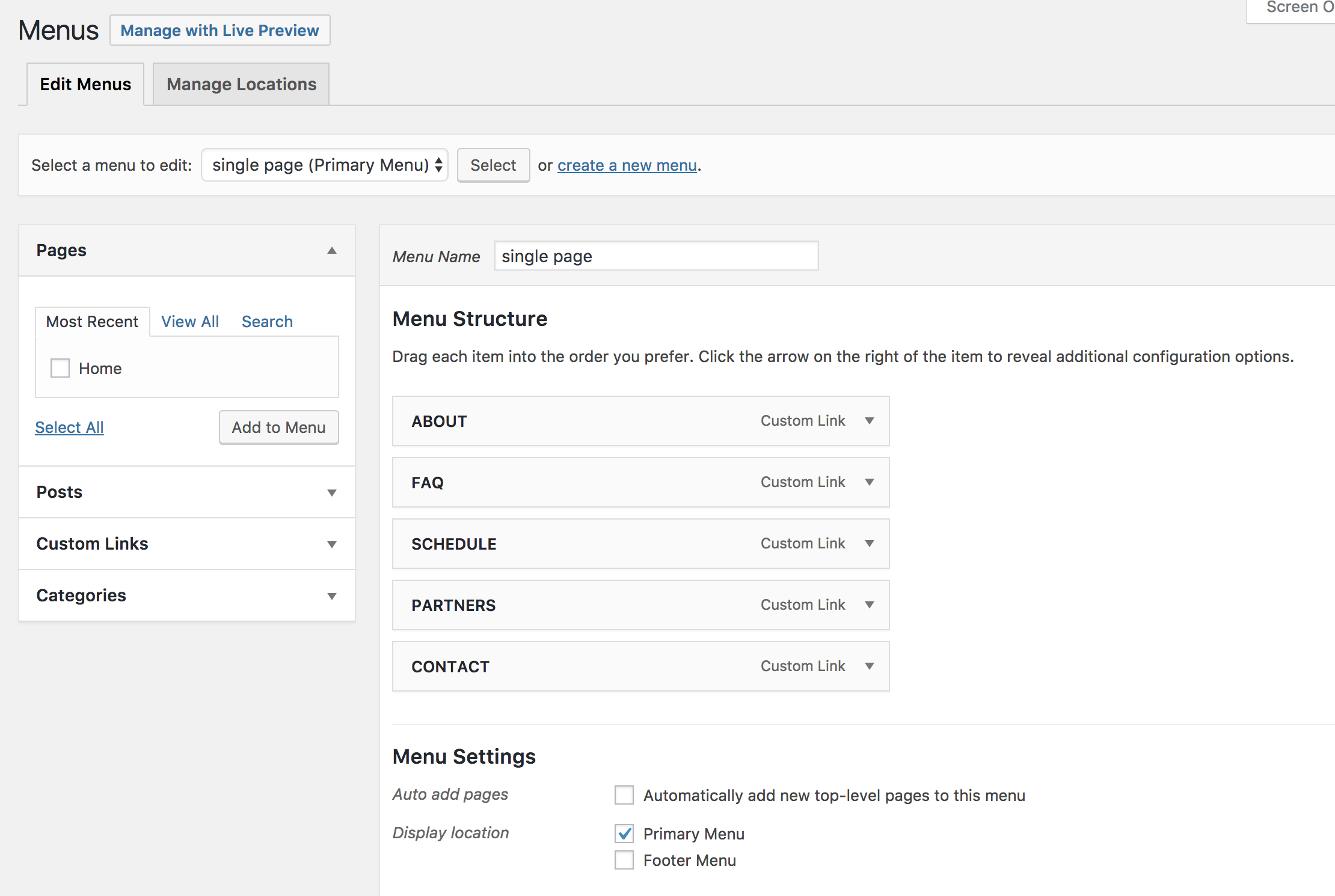
& went to my page to activate one page navigation

However, when I go to my website, I see

instead of “About,” “FAQ,” “Schedule,” “Partners,” and “Contact.”
How can I fix this?

2 I’m creating a schedule and it looks fine when there’s enough space
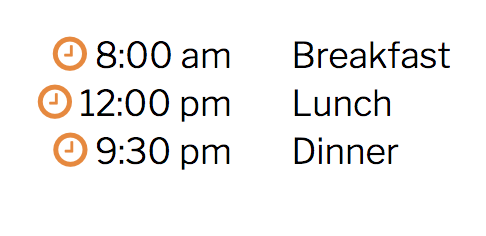
but does this when it doesn’t
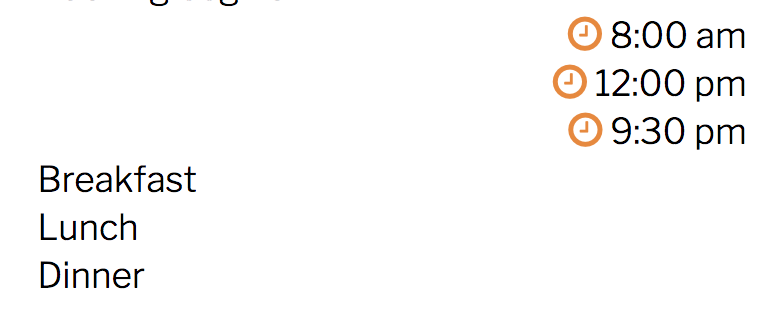
I basically put 2 columns in 1 row and a text box in each column. Is there a way to have one text box with 2 columns instead? Or any other way that would avoid this problem?

Thank you so much in advance!

Hey There,

Thanks for writing in!

1.) Please be advised that the one page navigation option in the Page Settings is only applicable to the default header. Since you are using a custom header, the menu assignment is set in the header builder instead. One page navigation is not yet fully supported with the custom headers by the way. There is a pending entry in our enhancements list that is on going development. It may be fully supported in the next update releases. Please watch out for it.

2.) Coding two columns with current set up is difficult. I would highly suggest that you <table> element instead. This will prevent the layout from breaking up in any screen sizes. You may use this code:

<table>
  <tr>
    <td>8:30 AM</td>
    <td>Breakfast</td>
  </tr>
  <tr>
    <td>12:00 PM</td>
    <td>Lunch</td>
  </tr>
  <tr>
    <td>9:30 AM</td>
    <td>Dinner</td>
  </tr>
</table>

Please ignore first the table borders and spacing. This can be adjusted later on.

Hope this helps. Please let us know how it goes.

1 Like

This topic was automatically closed 10 days after the last reply. New replies are no longer allowed.