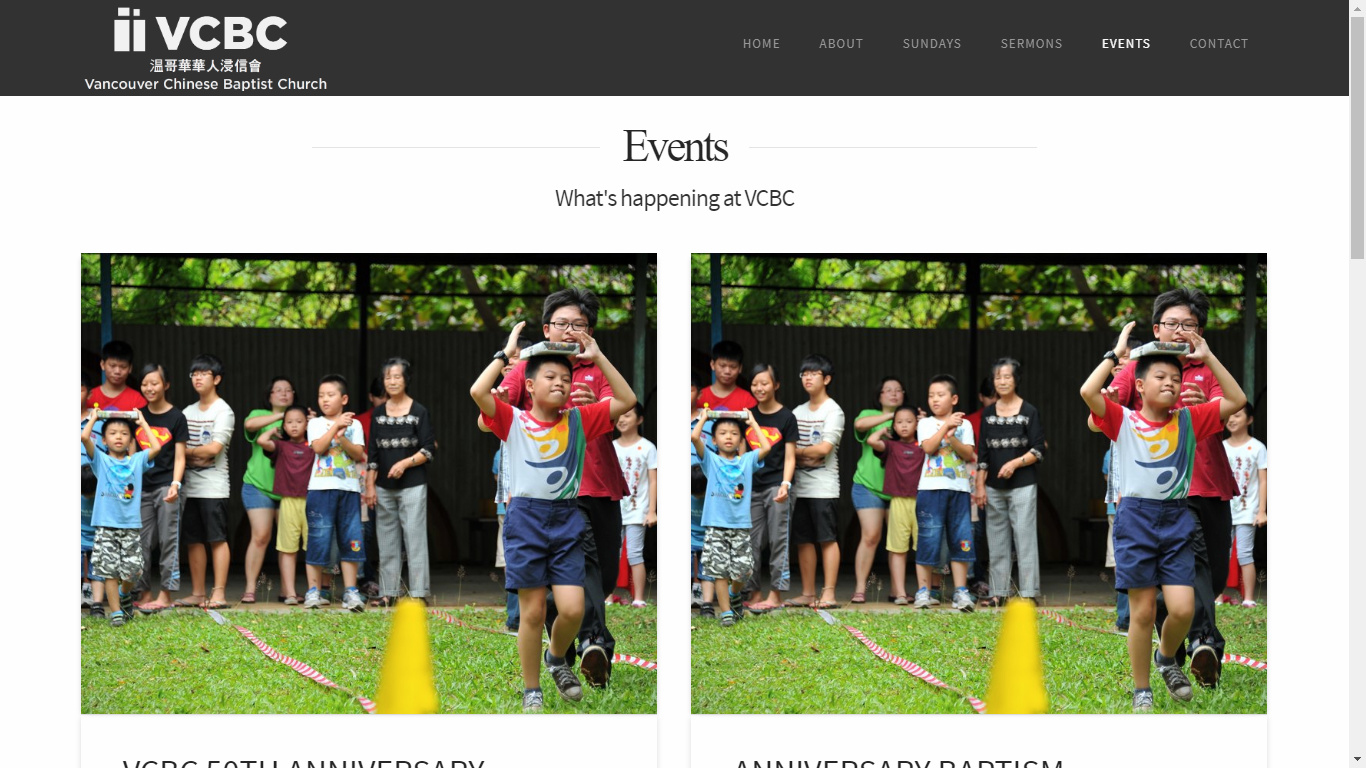
Hi there,
I’m running into a funny problem on Chrome where my category archive page is only showing one column at the widest viewport width even though it’s set to Masonry - two columns with the page set at fullwidth. At narrower viewports, it displays two columns as expected. I’m unable to replicate this with the Inspector (once I inspect the page, both columns show up again) so I have no idea how to fix it. Any ideas?
Here’s the URL: http://vcbc.coraclemarketing.com/category/events/
Thanks.