Margin/padding on an item above footer

I have 2 different layouts…the global is fullwidth, but I use the content + sidebar on all pages except the homepage.

On the other pages, the content is ok, but on the homepage, I can’t seem to find the element to change the margin or padding on whatever element is just above the footer. The page content is ok…but I can’t find this other element.
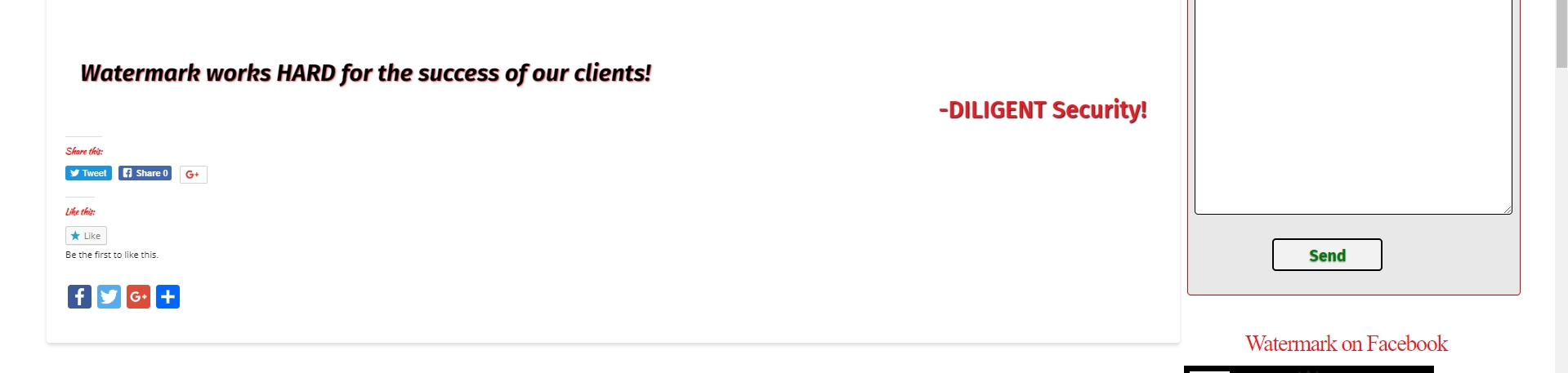
it’s the element that holds the sharing widgets…can you give me the class or ID for the correct CSS element please?

Hi Donna,

Thank you for writing in, are you working on that site below? Sorry, we cant inspect it, it is under construction mode.

You mean that “Share this” area? That is a plugin, not sure what is the name of that plugin though. Please check your sharing plugin and see if there is an option to disable it on pages.

You can find the proper CSS code selector using the Chrome browser Developer Toolbar
For the CSS code itself, I suggest that you get started with this tutorial.

Cheers!

This topic was automatically closed 10 days after the last reply. New replies are no longer allowed.