Margin disappears outside of cornerstone

Hello,

When I edit in cornerstone my page looks fine (I want the top boxes to be evenly spaced) but when I save the site and view it in my browser they are all jammed to the side (as shown in the picture)? does anyone know a fix for this?

Thanks
(login credentials are in secure note if needed.)

Hi There,

Thanks for writing in! You’re experiencing a conflict with your custom CSS rules attached to those columns.

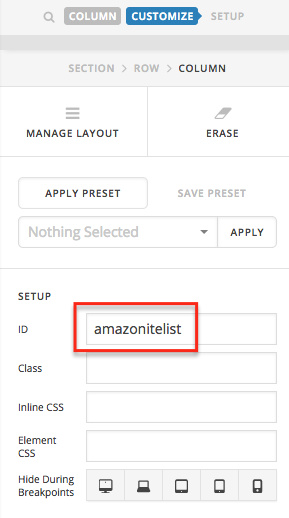
Try removing the IDs that you have added to those columns, save the changes, then clear your browser cache and test this issue again.

Hope that helps.

This topic was automatically closed 10 days after the last reply. New replies are no longer allowed.