Hi there,
TRhank you for providing the screenshot. Now we know exactly what is the request. Regarding the margin between two content bands, you need to be aware that in 3/4 1/4 scenario the Renew stack uses 74% width and 4% margin. To change that you need to add a unique CSS class to the content band and change that setting. I did that for you, I clicked on the edit icon:

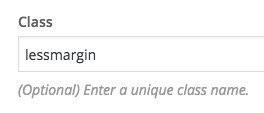
And added a class called lessmargin:
Then I clicked on the CSS icon in the top section of the VC and added the code below:
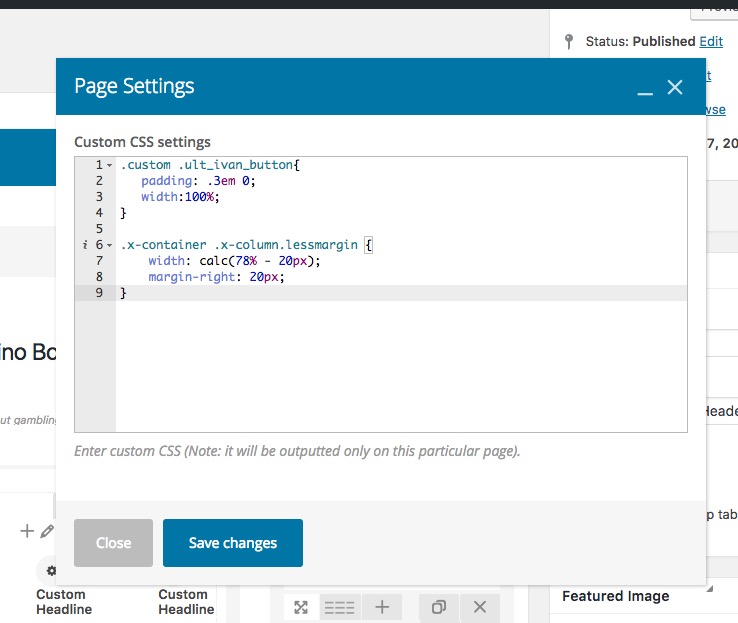
Now in the code, you will see I used the calc CSS function. That will help to calculate the width of the container minus the pixel rate I want. In this scenario I used 20px, you can change that to whatever pixel you want for the margin and the calc function.
Regarding the table you first need to make sure that you use 1/3 instead of 2/6 for the layout custom settings. Secondly you need to add the nomargin class to each of the columns and add the CSS code below:
.nomargin {margin-right: 0 !important;}
Thank you.


