Making a picture bigger

Hi

How can i make the picture bigger under “FreeFalcon Benefits” as it it is too small on the desktop and also on mobile? Could you also tell me how i get the back from green to red under the seem section? It goes green as soon as i scroll down?

Many thanks
Conor
http://test.freefalcnon.co.uk.envirogroupfranchising.com/

Hi There,

Please follow these steps:

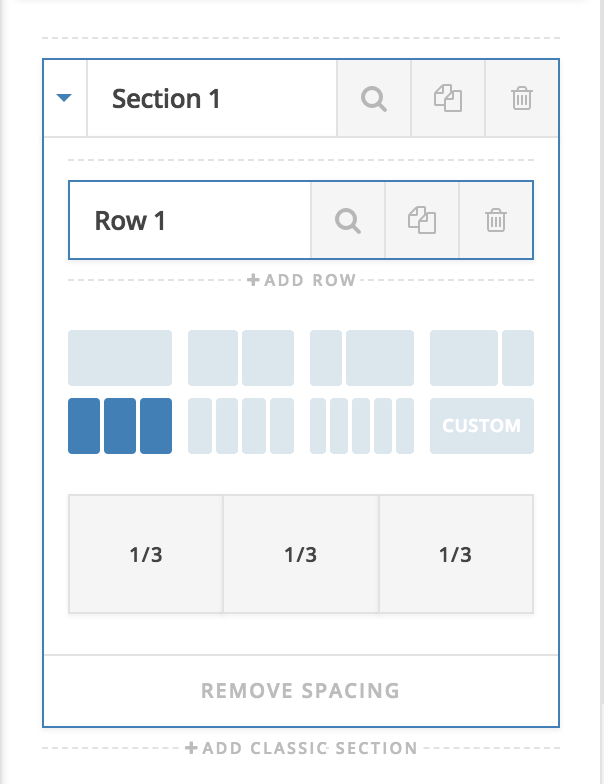
  1. Change the layout to 3 columns instead:

  2. Strip all the whitespace around your image.

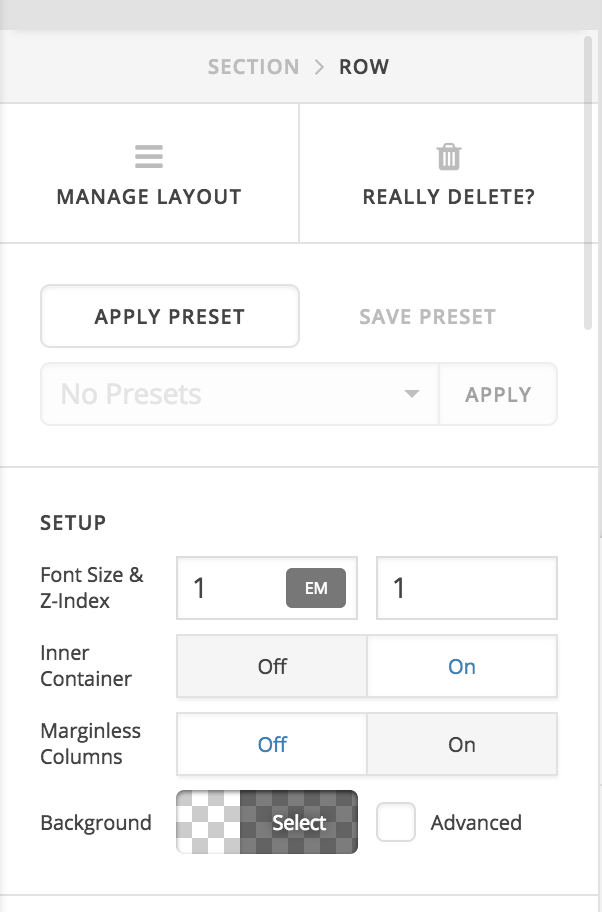
  3. To remove the green background, please change the background color of ROW:

Hope it helps :slight_smile:

This topic was automatically closed 10 days after the last reply. New replies are no longer allowed.