Hi,
I’ve managed to create a global block, which I’ve added to my sidebar. It’s all good except there appears to be some padding which is preventing the elements from spanning 100% width. If you look here:
https://followtheboat.com/ftbmates
and take a look under the Register WIth FTBMates in the sidebar at the benefits in the white boxes, there is a padding gap left and right. I didn’t put these here and I can’t find anything in my settings.
Secondly, if you compare the global block across browsers, there is a formatting issue in Firefox (I haven’t checked Chrome yet). See here - Edge vs Firefox.
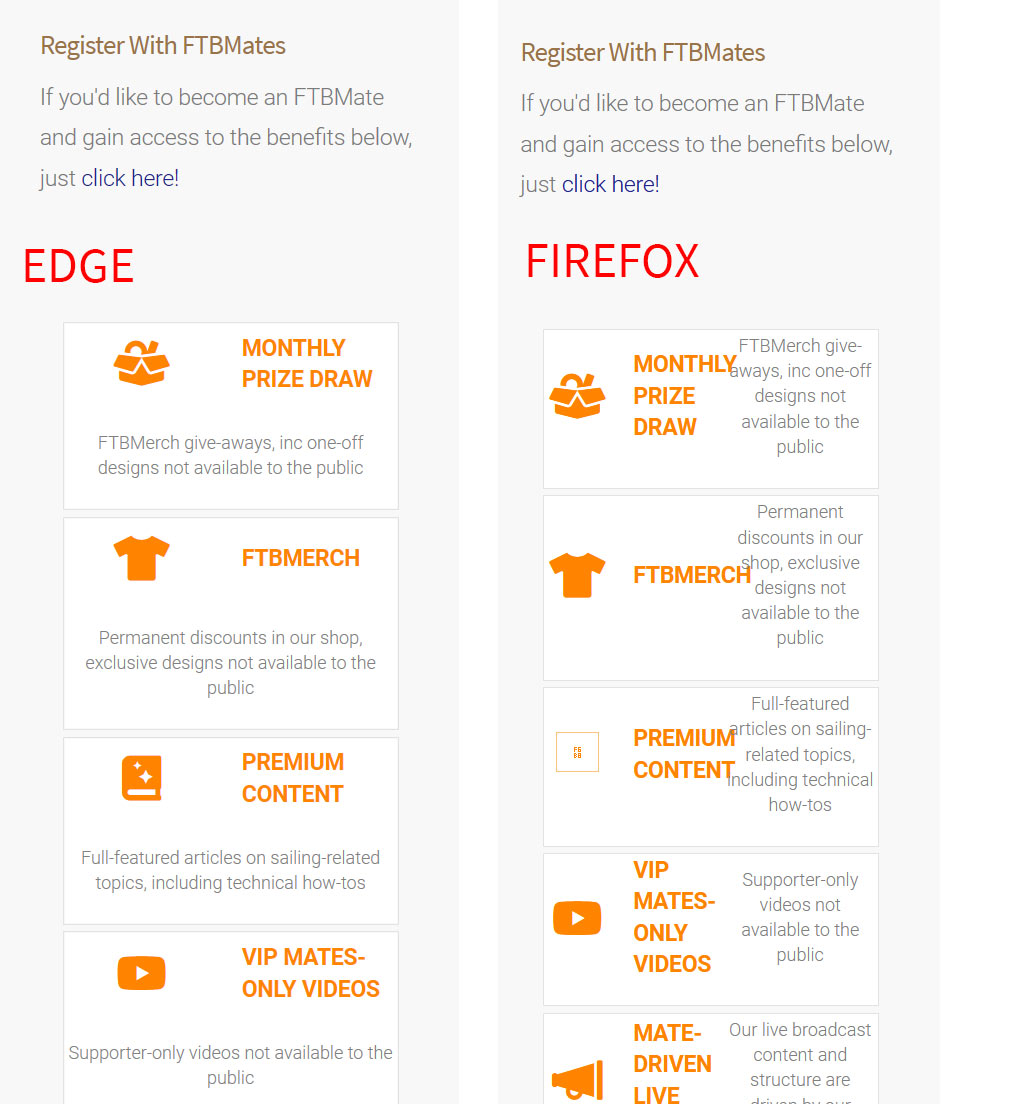
Obviously I’d like it to look like Edge.
Any pointers?
Thanks.
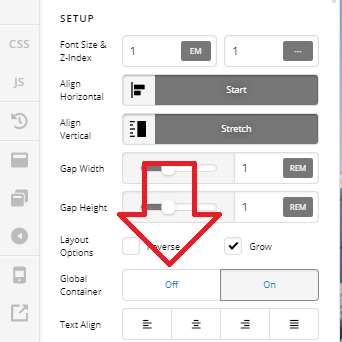
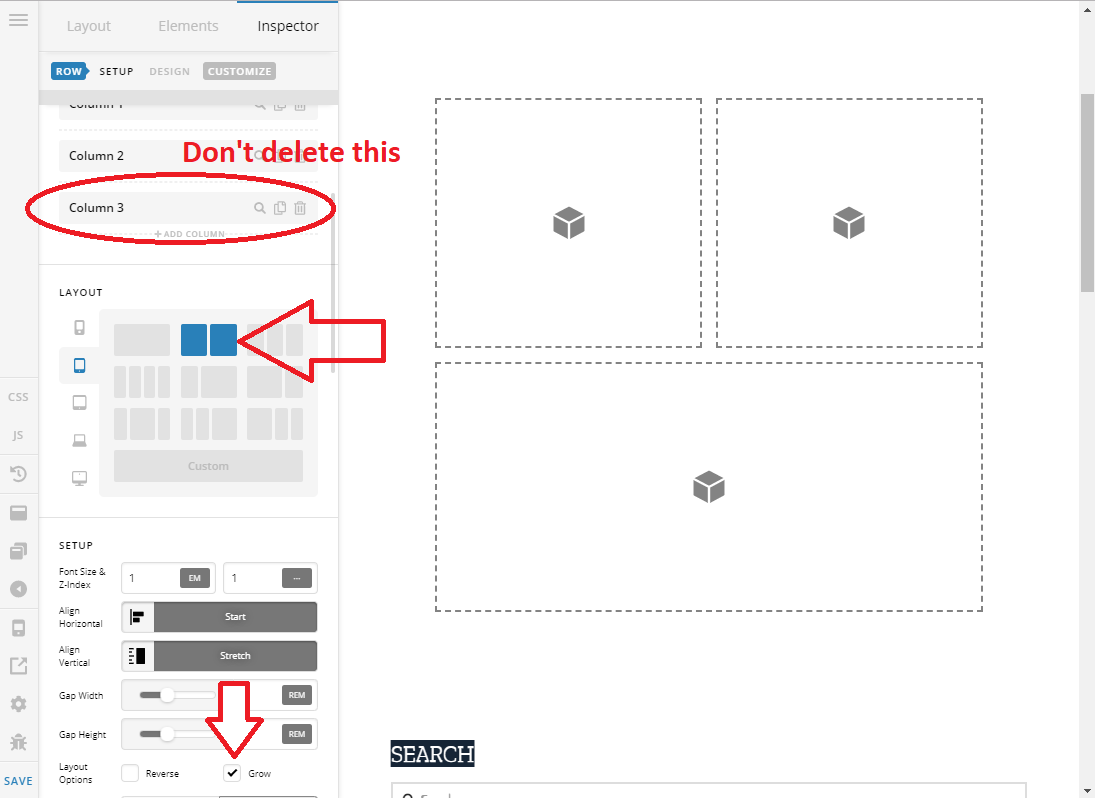
 It looks exactly as I wanted now, thank you.