Make header sticky nav different design compared to initial nav

Hi!

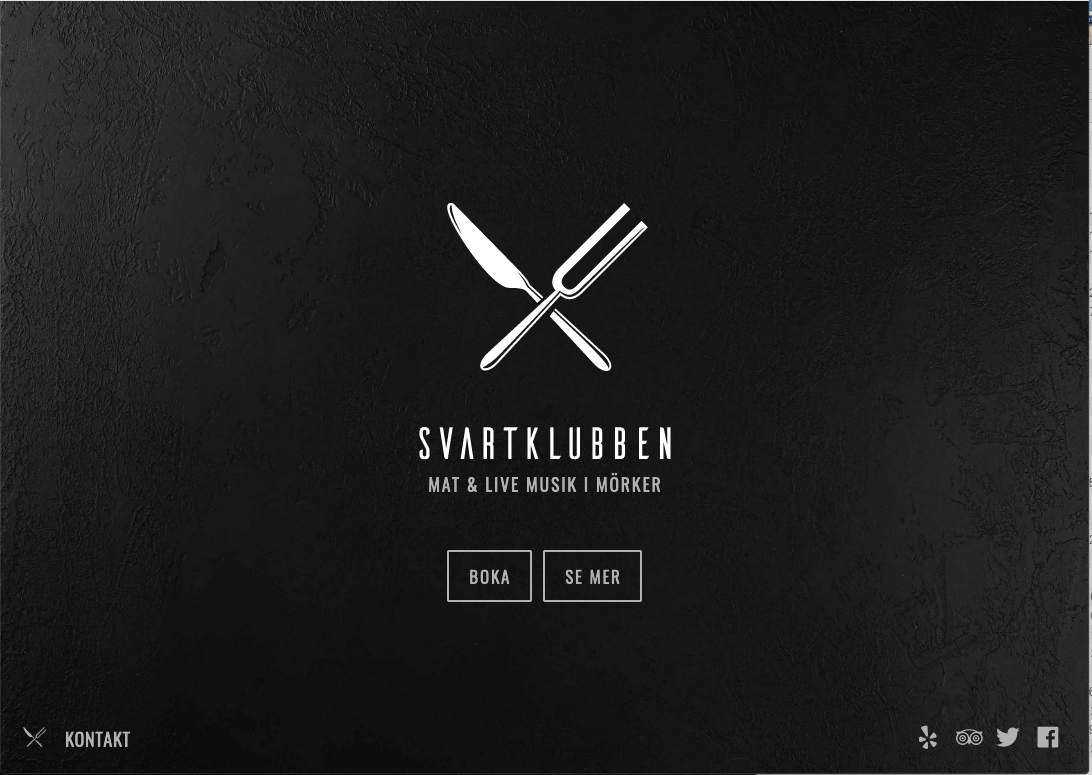
How do I create a different menu design for the sticky nav, that is now triggered at .x-main?

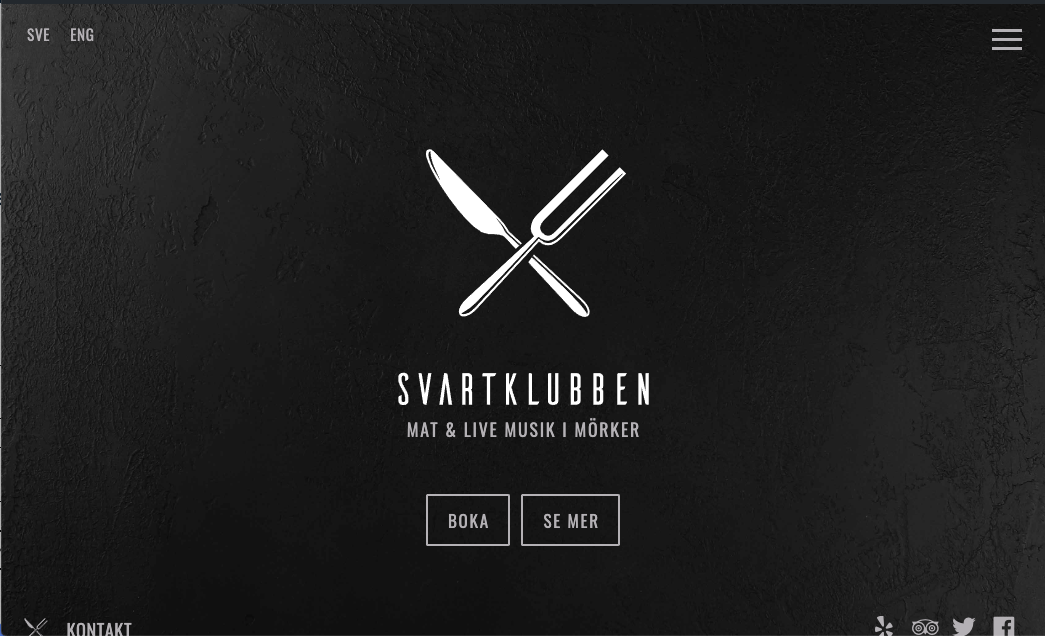
The initial main nav should have a transparent background + languages on the left side.

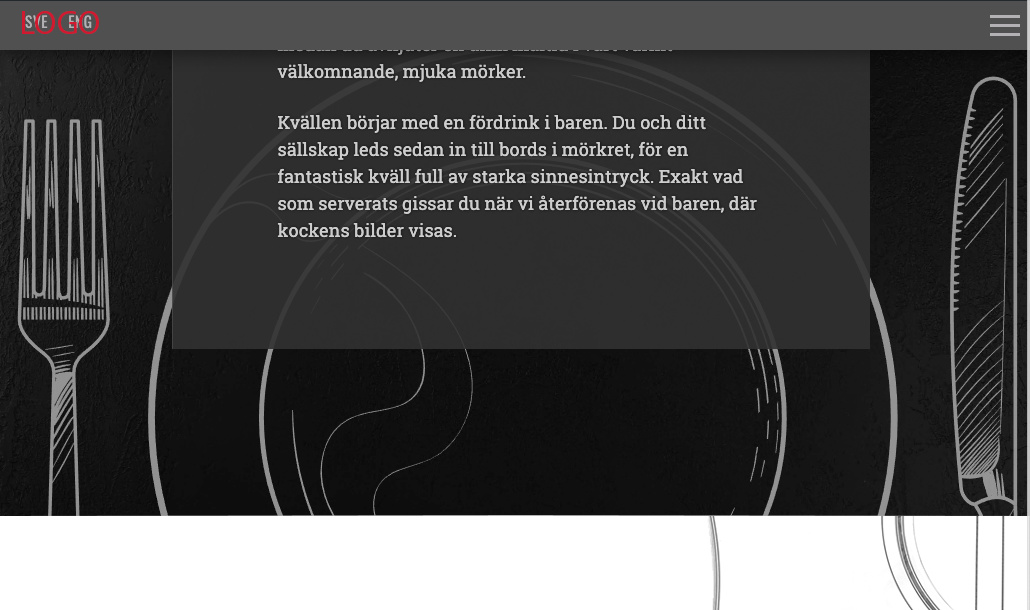
Sticky nav should have grey background + logo instead of languages on the left side.

http://dev.svartklubben.com/

<3


Hey @Lobsterass,

In the Header builder, duplicate the bar that you currently have.

Then in the now second bar, change the language by replacing it with an image element for the logo.

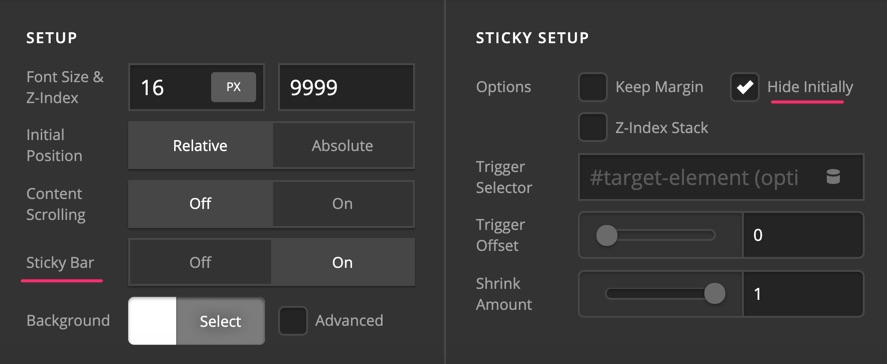
Edit the settings of the second bar and set the Sticky Bar option to On then enable the Hide Initially option.

Hope this helps.

1 Like

Perfect. Thank you!
<3

You are most welcome. :slight_smile:

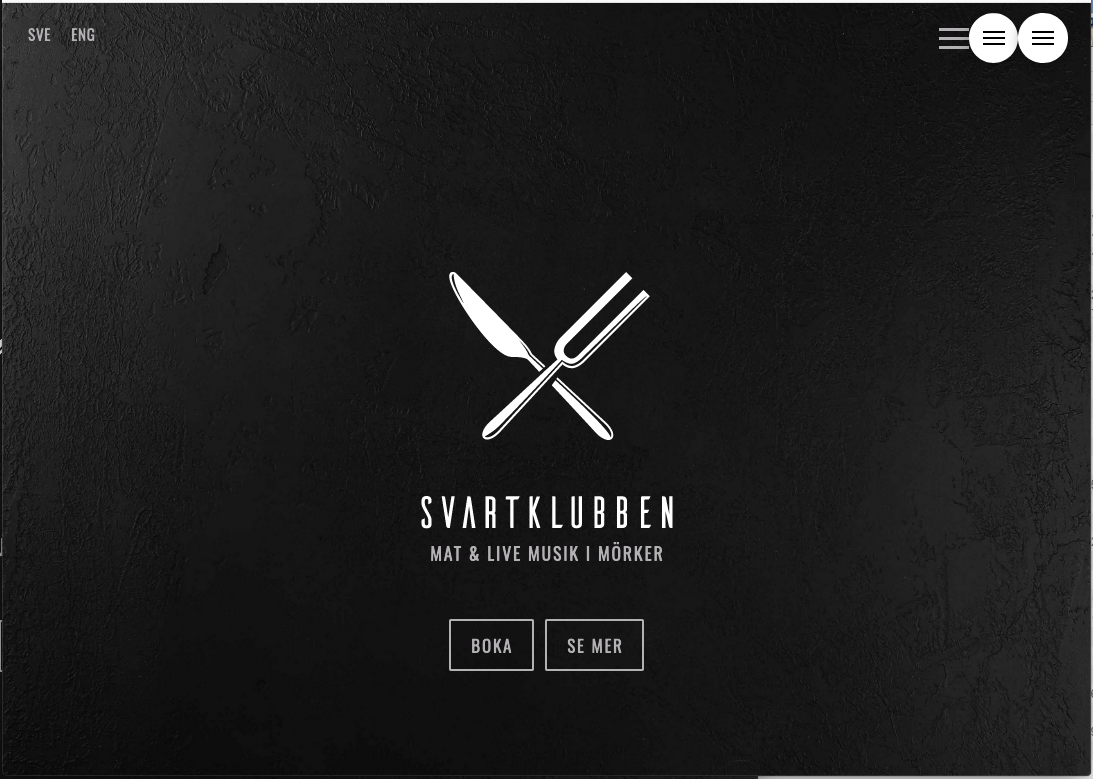
Sorry! I just realized that the bottom items in my hero header are pushed down and initially invisible now.

Seems to be due to the hidden sticky nav. How can I adjust it?

Hi @Lobsterass,

I see you applied height: 100vh on the banner bar, you need to offset the top bar’s height from 100vh. To do that, please update your Bar’s element CSS from:

$el.x-bar {
    min-height: 100vh !important;
}

to:

$el.x-bar {
    min-height: calc(100vh - 3.9em) !important;
}

Hope it helps,
Cheers!

1 Like

Thank you!

I got that CSS from the 23 header demo. That’s why I couldn’t figure it out myself.

FEATURE REQUESTS

  1. A feature request place in Apex. :wink:
  2. Full screen hero selection in Header Builder options.
  3. Layered menu navigation - like Superfly (which breaks the whole site when activated)

Thanx for all your awesome work and great support!

<3

Hi @Lobsterass,

Thanks for your feedback. I have added all these to our feature request list so that it will be considered in future development.

Cheers!

1 Like

This topic was automatically closed 10 days after the last reply. New replies are no longer allowed.