I was wondering how i can make blog h1 header smaller.
Hi Sasan,
Thank you for reaching out to us. I checked your blog page and couldn’t find any h1 header, are you referring to the post titles on the blog page? If that’s the case then you can add the following code in the Theme Options > CSS:
.blog .x-iso-container-posts.cols-2 .entry-title {
    font-size: 150%;
}
Here are some related links for further reading, this could help you in finding and implementing some CSS fixes:
- Intro to CSS - https://goo.gl/mFuWQT
- How to get CSS selectors - https://goo.gl/BmoH39
- Get Started With Viewing And Changing CSS - https://goo.gl/7xFhDa
- CSS Media Queries - https://goo.gl/L3ZHNg
Don’t forget to clear all caches including your browser’s cache after adding the code. Let us know how this goes!
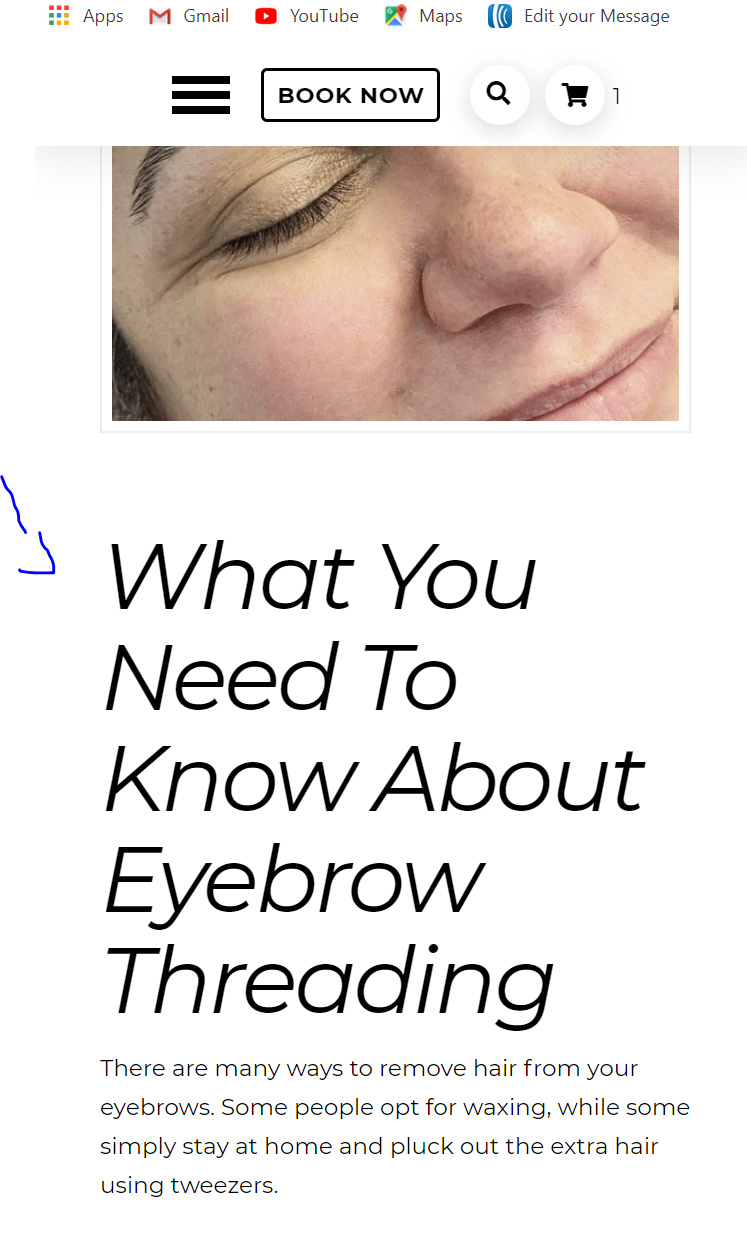
this is the sizing im refering to on a mobile device.
H1 header font is way too big…
Hello Sasan,
In your post content, you are using <h1> tag. If you want to minimize the font size, please add this custom css:
h1, .h1 {
  font-size: 150%;
}
Hope this helps.
Thank you! I will put that code in my theme options CSS
How would I apply this to h2 and h3 header… i tried using the same code but switched it to h2 and .h2 and same with h3 but it did not work.
Hi Sasan,
Are you referring to the headers on the blog page? If yes, you can try this instead:
.x-iso-container-posts.cols-2 .entry-title {
    font-size: 148%; /*Please adjust this to your preferred size*/
}
In case it is for single post headline, try this instead:
.single-post h1.entry-title {
    font-size: 200%;
}
Hope this helps.
This topic was automatically closed 10 days after the last reply. New replies are no longer allowed.