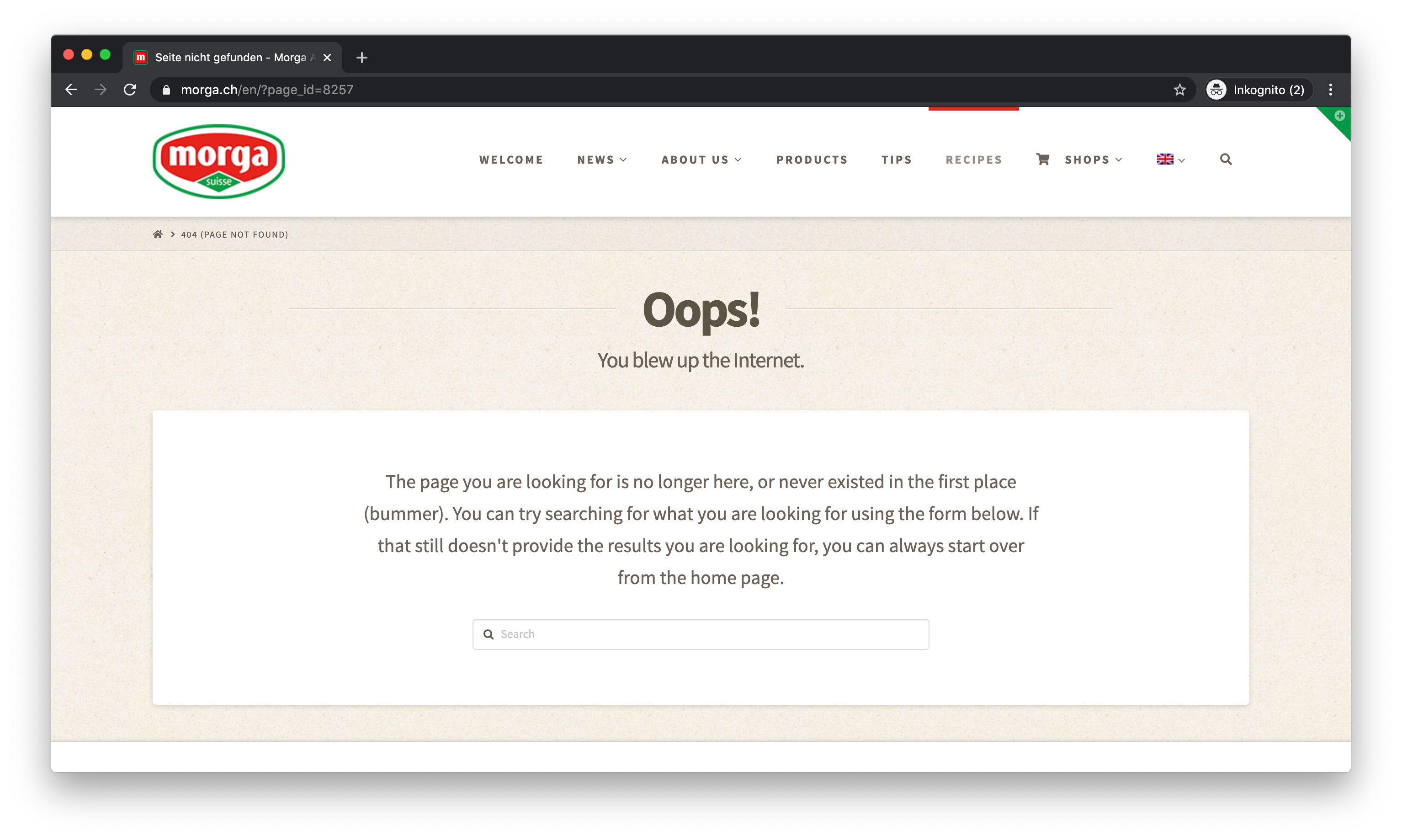
Main navigation bar shows wrong menu items

Hi there

[Disclaimer: As you advised I open a new thread for this topic. It’s related to this post here: https://theme.co/apex/forum/t/sidebar-in-translations-missing/68811/9?u=lypa.]

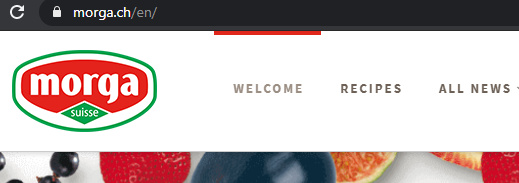
Our English main navigation bar suddenly shows menu items in the wrong order (“Recipes”). And it also shows items, that do not belong there, but to a Sidebar (“All News” Dropdown).
https://www.morga.ch/en/. What is going on there and how can we fix it?

Kind Regards,
lypa
Hey lypa,

I tested WPML in my site and it does not rearrange the menu. It could have been rearranged by accident in your site. Our theme has no connection with this also. It’s between WPML and WordPress’ Menu System. Our theme just outputs the WordPress menu. Please forward this issue to WPML maybe they’ll have some more to add.

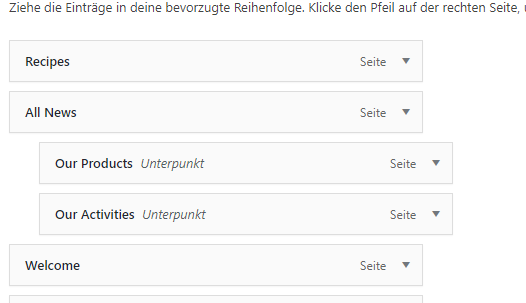
Upon checking, your menu is arranged like this:

I moved the Welcome menu on top and cleared your caching plugin’s cache and it works.

Please rearranged your menu and be sure to clear all caches and deactivate the caching plugin while you’re working on your site.

Thanks.

Hello Christian

Thank you for helping. Now I cleared the cache, then de-activated the plugin, then re-arranged the English main menu. Then activated the plugin again, cleard the cache again.

Now the “Recipes” menu item is not working properly anymore. I get an empty page if I look at the page not-logged in. And there is no dropdown anymore Screenshot:

Why is it broken and how can i fix this? Also on the “News” page the sidebar is missing now as well. Please take another look. Thank you.

BR
lypa

Hi there,

Update: The “Recipes” page was missing, because we had set it to “draft”, since we don’t need to display it until it is translated.

Sorry, my fault. So this topic is solved. Thank you.

Kind Regards,
lypa

Glad to hear it’s sorted, lypa.

This topic was automatically closed 10 days after the last reply. New replies are no longer allowed.