In the most current version of theme X, I want a top menu item with no link that drops down to submenu items. But the new version insists on adding an http:// by default in a custom link, even if I type in “#”. How to I get rid of that default?
Hi @PerryDS,
Thank you for reaching out to us. I tested the custom links with # URL and It works fine in the latest version of X and Cornerstone (for the latest version numbers see https://theme.co/docs/version-compatibility). One hacky solution is to paste the following code javascript:void(0); in the URL field (see screenshot)
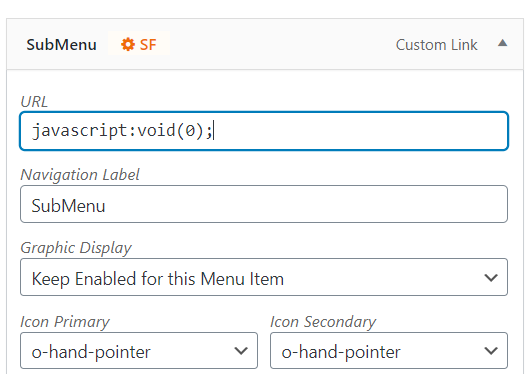
This will remove the link from the menu item. Let us know how this goes!
This topic was automatically closed 10 days after the last reply. New replies are no longer allowed.