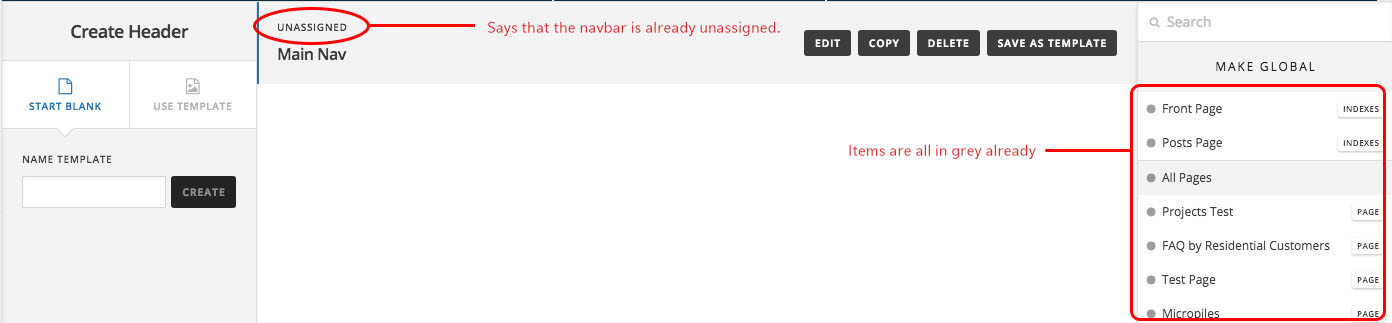
Hello, back in March, I lost the custom CSS that I had worked SOOOO hard on. I had built the site using the first version of Pro so was using classic. I was working in the Header area, but when I tried adding some social media icons to the top strip of the Header, somehow it erased my original styling, even though I never even touched the Save button! That is terrible how the UI autosaves, because it over-writes changes that I never even asked for!
I wrote in about this earlier but didn’t get satisfactory reply. I later remembered that luckily, I have a dev version that shows the correct menu styling: http://terracana.priscillathen.com/

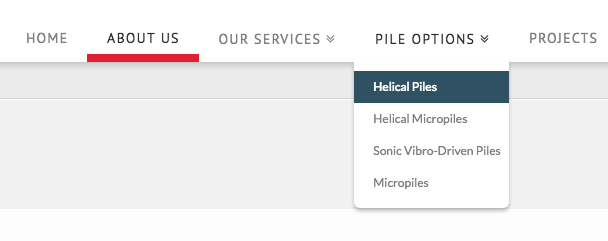
The production site (with incorrect styling) is: https://terracana.ca/

You’ll see that the CSS has changed significantly. I cannot just migrate the old site, because too many content changes were made to the new site in the last 6 months since it was launched. I really think that there was a bug in the new Pro Theme, as changes should never happen unless they are confirmed. I swear I never touched anything!
How can I bring the original code back? Please help.