Logo big in Internet Explorer IE - defaults to double/retina size

The logos in the headers and footer of our site (as well as when logos are used on page content) are set to default to 250 pixels, but are 500 pixel images for retina compatibility.

IE11 is showing the logos at full 500px site-wide. I tried to use the fix and code provided in this topic, but it does not work:

I’ll send a link to the site privately.

Thanks in advance for your help,
Hi @daneruef,

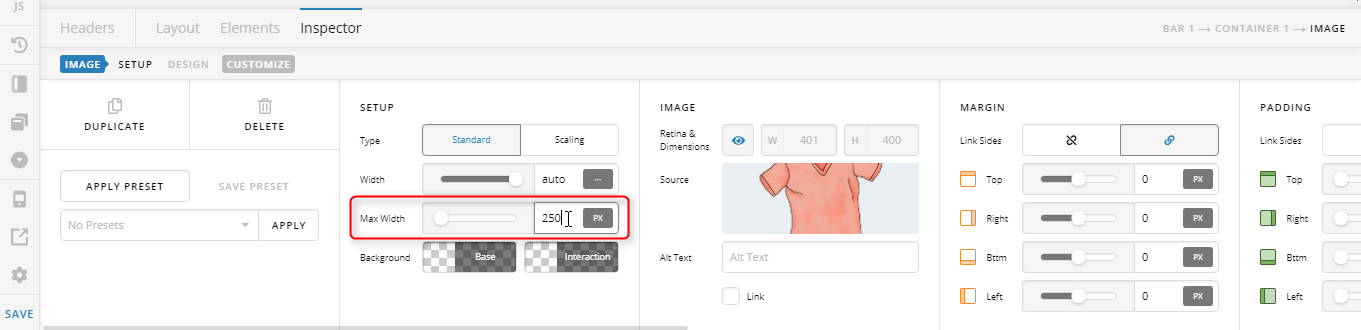
Thank you for writing in, in that case, please apply a max-width 250px to your logo images.


Hope it helps,
Cheers!

Hello,

Thanks for the quick response. I tried setting all the images to a max width of 250px, flushed the site’s cache and opened the site in a private IE window, and it did not work.

I’ll send a screenshot…

I believe I found a fix.

I gave all the logos an ID, in this case: logo1

Then added this in the global CSS:

.logo1 img {
height:auto;
}

Hope this helps anyone out there,

Glad you sorted things out, and thank you for sharing your fix.

Cheers!

This topic was automatically closed 10 days after the last reply. New replies are no longer allowed.